Operating Design
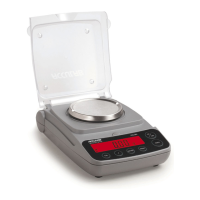
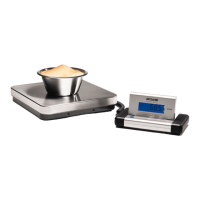
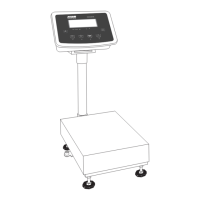
The scales in the Exceleron series consist of a weighing cell and a display and
control unit. In addition to the choice of power supply or rechargeable mainte-
nance free lead acid battery or dry battery, your scale also has an interface port
for connecting peripheral devices, such as a printer, computer, etc.
The display and control unit is affixed to the weighing platform. Operation of the
Exceleron scale is simple and uniform. The Exceleron models include the features
like gross/net toggling, counting, checkweighing & unit toggling.
Display
The display is divided into sections:
Busy Symbol, Plus/Minus Sign
If the symbol displayed here is a triangle b, this indicates that the scale
is performing a function (busy symbol) a plus or minus sign (+ or –), this applies
to the value displayed
The Measured Value
Shows the measured value
Basic Unit and Additional Information
– When the scale has stabilized, the weight unit is displayed here (g, kg,..).
– The Arrows below the weight indications shows the weighing mode (gross/net)
and the application mode (counting, checkweighing, or unit toggling) enabled,
if any.
– The
!
symbol indicates the unit is not in weighing mode (e.g.: calibration
mode, configuration mode, error mode)
Load Cell Connection
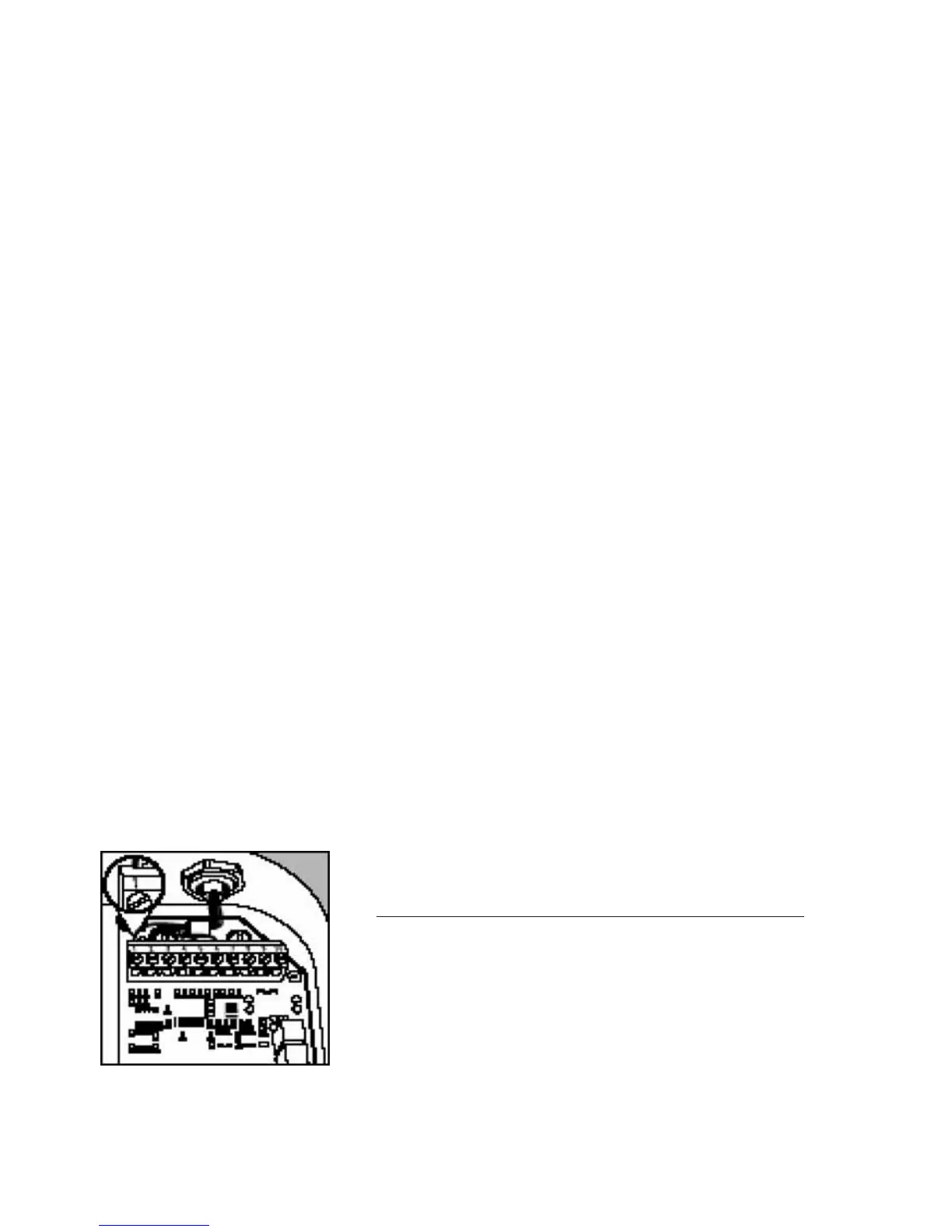
– Attach the wires to the screw terminals in the indicator (see “Pin Assignment”)
No Signal Meaning
1 + Excitation Supply voltage positive
2 + Sense Sense positive
3 + Output Measuring voltage positive
4 – Output Measuring voltage negative
5 – Sense Sense negative
6 – Excitation Supply voltage negative
10


 To Next Page