9
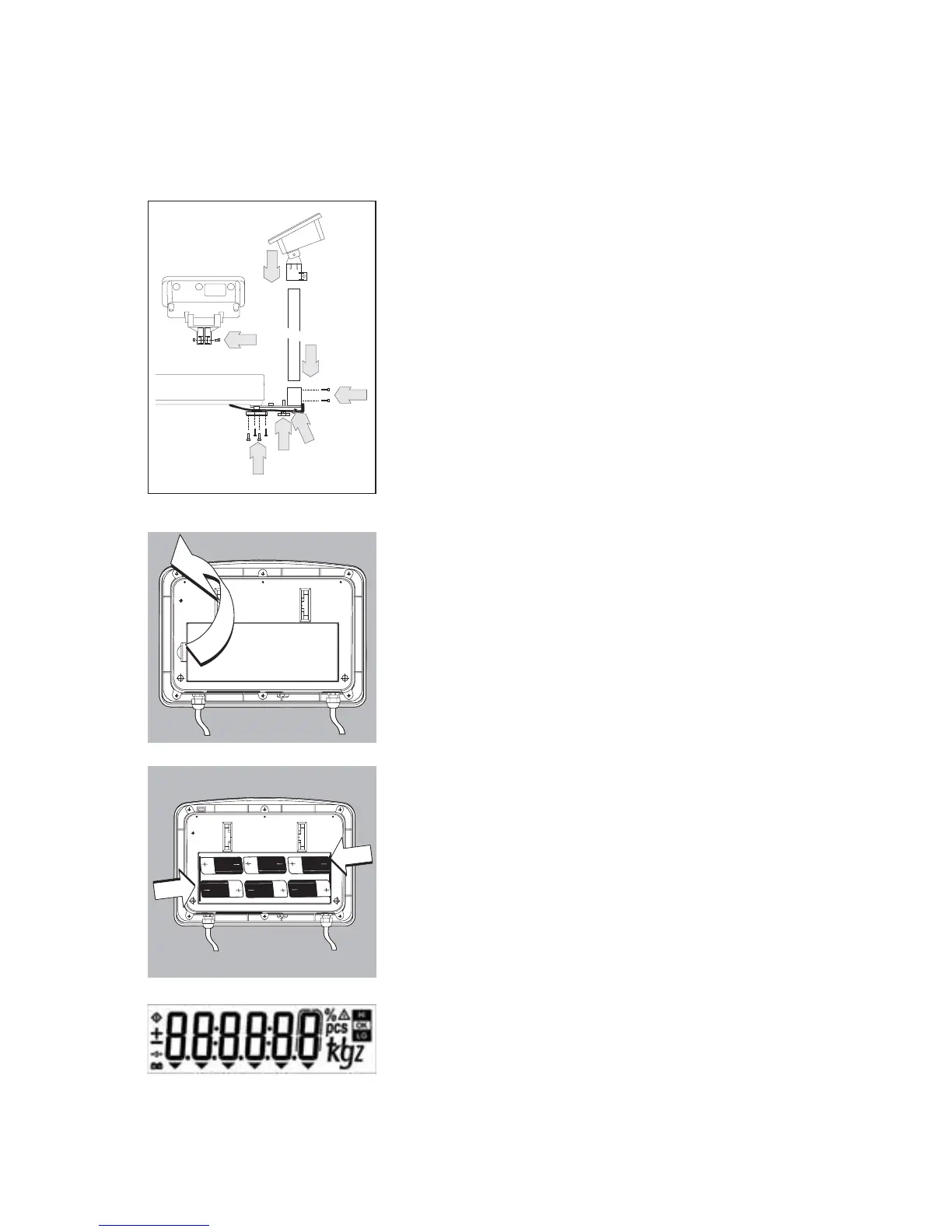
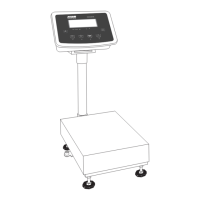
Assembly Procedure
1. Affix the column bracket with 4 screws
2. Install the column support leveling foot
3. Push the load-cell cable into the column
4. Insert the column into the bracket holder
5. Affix the column with 2 screws
6. Insert the display and control unit retainer into the column
7. Tighten the screw on the display and control unit bracket
Battery-Powered Operation
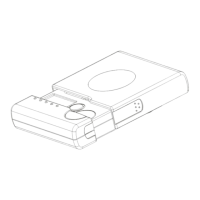
To activate battery operation:
– Open the battery cover at the back of the Indicator.
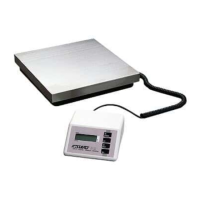
– If you purchased the system with the dry-cell battery option, insert 1.5 V size D
dry-cell batteries (not included) into the battery compartment.
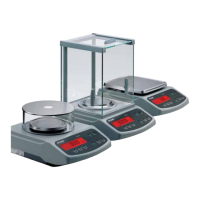
– The battery symbol is displayed when the unit is operating on battery power.
– If the battery symbol flashes, the battery power is weak.
Replace the batteries (if using dry-cell batteries).


 To Next Page