Virtual SIM (SIMO Service)
Beside using physical SIM card, Acer Connect M3 also support virtual SIM technology provided
by SIMO application. With pre-installed SIMO application, you can have access to internet or
mobile data services around the world without using a physical SIM card. Before you can use
SIMO data service, you need to sign up for a SIMO account on https://buy.simo.co and bundle
the device with M3 SIMO SN (SIMO Serial Number).
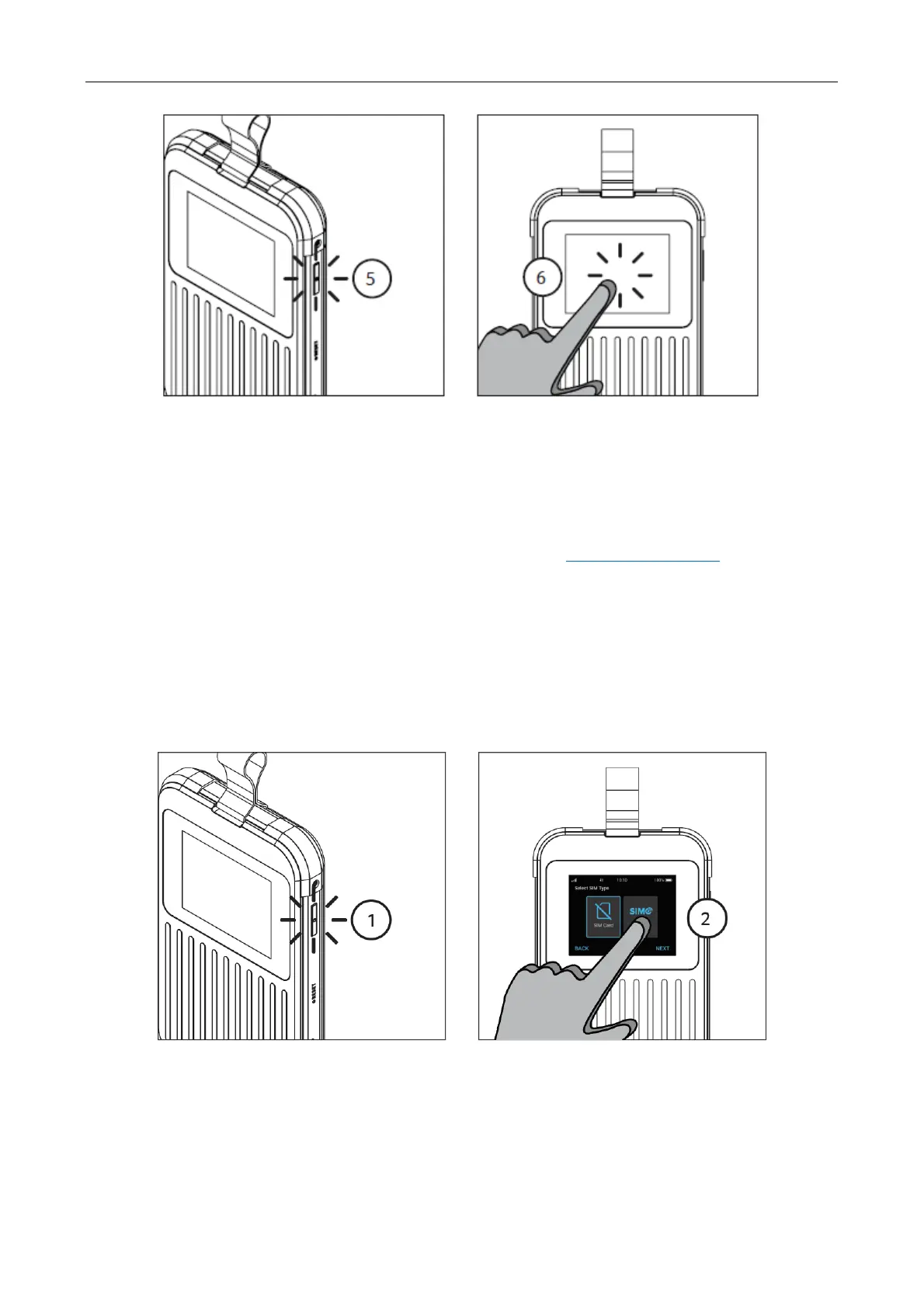
Follow the step below to activate SIMO service from your Acer Connect M3:
Step 1: Push and hold the Power Button located on the right side. Once turned on, the Acer logo
will appear on the screen.
Step 2: From Menu > Select SIMO Service and proceed to the next activation steps.



 To Next Page