5. Web User Interface (UI)
This chapter will give you explanation on configuring and managing your Acer Connect M3
using the web interface.
5.1 Web Browser Compatibility
The Acer Connect M3 Web User Interface Admin is compatible with the following browsers:
• Google Chrome
• Mozilla Firefox
• Internet Explorer
• Safari
• Microsoft Edge
5.2 Admin Login
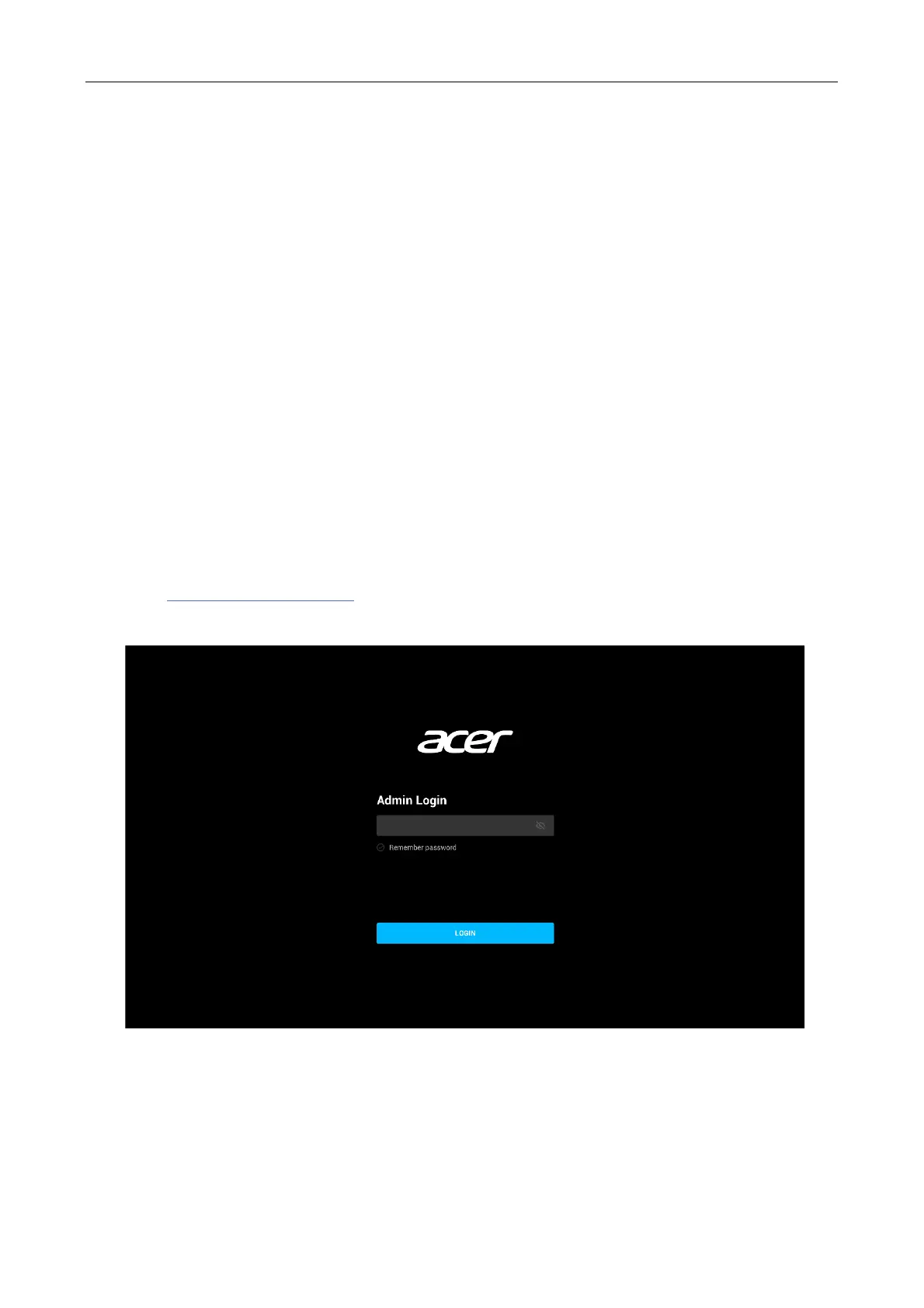
1. Connect your computer or your smartphone device to Acer Connect M3 hotspot.
2. Open a web browser.
3. Type http://acerconnect.com into the address bar and press enter. The Home page will
then load, as shown in the screenshot below.
4. On the Home page, enter the default password as found on the device label on the back of
the Acer Connect M3 and click Login.



 To Next Page