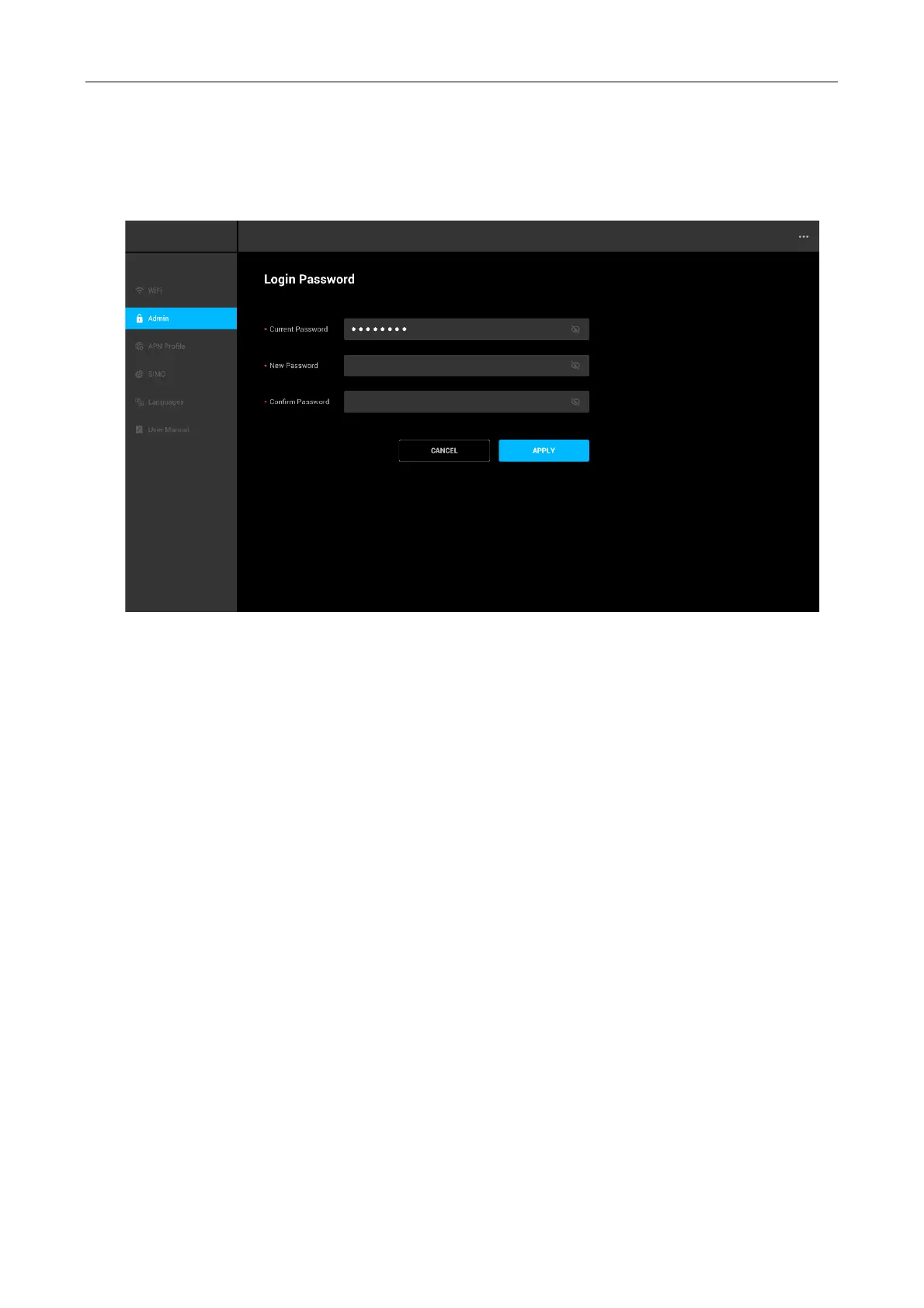
Note: For security reason, it is recommended to strengthen your password using a mixture
of upper-case letters, lower-case letters, and numbers. The password should not be easily
guessed, or a word from the dictionary. The system will give notification of your password
strength during setting (weak, normal or strong).
5.3 Wi-Fi Setting
Change Wi-Fi Name and Wi-Fi Password
On this page, you can configure basic Wi-Fi parameters, such as the Wi-Fi name and password
for 2.4GHz and 5GHz band (separate network name/SSID).
Wi-Fi Name
Wi-Fi Name represent the Wi-Fi network name (SSID) of the corresponding Wi-Fi network.
You can change the Wi-Fi Name by using 8~32 characters (Using a mixture of upper-case letters,
lower-case letters, numbers, ’-‘, ’_’, ’.’ and space).
Wi-Fi Password
It specifies the password for connecting to the Wi-Fi network. You are strongly recommended to
set a Wi-Fi password for security.
It is recommended to use the combination of numbers, uppercase letters, lowercase letters, and
special symbols in the password to enhance the security of the Wi-Fi network.
You can change the Wi-Fi password using 8~63 characters (ASCII code).



 To Next Page