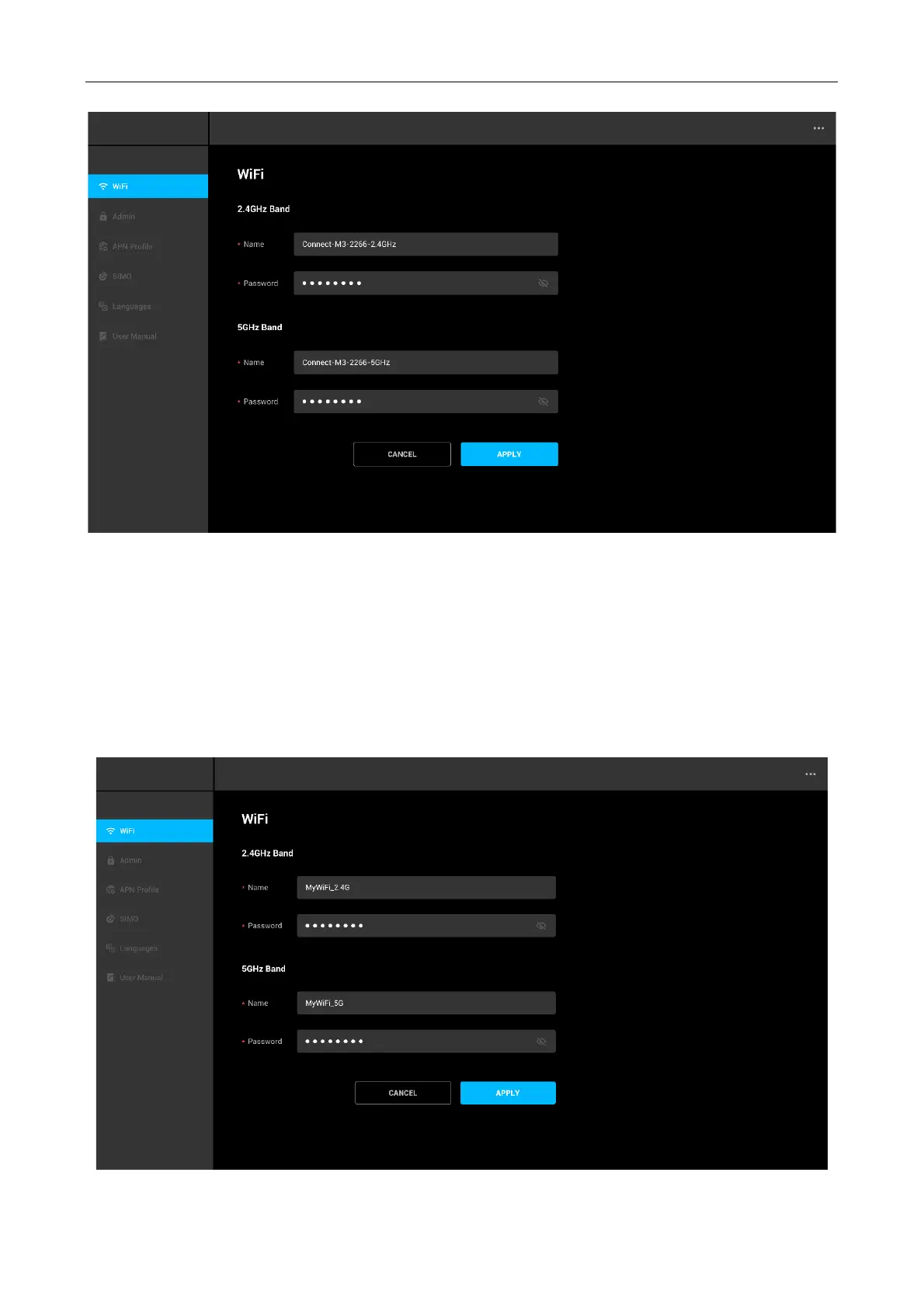
Configuring procedure:
1. Change the parameters of the 2.4 GHz network.
• Change the Wi-Fi Name of the 2.4 GHz network, which is MyWi-Fi_2.4G in this example.
• Change the Wi-Fi Password of the 2.4 GHz network.
2. Change the parameters of the 5 GHz network.
• Change the Wi-Fi Name of the 5 GHz network, which is MyWi-Fi_5G in this example.
• Change the Wi-Fi Password of the 2.4 GHz network.
3. Click Apply



 To Next Page