2. Installation
2.1 First-time setup for SIM, vSIM, and Charging
Physical SIM Card
Acer Connect M3 use nano SIM type. Make sure you use the correct SIM card type.
Before installing your SIM card, please follow these steps:
a. Ensure the device is powered off.
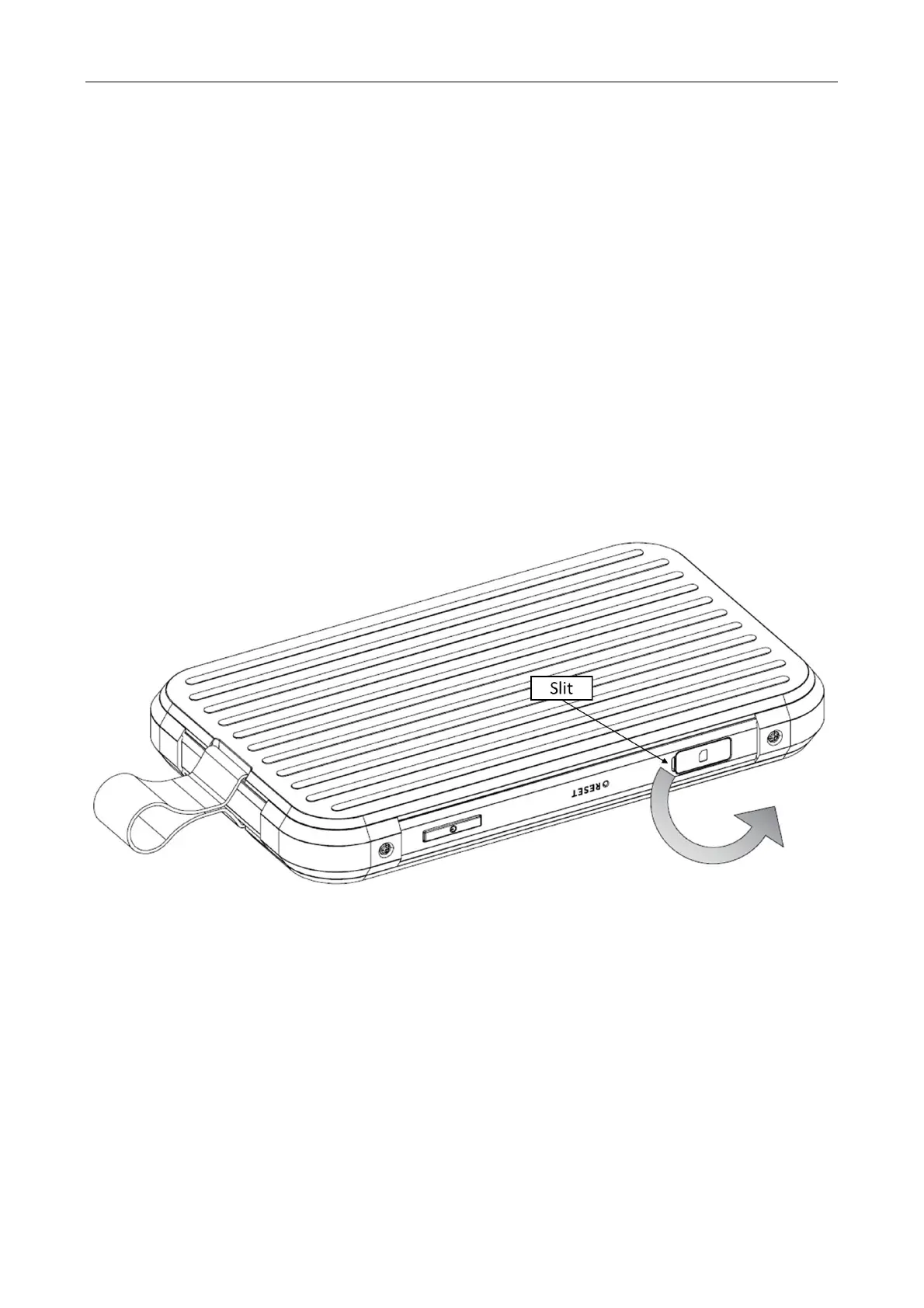
b. Turn your M3 to the back side (display facing down).
c. Insert your fingernail into slit on the corner tray cover and open it by pulling out the tray on
that side.
d. Once the tray already pulled out, rotate the SIM slot cover by 90 degrees to reveal the SIM
card tray and the SIM pinhole.
Follow the step below to install the SIM card to Acer Connect M3:
Step 1: Prepare SIM tray ejector tool.
Step 2: Eject the SIM tray by pushing it into the pinhole.



 To Next Page