English
Acer LCD Monitor Quick Start Guide (QSG)
Important safety instructions
Please read the following instructions carefully.
1. To clean the LCD monitor screen:
• TurnotheLCDmonitorandunplugthepowercord.
• Sprayanon-solventcleaningsolutionontoaragandcleanthescreengently.
2. DonotplacetheLCDmonitornearawindow.Exposingthemonitortorain,moistureorsunlightcan
severelydamageit.
3. DonotapplypressuretotheLCDscreen.Excessivepressuremaycausepermanentdamagetothedisplay.
4. Donotremovethecoverorattempttoservicethisunityourself.Anauthorizedtechnicianshouldperform
servicingofanynature.
5. StoretheLCDmonitorinaroomwithatemperatureof-20°to60°C(-4°to140°F).StoringtheLCDmonitor
outsidethisrangemayresultinpermanentdamage.
6. Immediatelyunplugyourmonitorandcallanauthorizedtechnicianifanyofthefollowingcircumstances
occur:
• Monitor-to-PCsignalcableisfrayedordamaged.
• LiquidspillsontotheLCDmonitororthemonitorisexposedtorain.
• The LCD monitor or case is damaged.
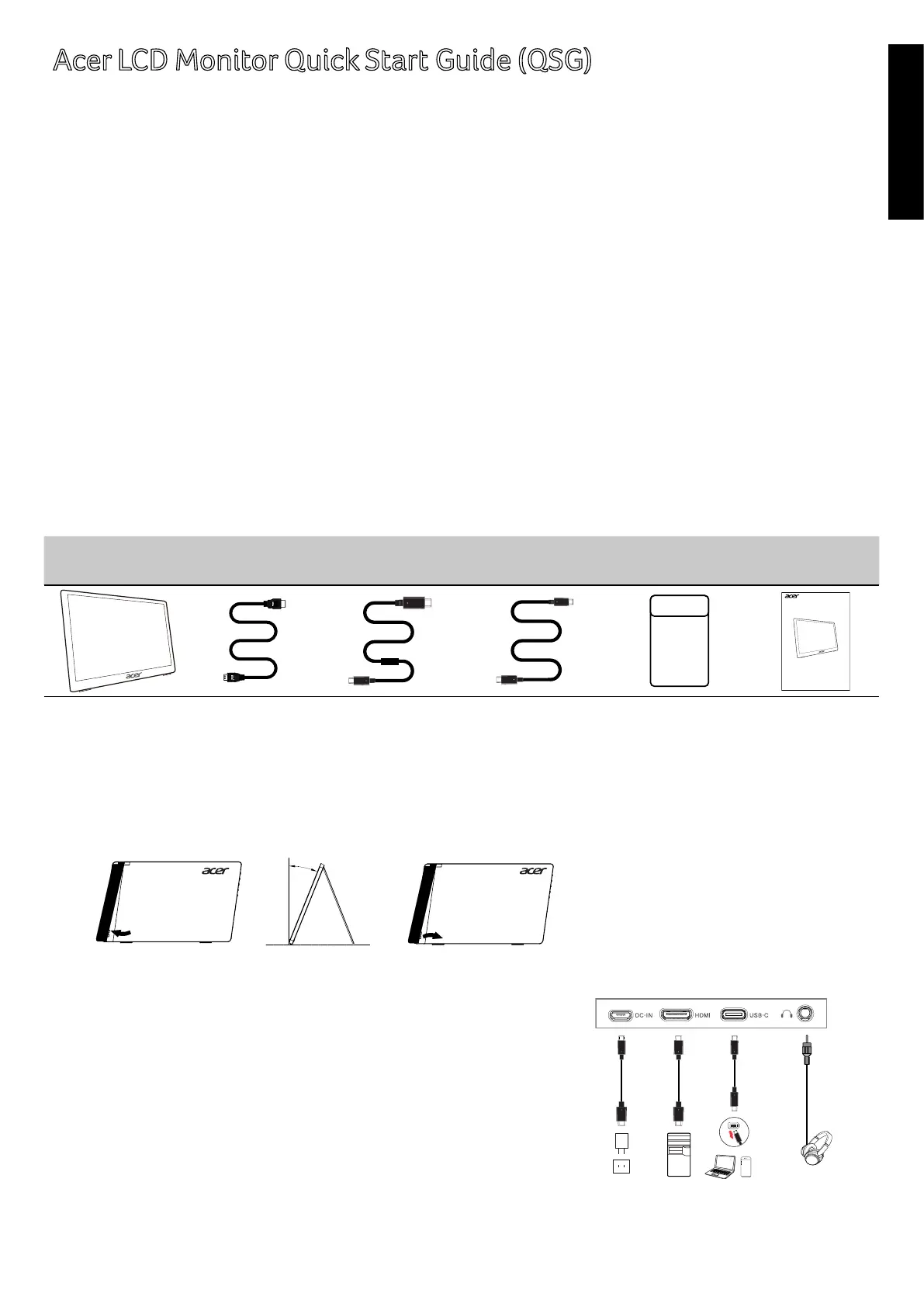
Package contents
LCD monitor
Mini HDMI
cable
Type-Ccable Micro-USBcable Cover
Quick start
guide
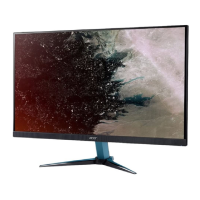
LCD monitor PM1
Series-PM141Q
USER GUIDE
Note: The monitor supply by USB port which complies with LPS
The monitor
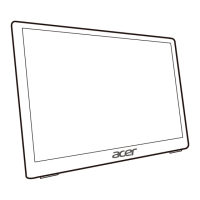
1. Removethemonitorbracketfromthepackagingandplaceitonastableandlevelworkspace.
2. Openorclosetherearbracket.Theviewingangleofthemonitorcanbeadjustedusingthestand.
(Asshownbelow)
20°
Connect the monitor to your computer
1. Connectthesignalcable(Thunderbolt3(USB-C)cable)toType-C
ofthedisplay,andType-Coutputofthedisplaycardonthe
computer.
2. Whenthemonitorisconnectedtothecomputer,noexternal
powersupplyisrequiredtothemonitor.Justasinglesignal
transmissionline(Thunderbolt3(USB-C)cable)Itwillbene.
Connect your monitor.
Connect the screen to your phone
1. Connectthesignalcable(Thunderbolt3(USB-C)cable)tothe
Type-Cofthedisplay,andthemobilephoneType-Coutput.


 To Next Page