English
2. ExtendingormirroringyourdisplaywithaType-Cportrequiresvideoout(DisplayPortAltMode)functionality.
3. Somemobilephoneswithinsucientpowersupplyrequireexternalpowersupplytothemonitorwheninuse
MicroUSB.
6
5
4
2
1
3
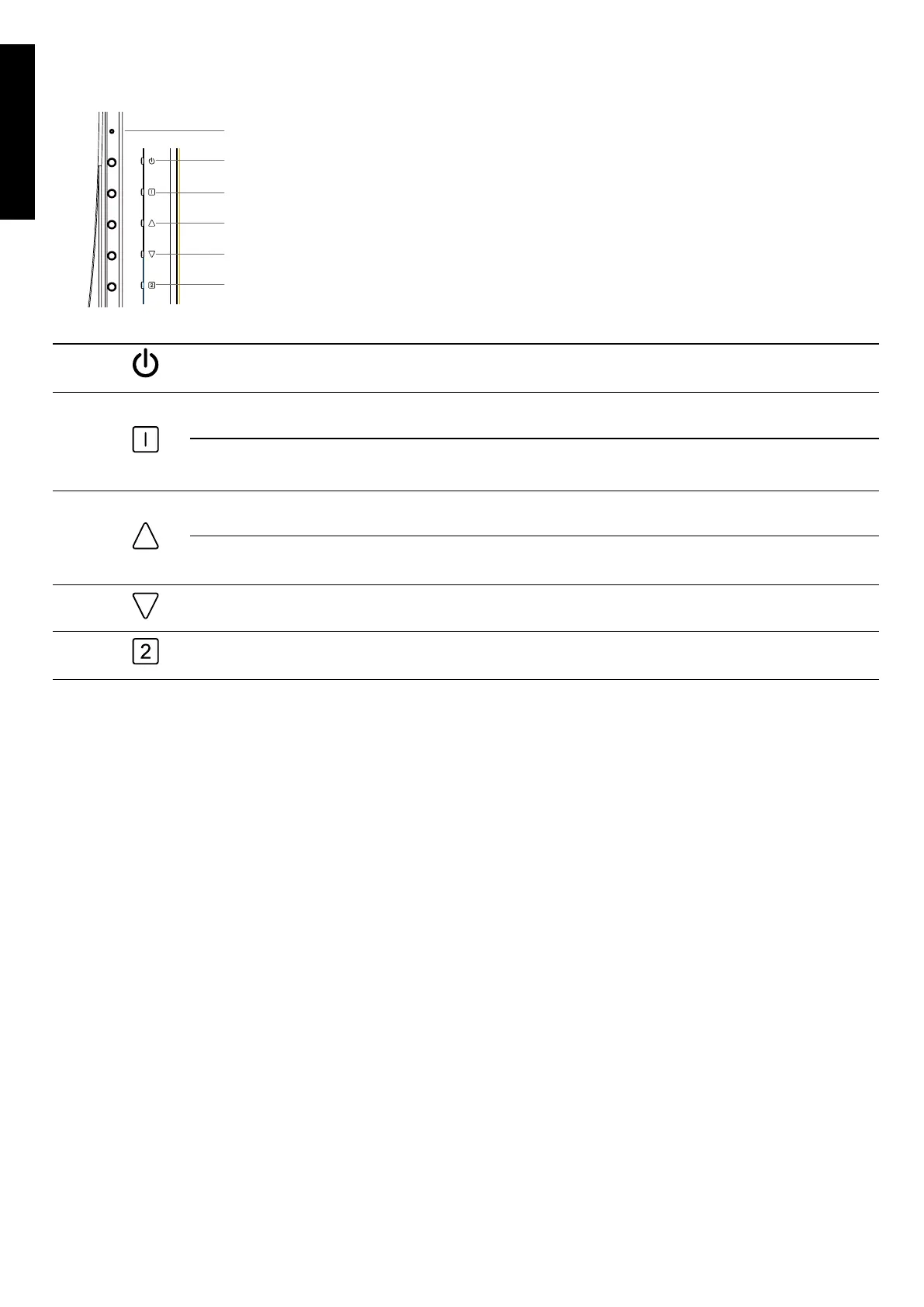
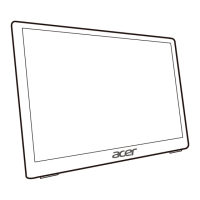
External controls
1 & 2
LEDIndicator/
Powerbutton
Turnsthemonitoron/o.Blueindicatespoweron.Amberindicates
standby/powersavingmode.
3
OSD functions
a. PresstoviewtheOSD.
Exit
b.WhentheOSDmenuisactive,thisbuttonwillactastheexitkey
(exitOSDmenu).
4
Audio Menu
a. Pressthisbuttontoadjustthepicturemode.
Up/Right
b.PressthisbuttontoselectthedesireditemwheninOSDmenu.
5
Down/Left
a. PressthisbuttontoselectthedesireditemwheninOSDmenu.
6
Conrm
WhentheOSDmenuisdisplayed,pressthisbuttontoconrmtheOSD
selection.
Regulations and safety notices
FCC notices
ThisdevicehasbeentestedandfoundtocomplywiththelimitsforaClassBdigitaldevicepursuanttoPart
15oftheFCCrules.Theselimitsaredesignedtoprovidereasonableprotectionagainstharmfulinterferenceina
residentialinstallation.Thisdevicegenerates,uses,andcanradiateradiofrequencyenergyand,ifnotinstalled
andusedinaccordancewiththeinstructions,maycauseharmfulInterferencetoradiocommunications.
However,thereisnoguaranteethatinterferencewillnotoccurinaparticularinstallation.Ifthisdevicedoes
causeharmfulinterferencetoradioortelevisionreception,whichcanbedeterminedbyturningthedeviceo
andon,theuserisencouragedtotrytocorrecttheinterferencebyoneormoreofthefollowingmeasures:
•Reorientorrelocatethereceivingantenna.
•Increasetheseparationbetweenthedeviceandreceiver.
•Connectthedeviceintoanoutletonacircuitdierentfromthattowhichthereceiverisconnected.
•Consultthedealeroranexperiencedradio/televisiontechnicianforhelp.
CE declaration of conformity
Hereby,AcerInc.,declaresthatthisLCDmonitorisincompliancewiththeessentialrequirementsandother
relevantprovisionsofEMCDirective2014/30/EU,LowVoltageDirective2014/35/EU,andRoHSDirective
2011/65/EUandDirective2009/125/ECwithregardtoestablishingaframeworkforthesettingofecodesign
requirementsforenergy-relatedproduct.
Notice: Shielded cables
Allconnectionstoothercomputingdevicesmustbemadeusingshieldedcablestomaintaincompliancewith


 To Next Page