1. Check if the laser module wiring is loose.
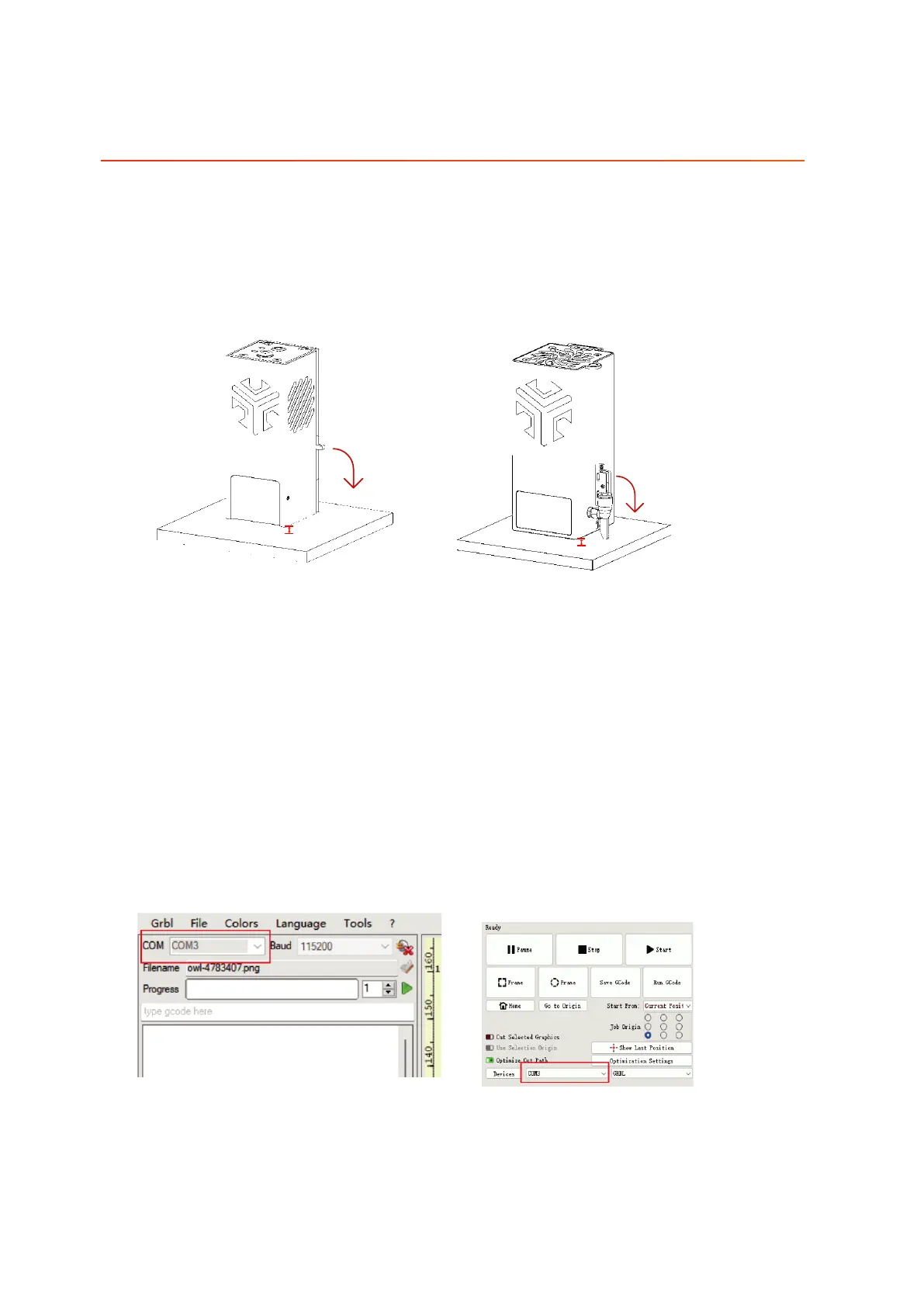
2. Confirm whether there is correct focus, which can be assisted by focusing the
gate for focusing.
3. Ensure that the engraving plane is flat and free of concavity.
4. Properly reduce the carving speed and increase the number of cuts, specific
parameters can refer to the table of common carving parameters.
1. Check whether the CH340 driver is installed on the computer, if not, please get
the
driver file from the TF card for installation.
2. Check if the correct port is selected.
3. Replace the USB cable and connect again.
4. Replace another computer to try.
Q2. Engraving machine can not be connected to the computer side
11.FAQ
Q1. Engraving machine can not cut through the material
5mm
5mm
10W
20W/30W
01 02
03 04
05 06
07 08
09 10
11 12
13 14
15 16
17 18
19 20
21 22
23 24
25 26
27 28
29
30
31 32
33 34



 To Next Page