It is recommended that for initial tuning a frequency in the middle of the band be used. First, with no
transceiver power applied, select the band. Then use Table 4-1 to achieve an approximate preset for
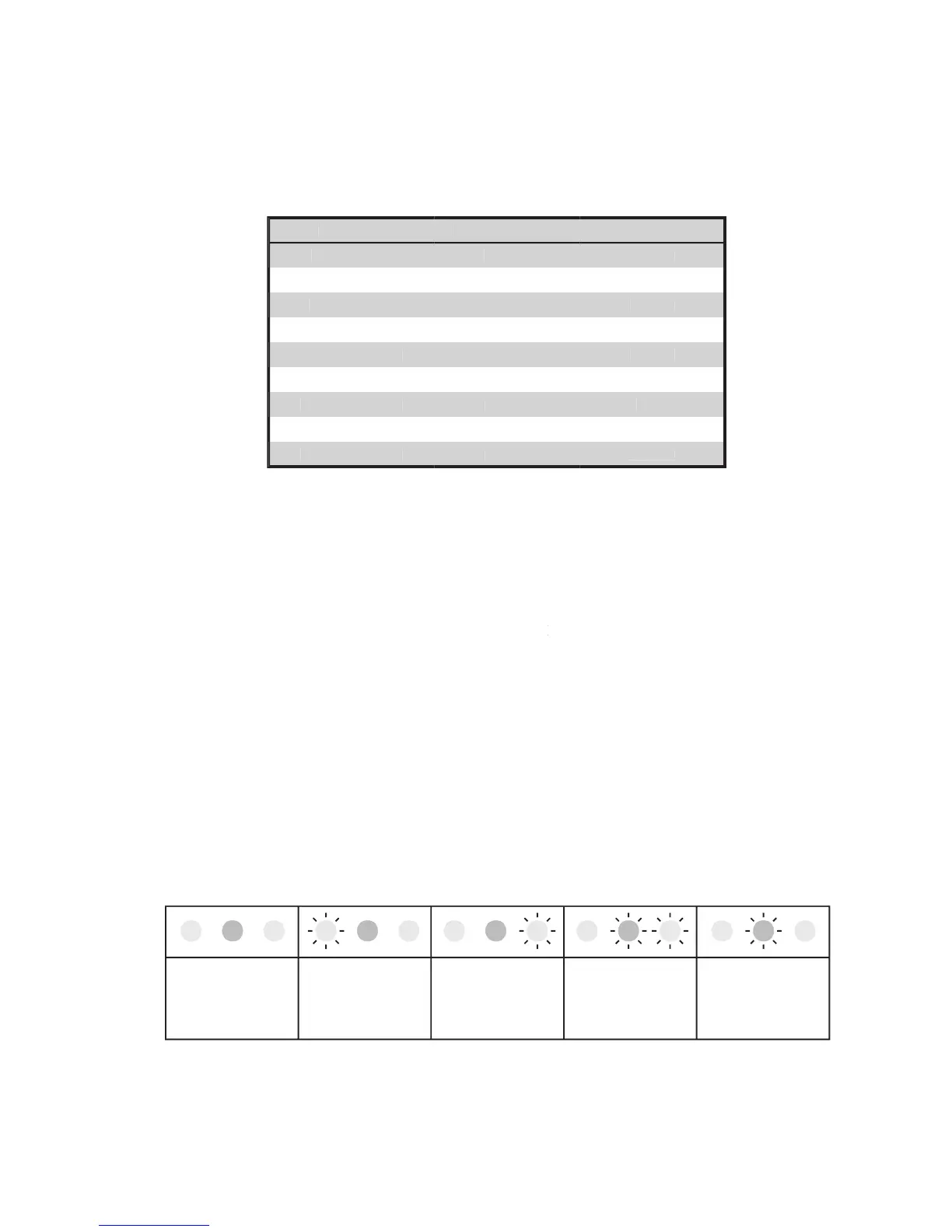
Table 4-1. Approximate tuning preset
(1) Once the antenna and band have been selected (and the
been initially set as indicated in Table 4-1), apply between 10 and 20 W of continuous (key down CW)
(2) Look at the upper LED bar-graph (
FORWARD POWER) and adjust the FORWARD POWER
(3) Watch the TRI indicator above the
(left hand) capacitor and turn the
indicated direction to center the green LED indicator light.
(4) Increase the drive power to get the desired nominal output; then repeat steps (2) and (3), always
No light on the TRI indicator means that the tuning is too far off. To correct this,
turn the LOAD and TUNE knobs around the table-suggested positions until the TRI
The TRI indicator will not illuminate until at least 20 W of forward power (output) is achieved. In the event
successful matching cannot be accomplished, check the
switch position and antenna selection.
Then check the antenna VSWR at the same drive frequency.


 To Next Page