AR-B1579 User's Guide
8-3
8.2 INDEX
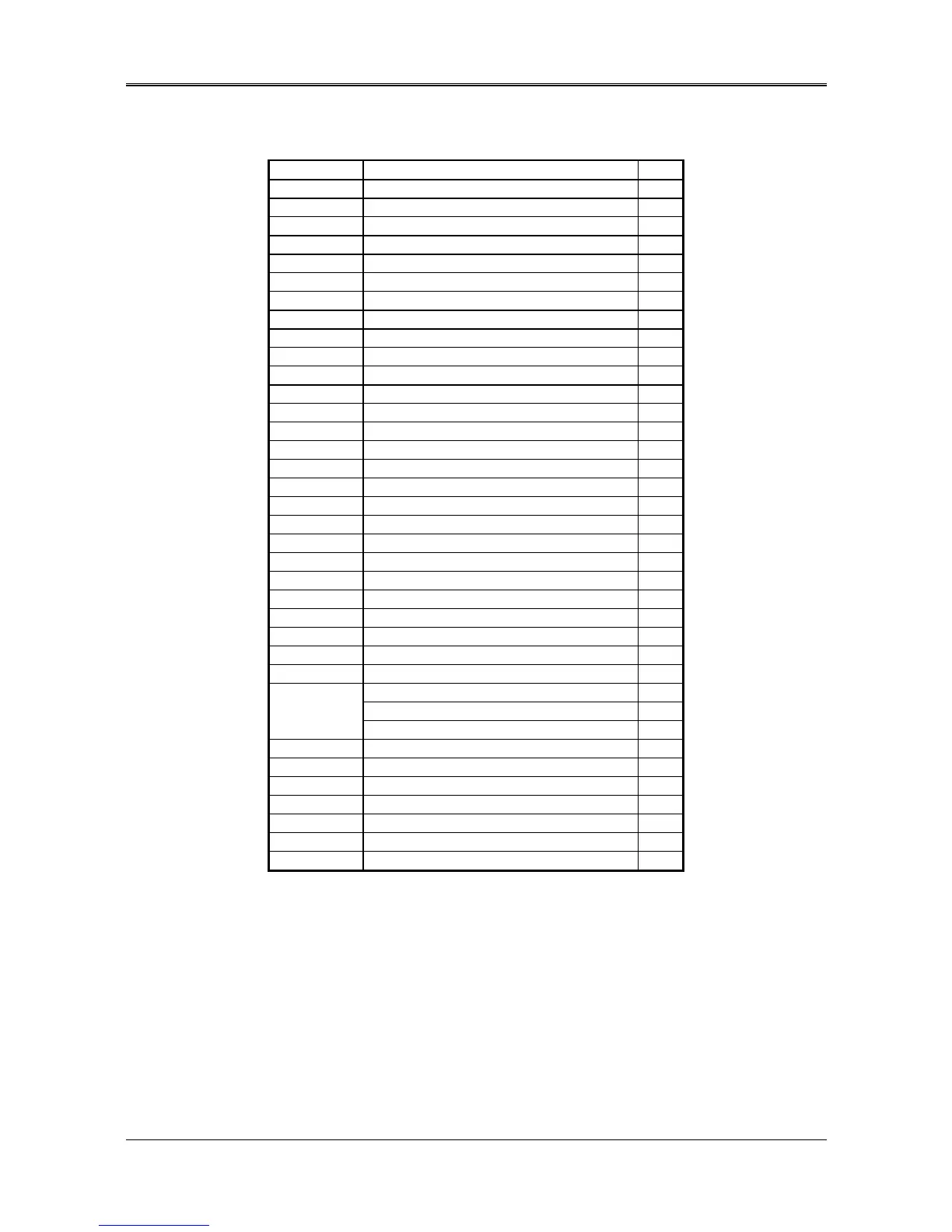
Name Function Page
CN1 40-pin hard disk (IDE) connector 3-3
CN2 Floppy disk connector 3-7
CN4 Serial port B connector 3-9
CN6 USB Connector (Reserved)
CN3 Parallel port connector 3-7
CN5 PS/2 mouse connector 3-10
CN8 64-pin PC/104 connector bus A & B 3-4
CN7 40-pin PC/104 connector bus C & D 3-4
CN9 6-pin mini DIN keyboard connector 3-6
DB1 CRT connector 3-2
DB2 Serial port A connector 3-9
DIMM Socket for DIMM
J1 External speaker header 3-10
J5 HDD LED header for IDE0 3-11
J4 RS-485 header 3-9
J3 External power LED header 3-11
J6 PS/2 mouse connector 3-10
J8 Reset header 3-10
J7 Keyboard lock header 3-6
J9 8-pin power connector 3-11
J10 CPU cooling fan power connector 3-13
J11 Watchdog LED header 3-11
J12 AUX. Keyboard connector 3-6
D1 Power LED presents red light
D2 Watchdog LED presents yellow light
COM-B RS-232C/RS-485 select 3-8
System base clock & CPU clock multiplier 3-12
SW1
D.O.C. memory address select 3-15
SW2 CPU logic core voltage select 3-13
JP2 COM-B RS-485 adapter select 3-8
JP1 RS-485 terminator select 3-9
JP3 PS/2 mouse IRQ12 setting 3-10
JP4 COM-A RS-485 adapter select 3-8
JP6 Watchdog transferring select 3-2
JP5 P54C/P55C CPU type select 3-13
Caution on activating USB devices
Model No : AR-B1579
BIOS version : V1.1
The legacy functions of the USB Keyboard and Mouse devices are not supported at the moment. However, functions of
other USB devices in Windows 98 are still properly supported by following the operating procedures below:
1) When you are installing Windows 98, please disable the USB function in
<Chipset Setup> menu of the BIOS.
2) Install SiS5598 multimedia drivers to your Windows 98.
3) Enable USB function in <Chipset Setup> item of BIOS.
4) Check whether your USB device is working properly.
If you found any further problem while implementing the USB functions of
AR-B1579, please contact our Customer Support for details.



 To Previous Page