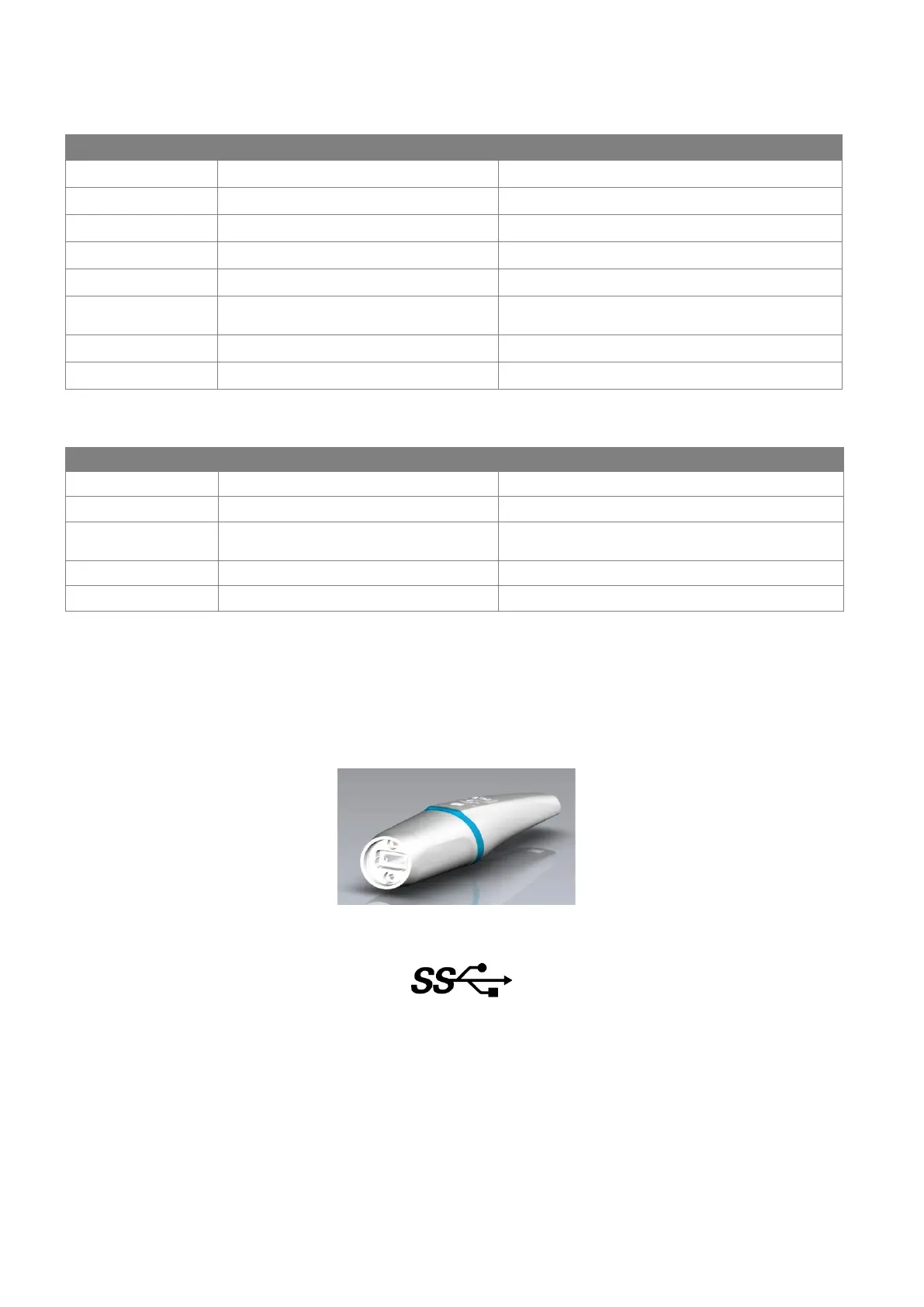
*: The C50 must be connected to a USB root hub to ensure use of maximum available bandwidth.
4.2.2 CONNECTING THE C50 INTRAORAL CAMERA TO A COMPUTER
Unlike the other cameras, the C50 is not associated with a MINI DOCK USB2 or MINI DOCK U_USB2.
A USB cable is provided to connect the C50 (USB-C) to a computer (USB-A).
The USB port must be at least an USB 3.0. The following symbol must be shown on the computer connection:
4.3 IMAGING SOFTWARE INSTALLATION AND CONFIGURATION
4.3.1 IMAGING SOFTWARE INSTALLATION FOR SOPRO 617, SOPRO 717FIRST, SOPROCARE AND SOPROLIFE INTRAORAL
CAMERAS
The SOPRO 617, SOPRO 717FIRST, SOPROCARE and SOPROLIFE cameras can be used with ACTEON® Imaging Suite (AIS)
software.
The video acquisition module is installed when AIS, or OIS (with SDK) is installed.
The video acquisition module is a software that can captures films and images from ACTEON cameras video stream, according
to dentist’s needs for patient’s oral heath follow-up.















 To Next Page