Hardware Manual
35
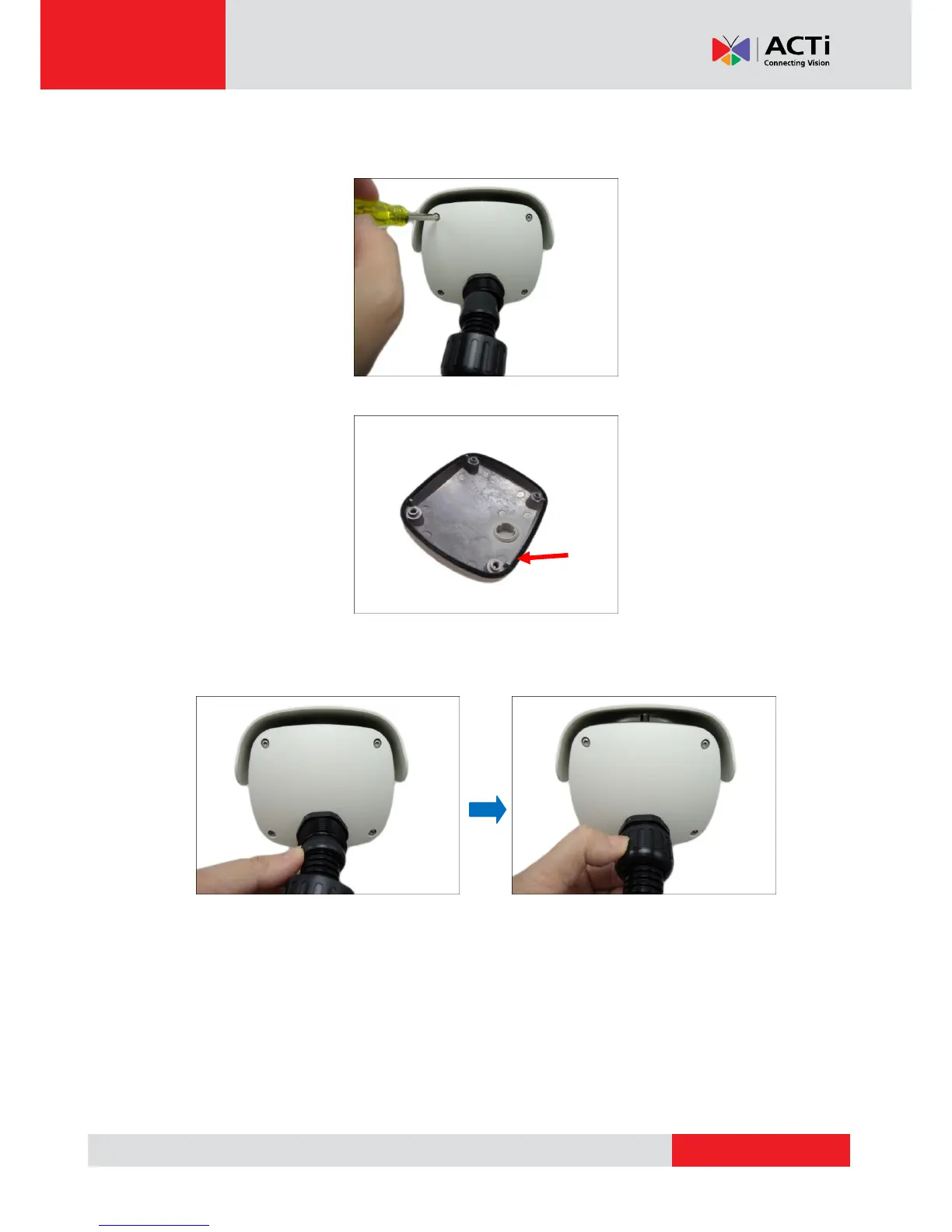
9. Align the camera cover and tighten the four (4) screws to secure the camera cover u sing the
hex screwdriver.
NOTE: Make sure the cover rubber (black) is intact and properly aligned to the cover.
10. Insert the sealing insert with claw into the gland body and then attach the clamping nut to
complete the cable solution.
NOTE: Make sure the clamping nut is tightly attached to the cable gland body and the sealing
insert is squeezed tightly.



 To Next Page