Hardware Manual
19
Step 5: Waterproof the Cable Connection
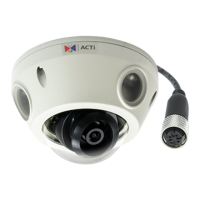
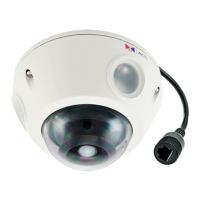
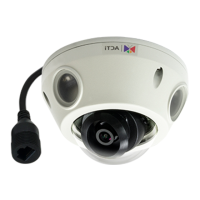
Depending on the camera model, the Ethernet cable or the “pigtail” of the camera may either
have the RJ-45 or M12 connector.
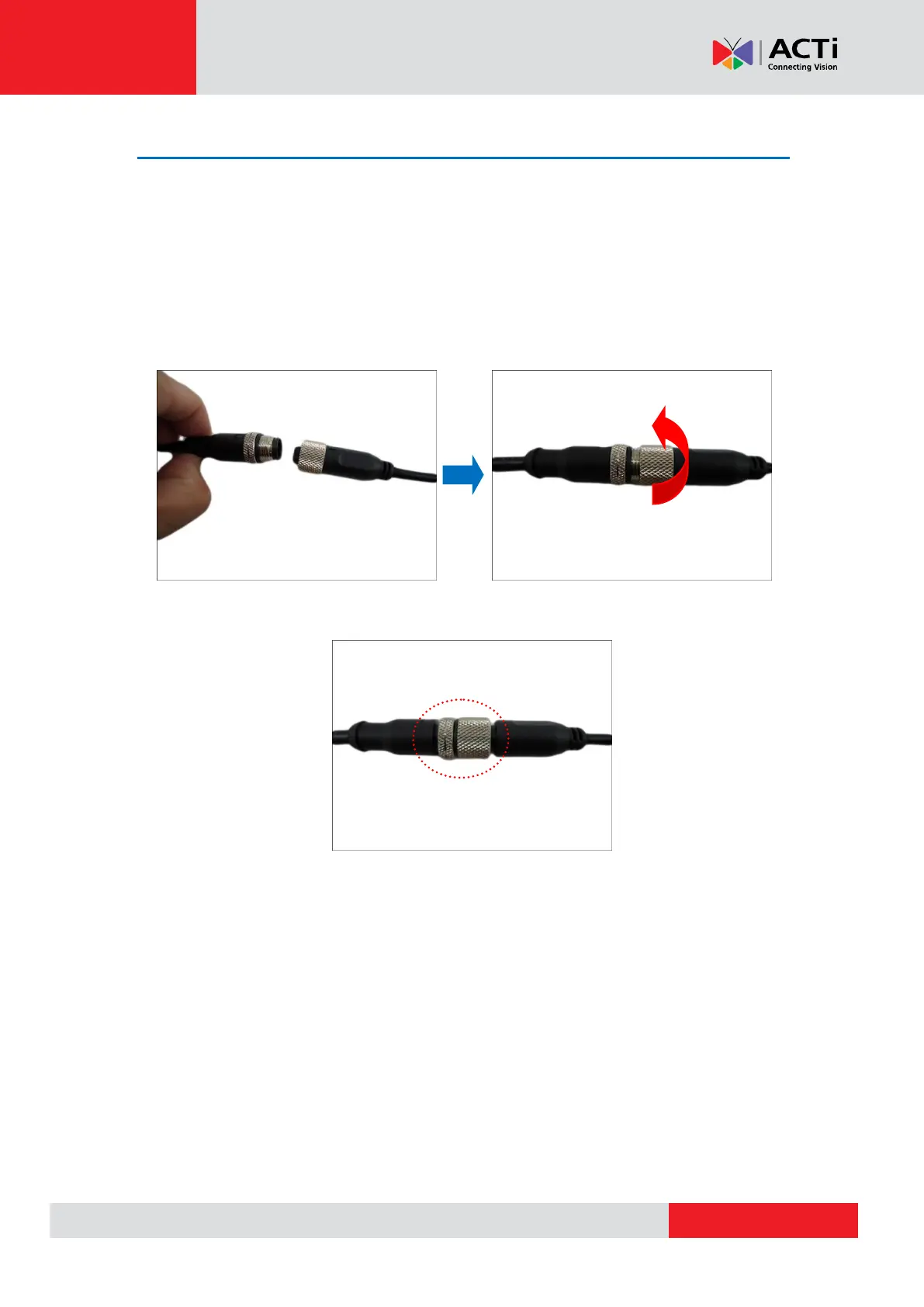
M12 Ethernet Cable (for E9xxM models only)
Typical M12 Ethernet cable has waterproof connection. Simply connect and screw the cable
connectors to make the connection waterproof.
Make sure the connectors are secured tightly.


 To Next Page