Hardware Manual
27
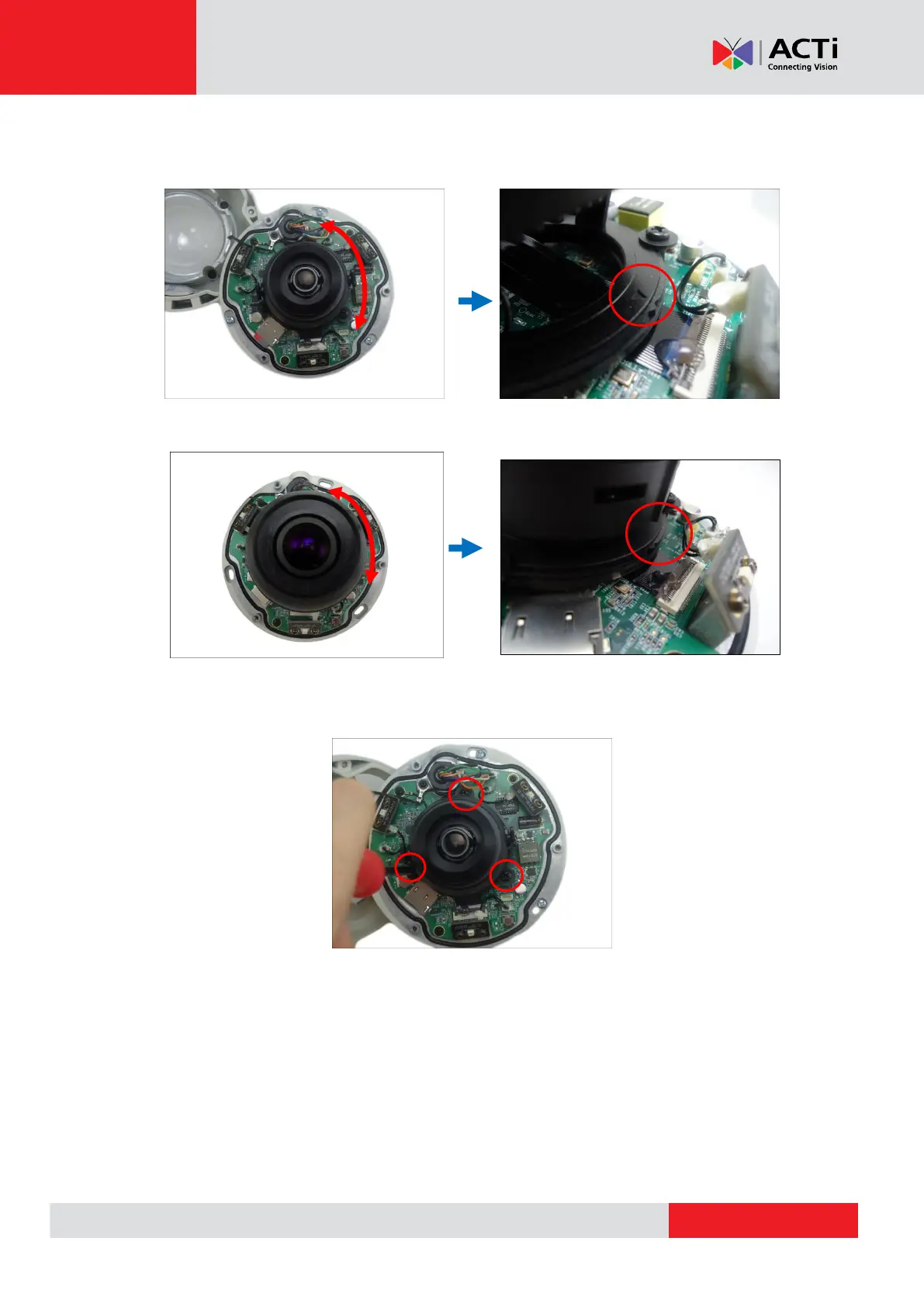
3. Move the pan direction.
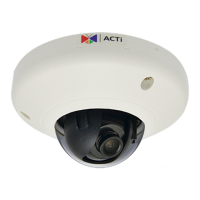
For mini dome cameras, the arrow indicates the top side orientation.
For mini fisheye dome cameras, the ridge indicates the top side orientation.
4. Once done, tighten the three (3) screws to fix the lens position. For Mini Fisheye dome
cameras, skip to Step 7.
5. For Mini Dome cameras, loosen the two (2) tilt adjustment screws.


 To Next Page