10
Select Measurement Units
To select between standard units (mph, ºF, etc.) or
metric units (kph, ºC, etc.):
1. Press the“
▲
” or “
▼
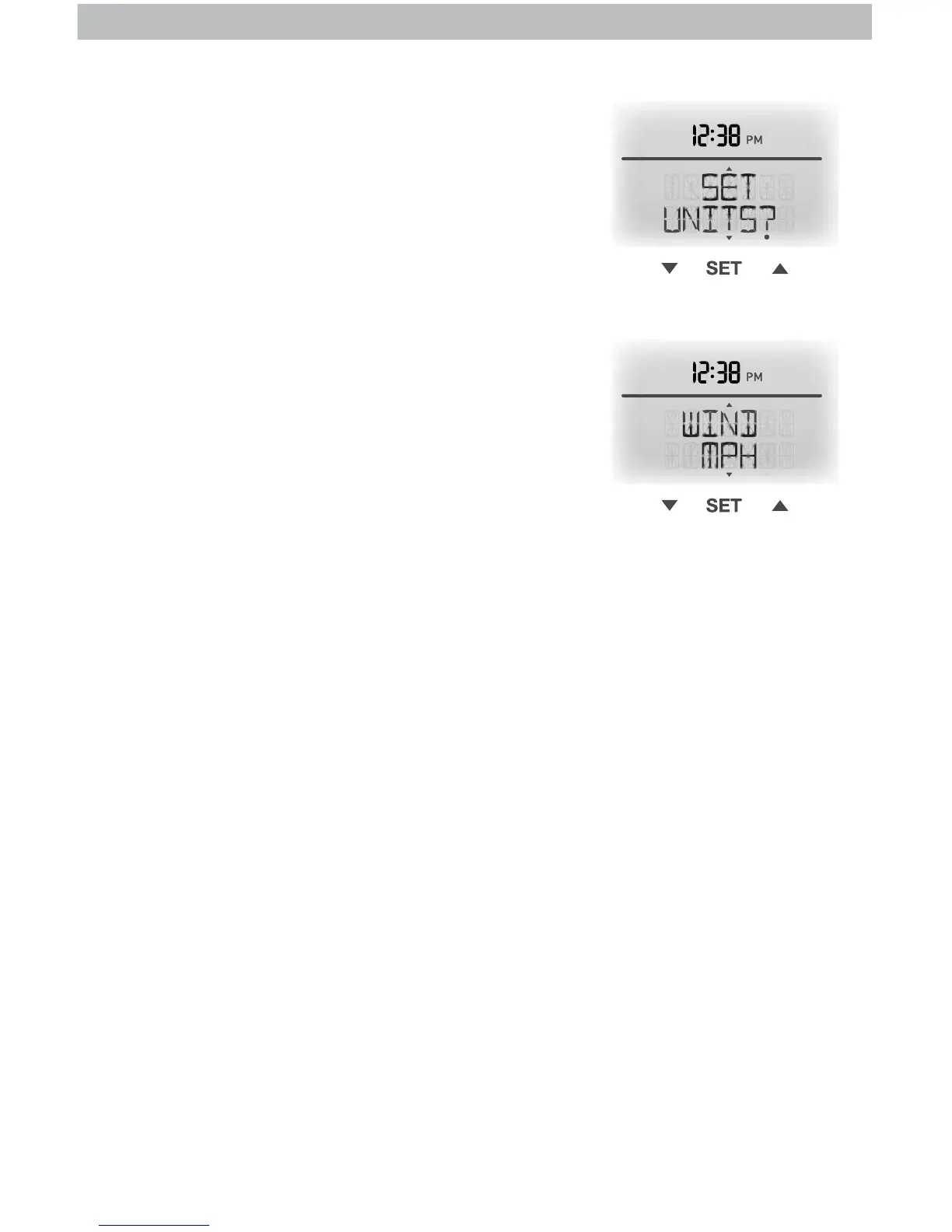
” buttons until “SET UNITS?”
is displayed on the Selectable Category part of the
display unit.
2. Press the “SET” button to set the unit preference.
3. Press the “
▲
” or “
▼
” buttons to select “STAND”
for standard or “METRIC” for metric units.
4. Press the “SET” button to conrm your selection.
5. Next, you will see “WIND MPH”. Press the “
▲
”
or “
▼
” buttons to select MPH, KPH, or KNOTS for
wind speed units.
6. Press the “SET” button to conrm your selection.
Units are now set.


 To Next Page