Acuity Brands | One Lithonia Way Conyers, GA 30012 | Phone: 800.535.2465 | www.acuitycontrols.com | © 2019 Acuity Brands Lighting, Inc. | All rights reserved. | Rev. 11/14/2019
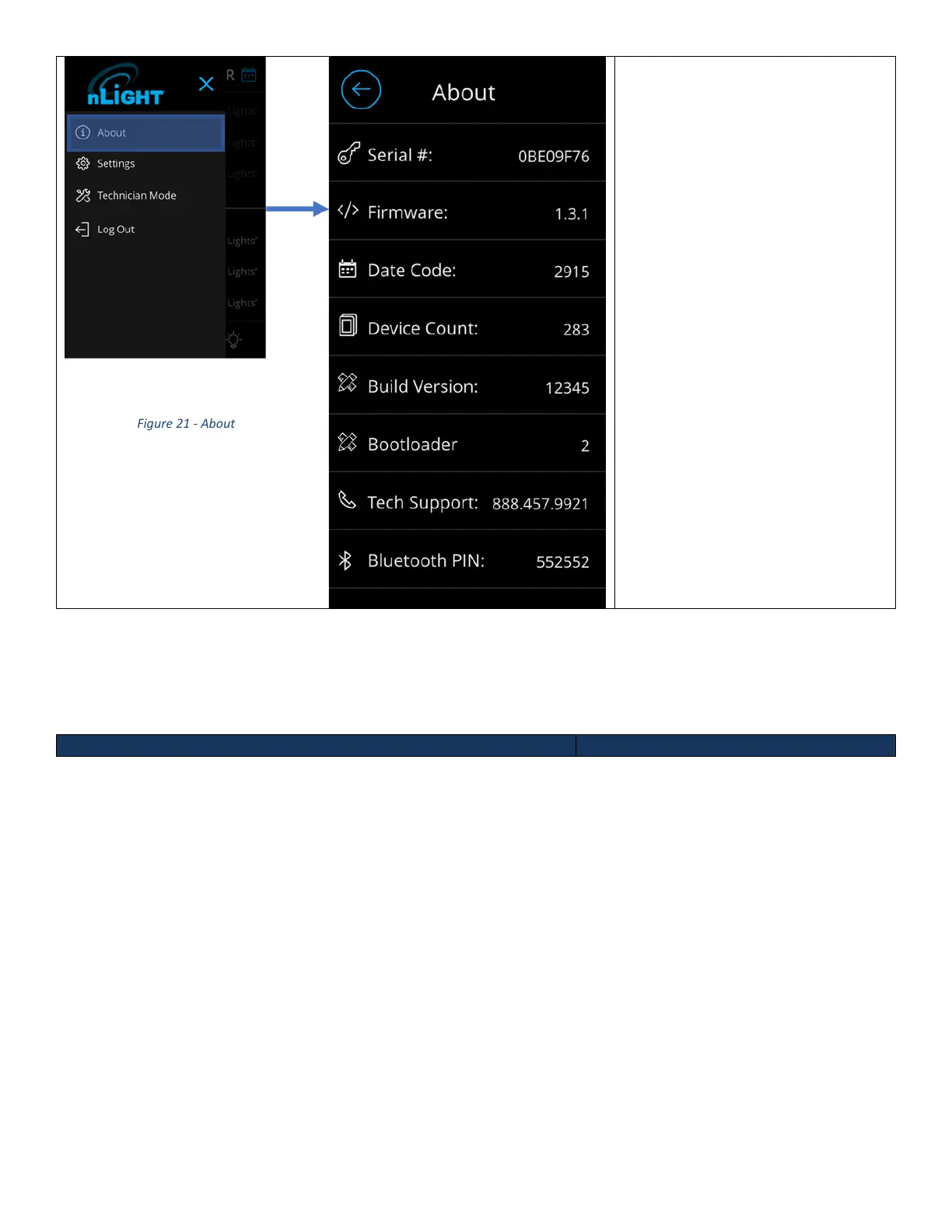
The About screen can be accessed
through the hamburger menu by the
following workflow. From the main
dashboard:
1. Press the hamburger button
on the top left.
a. Sidebar should
appear
2. Press the About button
Settings
The Settings screen, Figure 18, can be accessed through the hamburger menu to configure the internal settings of
the unit. This section requires administrative privilege, therefore, if not already logged, users will be prompted to log in
through the PIN entry screen.



 To Next Page