Acuity Brands | One Lithonia Way Conyers, GA 30012 | Phone: 800.535.2465 | www.acuitycontrols.com | © 2019 Acuity Brands Lighting, Inc. | All rights reserved. | Rev. 11/14/2019
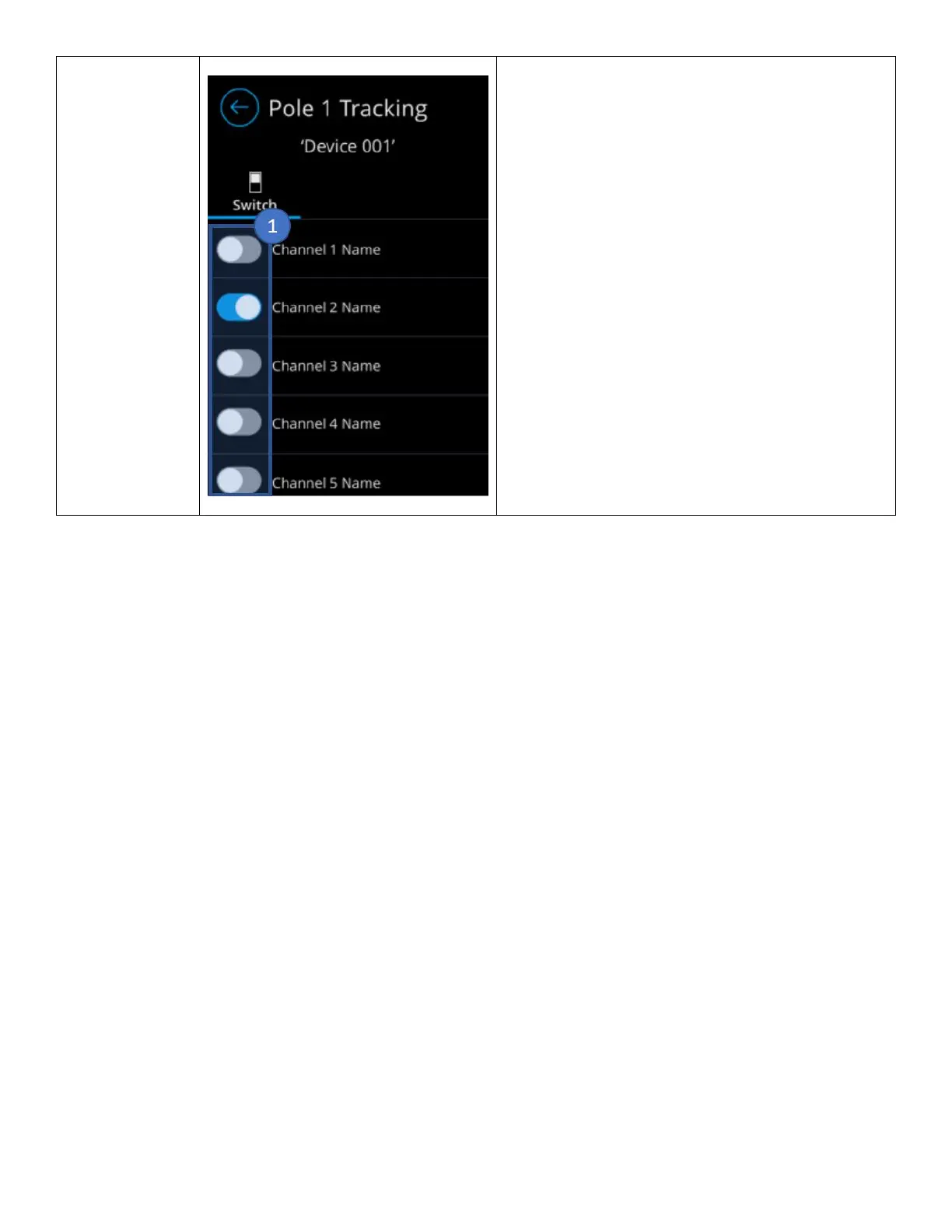
The Device Broadcast Channels screen enable the
ability to select the channels that the device will be
tracking.
1. Channel Toggle button – Toggle button
associate channels to the device for tracking.
SensorView
The nLight UNITOUCH can be configured through SensorView on an ECLYPSE controller, or through an nCOMKIT.
From SensorView, users can modify the device’s settings, screensaver, scenes, channels and more. Firmware updates to
the nLight UNITOUCH are also only available through SensorView.
To access a specific nLight UNITOUCH, the following steps must be follows:
1. Open the SensorView application
a. Login to the application
2. Select the Devices tab
a. Select the nPOD TOUCH device in the left-hand column
Changing PINs
The Properties tab is equipped with the ability to modify and save new pins, for administrator, user and Bluetooth,
see Figure 30.



 To Next Page