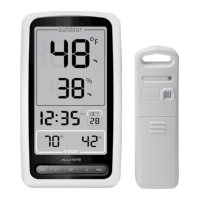
Features & Benets
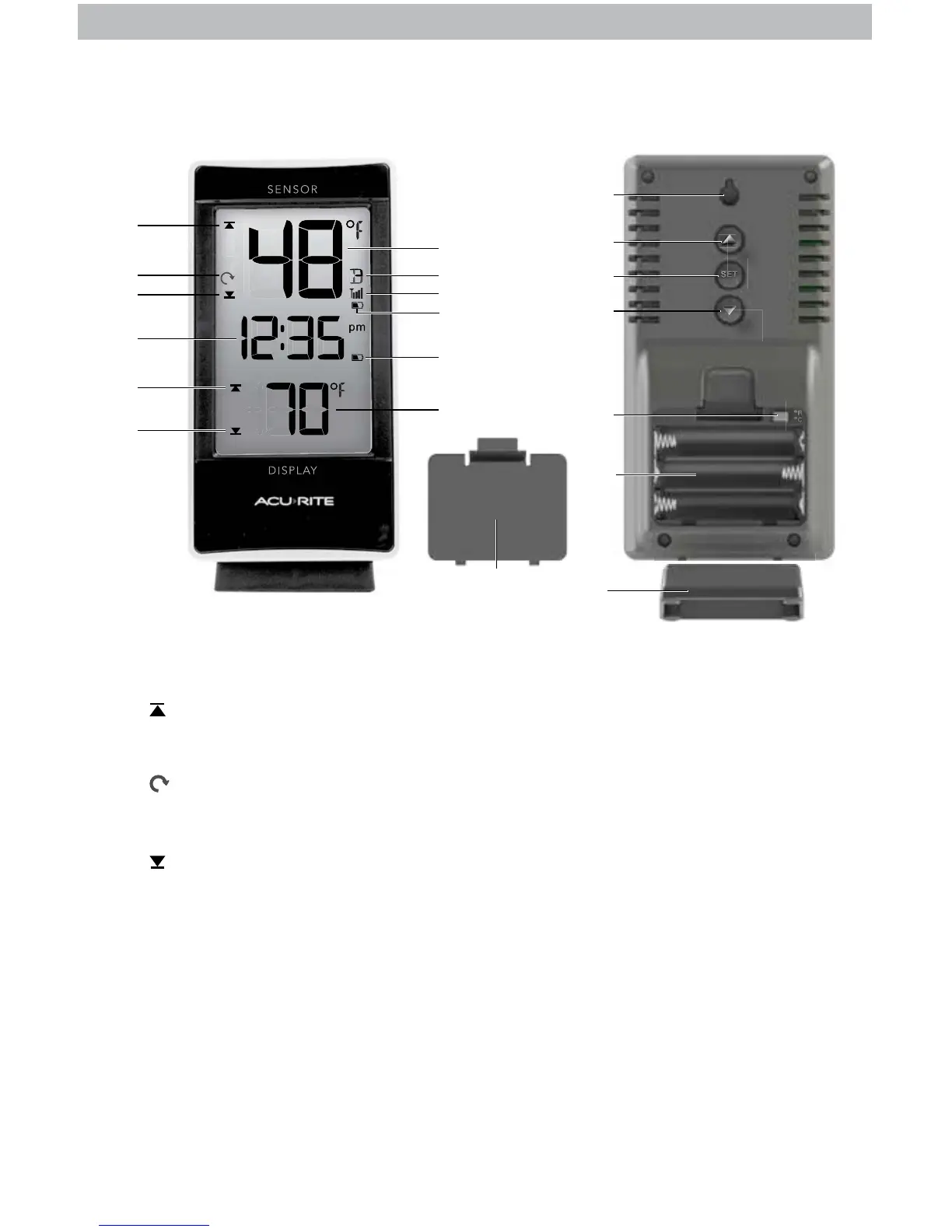
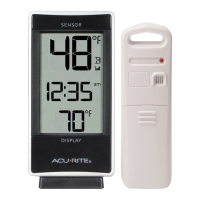
DISPLAY FRONT
1. Icon
Indicates today’s high records are
being viewed.
2. Auto-Cycle Indicator
Indicates auto-cycle mode is enabled
(see page 8).
3. Icon
Indicates today’s low records are
being viewed.
4. Clock
5. Current Display Temperature
6. Display Low Battery Indicator
7. Sensor Low Battery Indicator
8. Sensor Signal Strength
9. Sensor Indicator
10. Current Sensor Temperature
For selected sensor (#9).
DISPLAY BACK
11. Battery Compartment Cover
12. Display Stand
13. Battery Compartment
14. °F/°C Switch
Press to select temperature units.
15.
▼
Button
For setup preferences and viewing
records.
16. SET Button
For setup preferences.
17.
▲
Button
For setup preferences and viewing
records.
18. Integrated Hang Hole
For easy wall mounting.
DISPLAY FRONT DISPLAY BACK
S E T


 To Next Page