EasyManua.ls Logo

AcuRite 00515 - User Manual

AcuRite 00515
10 pages
Print Icon
To Next Page IconTo Next Page
Loading...
Instruction Manual
SAVE THIS MANUAL FOR FUTURE REFERENCE.
CONTENTS
Unpacking Instructions ........... 2
Package Contents .................. 2
Product Registration ............... 2
... 2
.... 3
Setup .................................... 4
Install or Replace Batteries...... 4
Temperature Units .................. 4
Placement Guidelines ............. 5
Using the Thermometer ........... 6
Troubleshooting ..................... 7
Care & Maintenance .............. 8
......................... 8
FCC Information .................... 8
Customer Support .................. 9
Warranty............................... 9
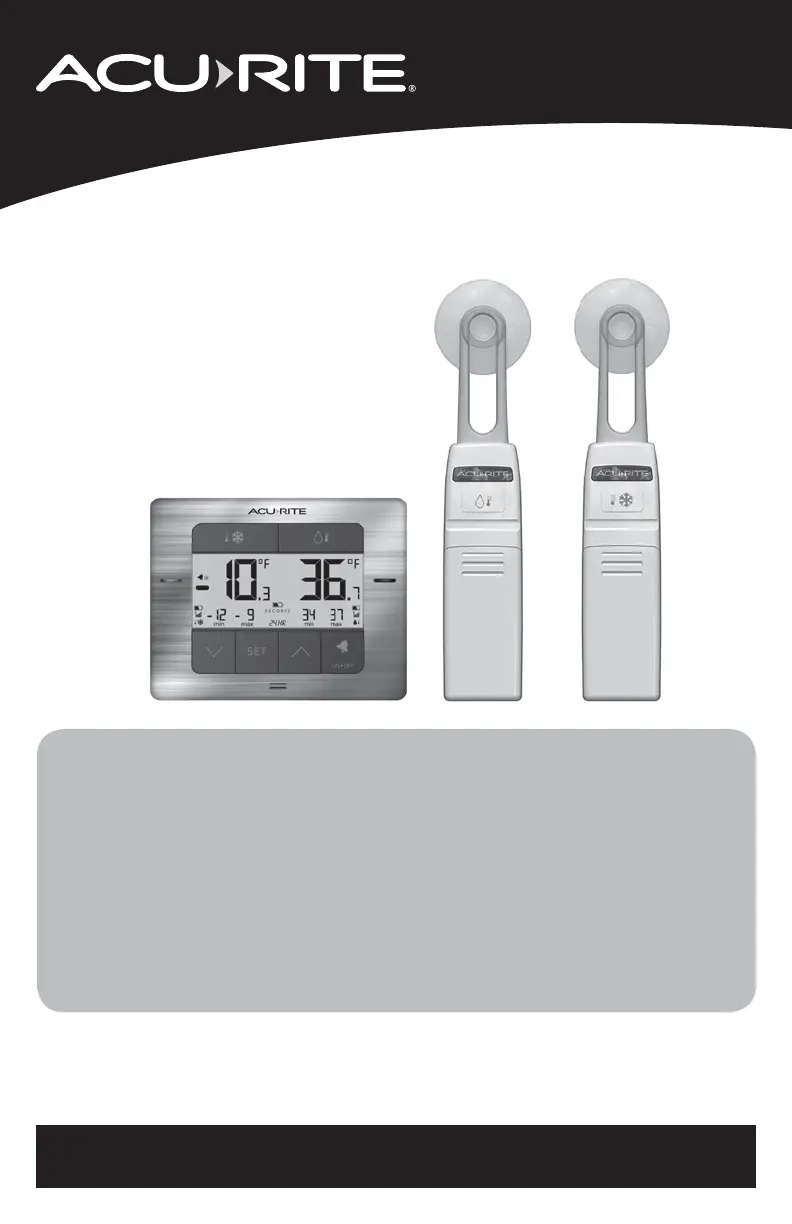
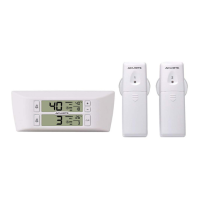
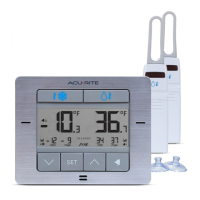
Digital Refrigerator/Freezer
Thermometer
model 00515
Questions? Contact Customer Support at
www.AcuRite.com/support or email support@chaney-inst.com
Features & Benefits: Sensors
Features & Benefits: Display
Specifications

Questions and Answers

  • W
    wgeorgeAug 3, 2025
    What to do if my AcuRite Thermometer display screen is not working?
    • H
      Hannah McclureAug 3, 2025
      If your AcuRite Thermometer display screen isn't working, first ensure the batteries are correctly installed and replace them if needed. If that doesn't work, reset the display by pressing the RESET button on the back. Also, make sure the temperature is within the measurable range of -40.0ºF to 99.0ºF (-40.0ºC to 37.2ºC).
  • D
    david63Aug 13, 2025
    How to fix inaccurate temperature on AcuRite 00515?
    • J
      Jeffrey WilliamsAug 13, 2025
      To correct an inaccurate temperature reading on your AcuRite Thermometer, use standard alkaline batteries (or lithium batteries in the sensor when the temperature is below -4ºF/-20ºC). Avoid heavy-duty or rechargeable batteries.
  • N
    normanrebekahAug 25, 2025
    Why is my AcuRite 00515 Thermometer showing dashes for the temperature?
    • J
      jimmylewisAug 25, 2025
      If your AcuRite Thermometer is showing dashes for the temperature, try these steps: * Relocate the display and/or sensors, ensuring they are within 75 ft (23 m) of each other. * If the temperature is flashing, it indicates wireless interference. To perform a hard reset and establish a strong connection: 1. Bring all units together. 2. Remove batteries from all units. 3. Reinstall batteries in the thermometer display first. 4. Reinstall batteries into sensor #1. 5. Reinstall batteries into sensor #2. 6. The display should then read temperatures from both sensors.

Summary

Unpacking Instructions

Package Contents

Lists all items included in the product package for user verification.

Product Registration

Instructions on how to register the product online to receive warranty protection.

Features & Benefits: Sensors

Details the features and benefits of the wireless sensors, including their components and functions.

Features & Benefits: Display

Setup

Install or Replace Batteries

Instructions on installing and replacing batteries in the thermometer display and sensors.

Temperature Units

Guide on how to switch between Fahrenheit and Celsius temperature units.

Placement Guidelines

Display Placement

Recommendations for placing the display unit in a dry area free of dirt and dust.

Sensor Placement

Guidance on positioning the wireless sensors for optimal performance and range.

Operation

Using the Thermometer

How to view and clear all-time high and low temperature records.

Programmable Alarms

Instructions for setting up audible alerts for preset minimum and maximum temperatures.

Troubleshooting

Care & Maintenance

Specifications

FCC Information

Customer Support

Limited 1-Year Warranty

AcuRite 00515 Specifications

General IconGeneral
Product colorStainless steel, White
Weather forecastNo
Freezeproof up to-40 °C
Measuring functionsIndoor thermometer
Operating frequency433 MHz
Temperature measurement unitsF, °C
Weather station extremum data-
Measuring functions trend displayThermometer
Measuring functions graphic displayYes
Temperature measurement range (inside) (T-T)-40 - 37 °C
Display typeLCD
Display number of colorsMonochrome
Power sourceBattery
Battery technologyAlkaline
Number of batteries (sensor)4
Number of batteries (receiver)3
Connectivity technologyWireless

Related product manuals