8
Using the Thermometer
High/Low Records
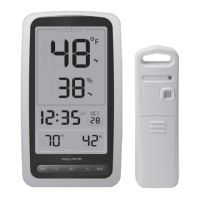
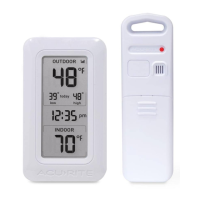
Today’s high and low values are recorded for indoor and outdoor
temperature. The high and low records automatically clear at 12:00am.
To view the LOW temperature record, press and release the “
▼
” button.
The “MIN” icon appears on the display next to the low records. To view the
HIGH temperature record, press and release the “
▲
“ button. The “MAX” icon
appears on the display next to the high records.
To reset the LOW records, press AND HOLD the “
▼
” button while viewing the
low records. Dashes will display to conrm all low values have been cleared.
To reset the HIGH records, press AND HOLD the “
▲
“ button while viewing the
high records. Dashes will display to conrm all high values have been cleared.
OPERATION


 To Next Page