10
Acurus MUSE Immersive Processor USER GUIDE
Revision 20190227
Document 1000905
IR Remote Control
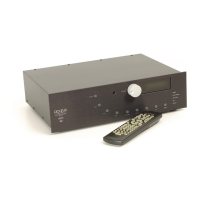
The MUSE includes an IR remote control for everyday
operation of the unit. In line-of-sight installations (where
the MUSE front panel is visible from the user’s seated
position) the IR remote can simply be aimed towards the
MUSE. In installations where the MUSE is located
remotely from the user, an optional IR remote sensor
(available from Acurus) can be connected to the rear of
the MUSE and brought out near the end user. Alternately,
the remote can serve as a master remote for programming
another learning IR device.
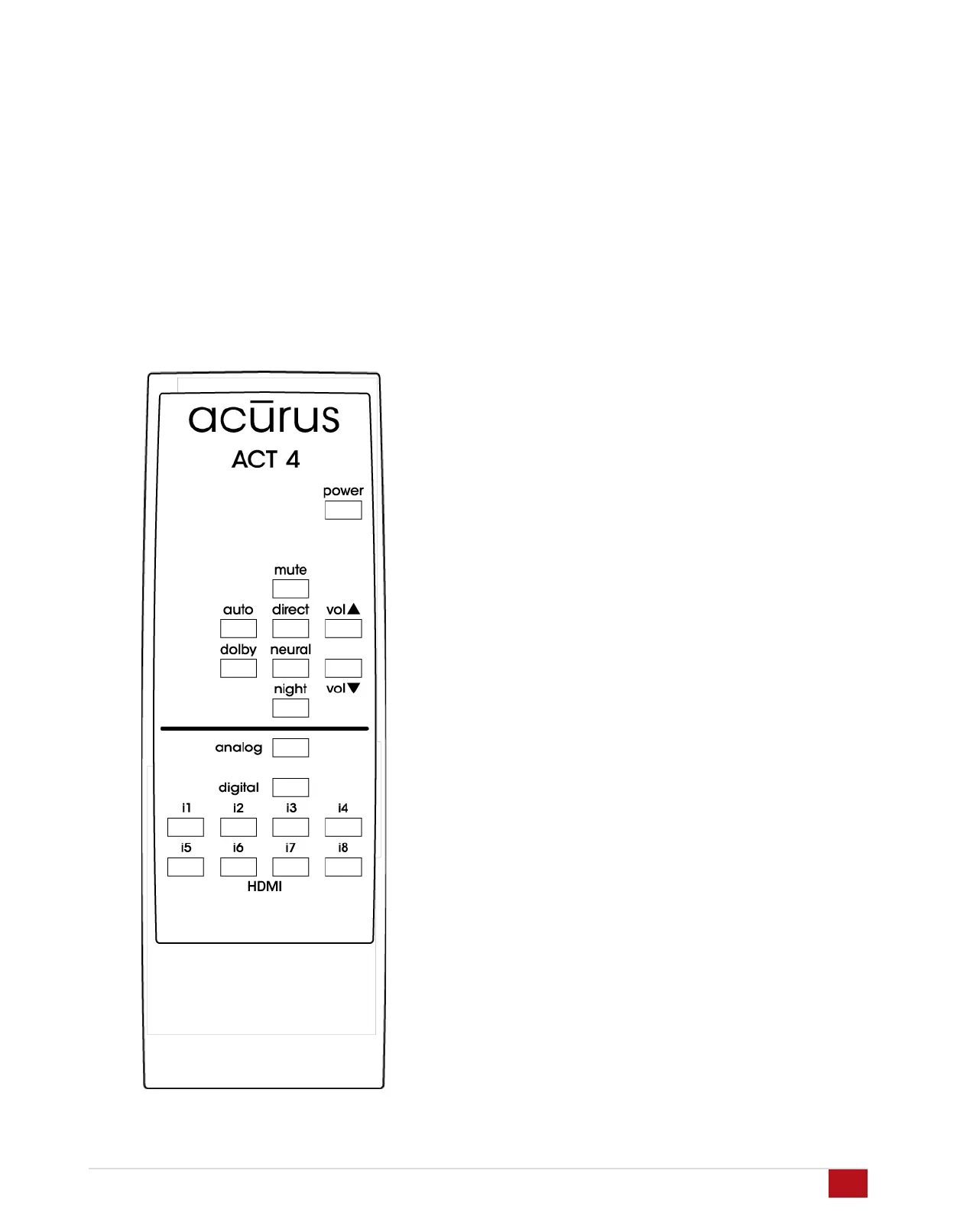
IR Buttons
The buttons on the MUSE remote are chosen to minimize
remote complexity and to bring out the most commonly
used functions. These buttons are arranged in order to
simplify everyday use and to facilitate operation in a dimly
lit environment.
power: toggles the MUSE between on and standby.
mute: silences sound output. The front panel indication of
volume changes from white to red font when in mute.
vol: increases or decreases volume level
auto: turns on sound mode which fills all room
loudspeakers for any input format
direct: turns on sound mode in which only the loudspeaker
channels present in the input signal format are utilized
dolby: turns on sound mode in which dolby upmixing fills
all loudspeaker channels preset regardless of input signal
format
neural: turns on sound mode in which DTS Neural
upmixing fills all loudspeaker channels preset regardless
of input signal format
night: enables night mode which limits dynamics thus
preventing disturbing others
analog: selects analog inputs i13 and i14. Press again to
select next analog input
digital: selects digital inputs i9 through i12. Press again to
select next digital input
HDMI buttons i1 through i8: selects HDMI input sources
directly


 To Next Page