6 D3V MANUAL [ENGLISH] 7D3V MANUAL [ENGLISH]
2. WHAT’S INCLUDED 3. CONNECTIONS
a) Power connection
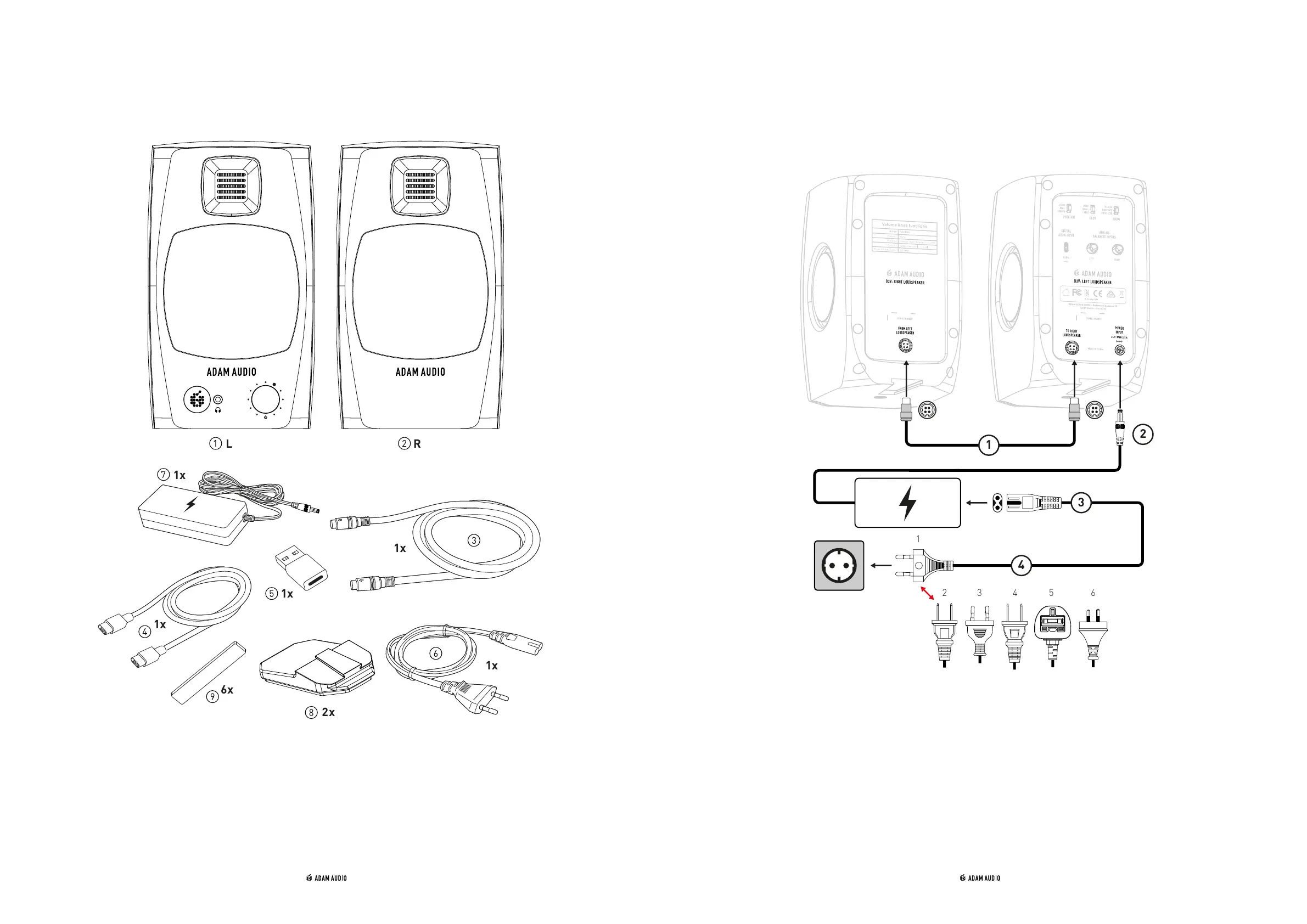
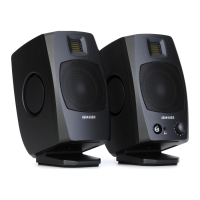
① 1x Left speaker (L)
② 1x Right speaker (R)
③ 1x Link cable to connect left to right
speaker
④ 1x USB-C to USB-C cable
⑤ 1x USB-C to USB-A adapter
➅ 1x Mains cable
⑦ 1x Power supply block
⑧ 2x padded monitor stands
⑨ 6x stick-on pads
① Connect the left and right speakers with the four core link cable. The connectors
are marked with arrows which should point upwards. When held correctly, the
plugs can be inserted into the sockets easily. Do not use excessive force. This will
prevent damaging the plugs and/or sockets.
② Connect the power supply block to the power input of the left speaker.
③ Connect the mains cable to the power supply block.
④ Make sure the delivered mains power cable matches your wall power socket before
making the connection.


 To Next Page