14 D3V MANUAL [ENGLISH] 15D3V MANUAL [ENGLISH]
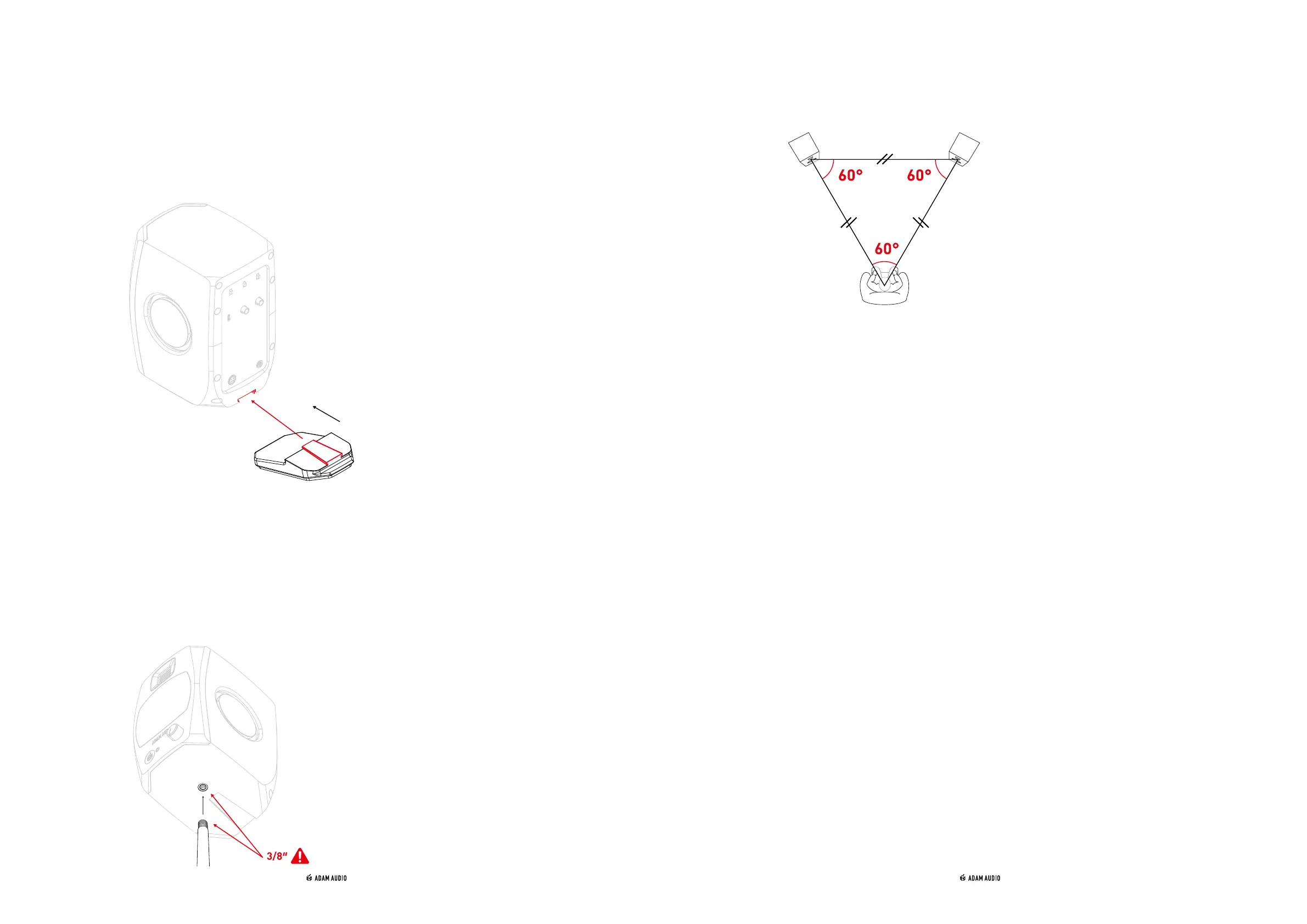
ii) Installing the included angling feet
→ Use of the included angling feet will tilt the acoustic axis upwards by 15 degrees,
which helps the alignment to your ears.
→ Simply slide the tongue of the angling feet, from the back panel, into the corresponding
groove of the D3V's cabinet. Repeat this procedure for the second loudspeaker and
place them onto your desk or other flat surface.
iii) Use of the 3/8″ underside mounting points
→ The 3/8″ underside mounting points enable the placement of the D3V onto common
3/8″ threaded microphone stands. This allows you to place the loudspeakers at the
perfect height, reduce typical reflections off the desktop and, as a result, improve
the frequency response, linearity and therefore the overall sound quality of the D3V.
Attachment to a 5/8" threaded microphone stand is also possible using an adapter
(not supplied).
→ For two-channel stereo audio reproduction, regardless of what type of stands you
use, your head should be placed at one corner of an equilateral triangle, with the two
loudspeakers at the other two corners.
詳しいマニュアル は、下記にて:
查看完整的用户手册,请访问:
查看完整的用戶手冊,請訪問:
3/8″
詳しいマニュアル は、下記にて:
查看完整的用户手册,请访问:
查看完整的用戶手冊,請訪問:
5. USE OF ROTARY FRONT KNOB
& LED STATES
a) Volume level
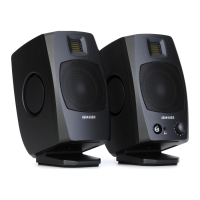
→ The D3V’s volume knob is located on the front of the left speaker and is equipped
with a press-to-select feature for secondary functions.
→ Turn the knob clockwise to increase the volume, turn it anticlockwise to decrease
the volume.
→ Depending on your preference or equipment needs, there two ways to control the
volume of the D3V:
1) D3V-based
a. Turn down the output volume of your source device completely
b. Turn up the volume of the D3V to its maximum setting (clockwise)
c. Start to play a loud piece of material with plenty of low-frequency content,
e.g. electronic dance music or an action movie.
d. Slowly turn up the volume of your source device, while listening, until
the ADAM Audio logo on the front panel starts to flash red (limiter active)
e. Stop the playback immediately to prevent damage to your hearing
f. You can now control the volume of your audio with the full range of the
D3V's volume knob, provided you do not readjust the source volume


 To Next Page