6. Controls
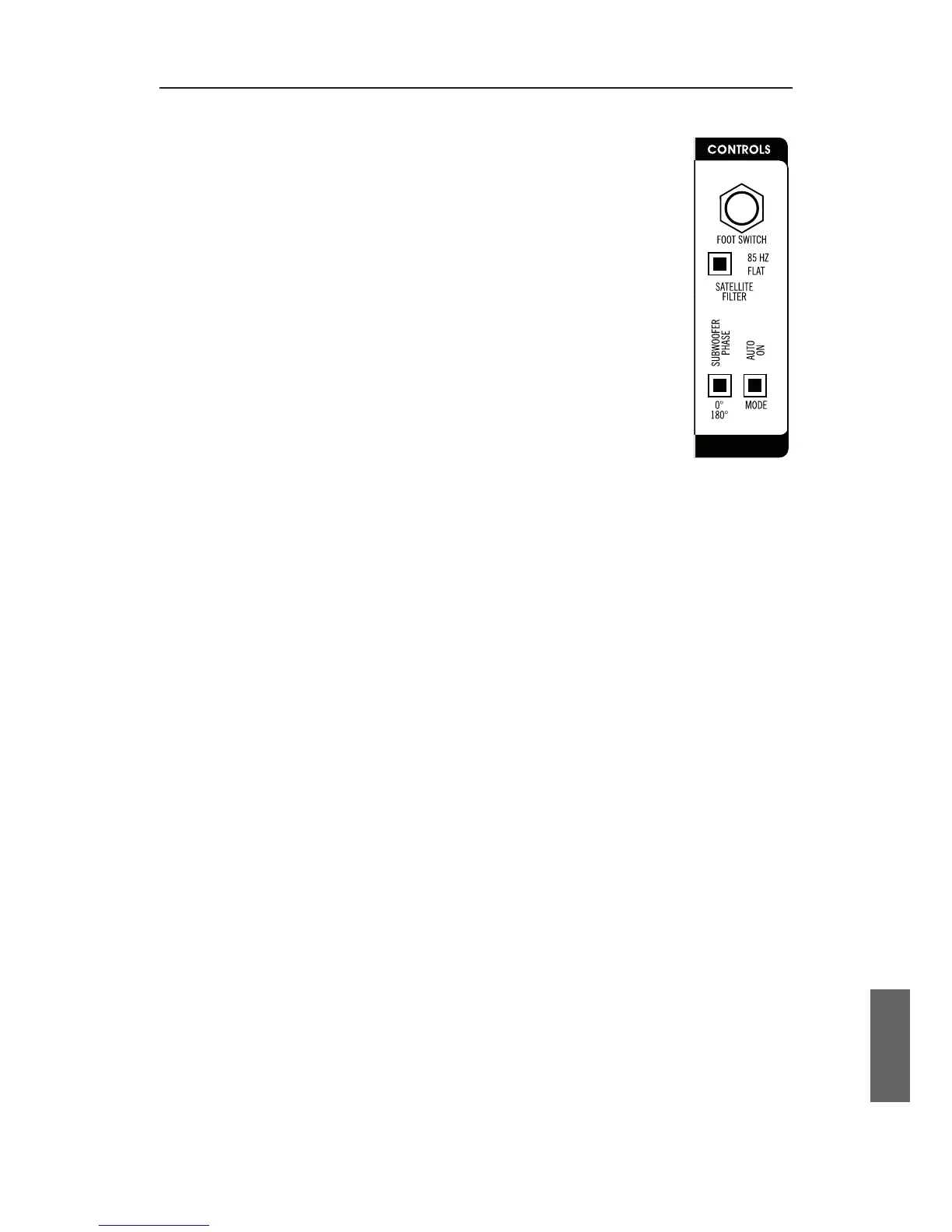
Controls on the rear panel
Mode
Thispushbuttonallowsyoutochoosebetween
Signal On:• wooferstartsoperationassoonasamusical
signal arrives, and stops after 15 minutes without a
signal.
Continuous:• theunitispermanentlyworking.
Werecommendthe”Signalon”position.Itminimisespower
consumptionandmakeshandlingveryeasy.
Phase Switch
WiththePhaseSwitchyoucanalterthephaseofthesubwooferrelativeto
thesatellites.Thatmeanstochangethepolarityofthebassunit.Depending
onthedistancebetweenwooferandsatellites,either0°or180°maybethe
betterposition.
Werecommendtotryoutwhatpositionsoundsbetterwithinyoursystem.
Satellite Filter
Thesatellitesinasystemcanbedrivenfullrangeorwitha85Hzhighpassas
recommendedbyDolby®laboratoriesforuseinsurroundset-ups.
Recommendation:IfpossiblethemainsignalshouldgointotheSubwoofer.
ConnectyoursatellitestotheSubwooferoutput,eitherviaXLRsymmetricalor
RCAasymmetrical.Inmanycases,clarityanddynamicrangeofthespeakers
canbeimprovediftheydonotreproduceverylowfrequenciessincetheydo
nothavetodeliverbigamplitudes.
Foot Switch
Theoptionalavailablefootswitchswitchesthesubooferonrespectivelyoff.
PleasenotethatbyswitchingitoffyoualsoswitchofftheSatelliteFilter.
6.2
a)
b)
c)
d)
g. 6: Controls


 To Next Page