Chapter 6: Creating a Bootable Array ● 47
Creating an Array with Adaptec Storage Manager
This section describes how to use the Adaptec Storage Manager
configuration wizard to build a RAID 5 array.
Note: You will need the RAID Installation CD to complete this task.
To create a RAID 5 array:
1 Insert the RAID Installation CD into your CD drive, then restart
your computer.
2 When prompted, select the language you want, then press Enter.
3 Review the license information, then press Enter.
The main menu opens.
4 Click Launch Configuration Utility.
Adaptec Storage Manager opens.
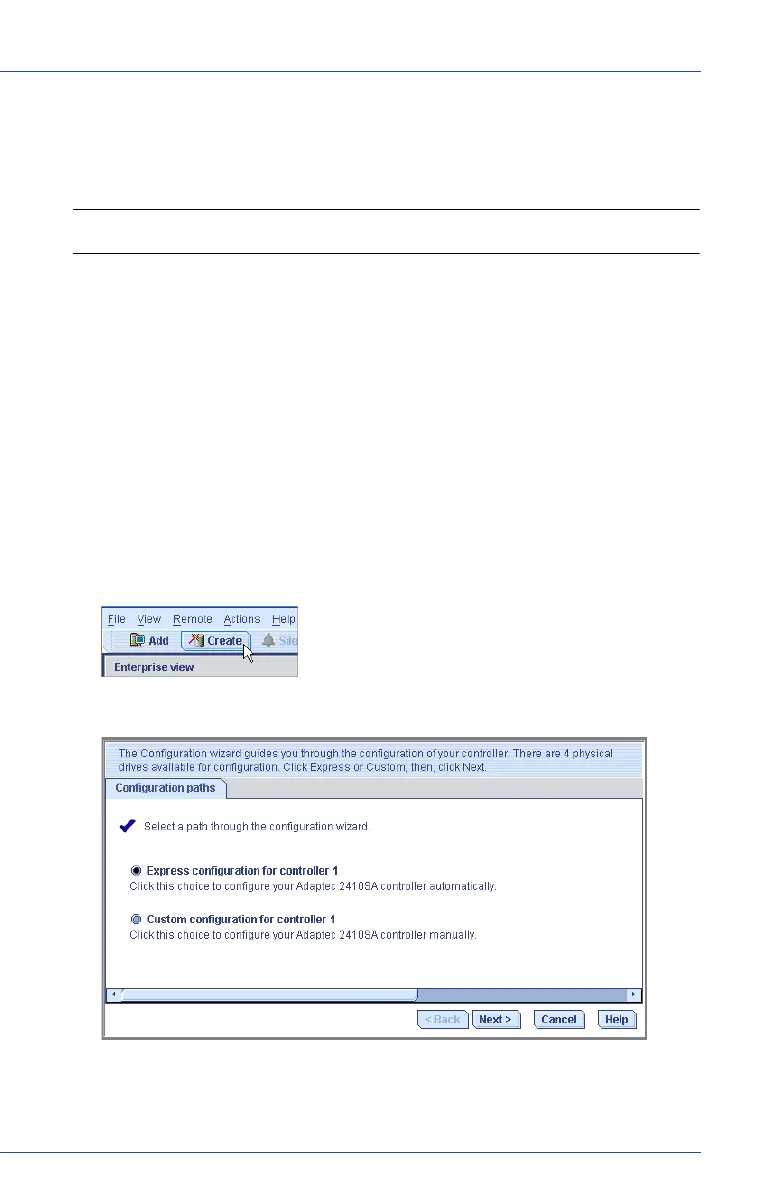
5 Click Create.
The Configuration wizard opens.
6 Select Express configuration..., then click Next.



 To Next Page