EasyManua.ls Logo

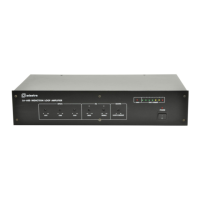
Adastra 953.213UK - User Manual

Adastra 953.213UK
8 pages
Print Icon
To Next Page IconTo Next Page
Loading...
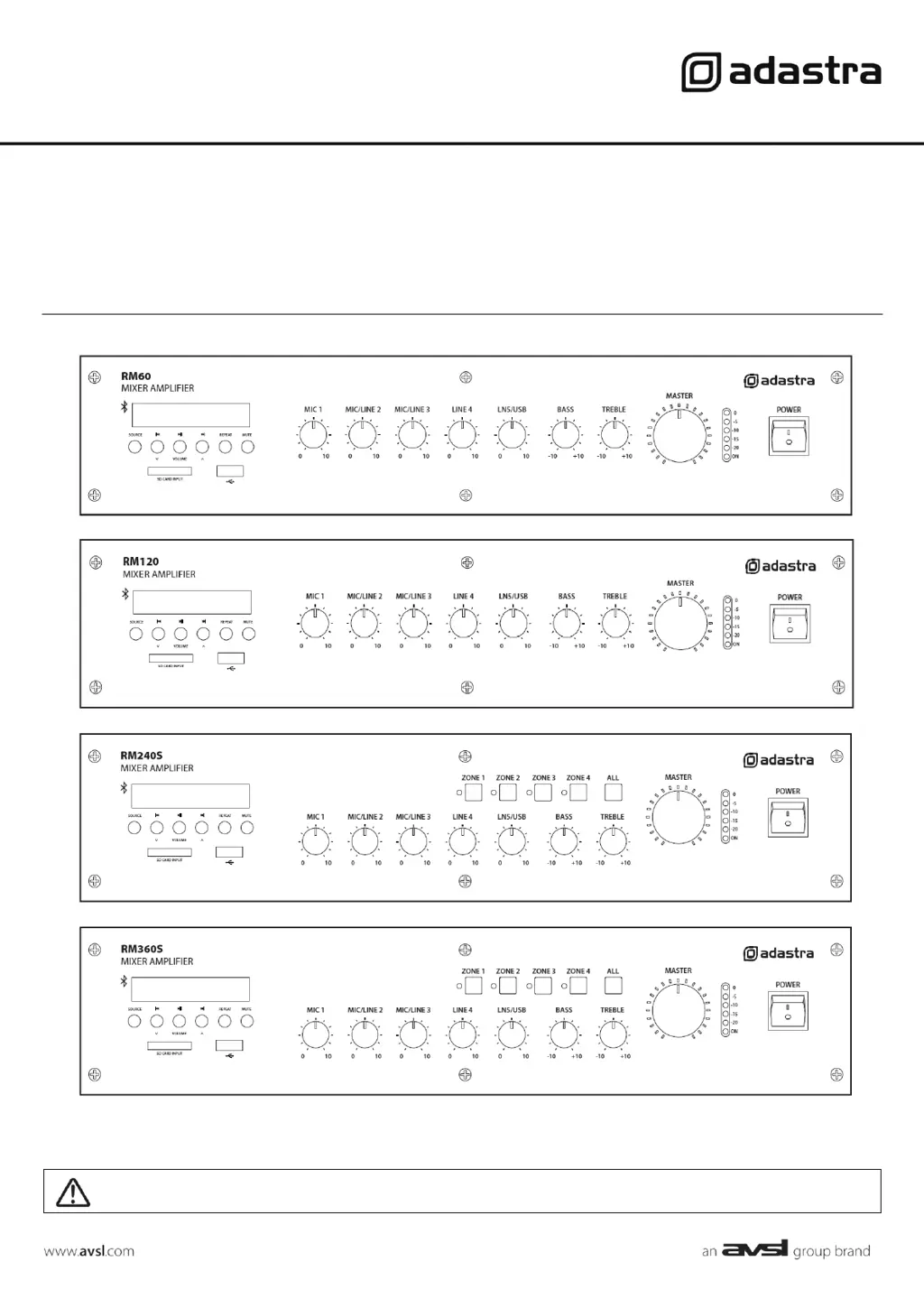
RM-SERIES
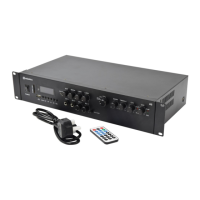
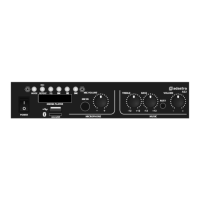
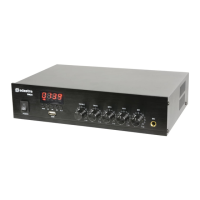
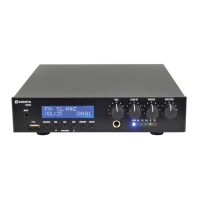
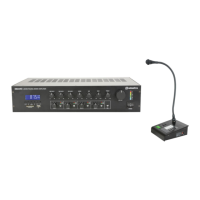
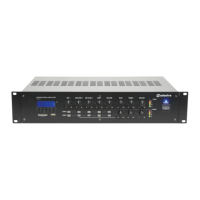
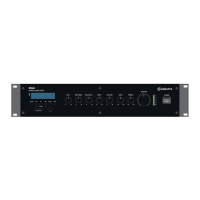
Rackmount 100V mixer-amplifiers with Bluetooth
®
Item ref: 953.213UK, 953.214UK, 953.215UK, 953.216UK
User Manual
Version 3.1
Caution: Please read this manual carefully before operating
Damage caused by misuse is not covered by the warranty

Questions and Answers

  • T
    Tyler LesterAug 14, 2025
    What to do if there is no power LED on Adastra 953.213UK control panel?
    • A
      Andrew NorrisAug 14, 2025
      If the power LED is not lit on the Adastra Amplifier's control panel, make sure the IEC lead is in good condition and properly connected. Also, verify that the POWER switch is turned on and check the mains inlet fuse.
  • S
    Scott SparksAug 18, 2025
    Why is my Adastra 953.213UK Amplifier overheating?
    • M
      Mary CareyAug 18, 2025
      If your Adastra Amplifier is overheating, take the following steps: * Ensure the cooling vents are free from dust and debris. * Check that 4, 8 or 16Ω speakers are not connected to 100V terminals. * Make sure the total 100V speaker wattage is lower than the amplifier's rating. * Verify that 100V and 4, 8, or 16Ω speakers are not connected simultaneously. * Confirm that the total load connected to the 4 - 16Ω output is not less than 4Ω.
  • N
    Nancy HolmesAug 21, 2025
    How to fix too loud or distorted output on Adastra 953.213UK Amplifier?
    • L
      Lauren SimmonsAug 21, 2025
      To resolve loud or distorted output on the Adastra Amplifier, reduce the MIC, LINE IN, USB/SD, and/or MASTER level. Ensure that Hi-Z line level inputs are not connected via the MIC input.
  • J
    Joseph GreenAug 25, 2025
    What to do if power LED is on, but there is no output from Adastra 953.213UK?
    • M
      Matthew LeeAug 26, 2025
      If the power LED is on but there's no output from your Adastra Amplifier, check the input signals and the condition of the input connection leads. Also, make sure the MASTER, MIC, LINE, or USB/SD volume controls are turned up.
  • R
    Rebecca DixonAug 28, 2025
    Why is the output too quiet on my Adastra 953.213UK?
    • J
      Jason WeissAug 28, 2025
      If the output from your Adastra Amplifier is too quiet, increase the MIC, LINE IN, USB/SD, and/or MASTER level. Check for quiet recording of media files on USB. Also, ensure the VOX override is not unintentionally suppressing audio playback.
  • J
    Jared DavisAug 31, 2025
    What to do if Adastra 953.213UK Amplifier power and output LEDs are on but there is no sound?
    • J
      Jonathan JohnsonAug 31, 2025
      If the power light and output LEDs are lit but there is no sound from your Adastra Amplifier, verify that the speaker output terminals are correctly connected and that the speakers are working (test on another amp if available). If using a memory device, ensure it is properly connected (remove and re-insert), check that the files are standard mp3 digital audio files, and confirm the memory device works on a PC or Mac for standard playback.
  • R
    Rachel SchmidtSep 3, 2025
    Why is there no audio from my Bluetooth device on Adastra Amplifier?
    • B
      Brittany OconnorSep 3, 2025
      If you're not getting any audio from your Bluetooth device on the Adastra Amplifier, first make sure the volume controls are not turned down on the sending device. Also, check the volume and Play/Pause buttons to ensure Bluetooth is not muted.
  • M
    mark94Sep 6, 2025
    How to stop microphone feedback on Adastra Amplifier?
    • T
      Thomas RodriguezSep 7, 2025
      To prevent feedback from the microphone on the Adastra Amplifier, face the microphone away from the speakers and monitors, and reduce the microphone level.
  • H
    howardjeremySep 12, 2025
    Why is there no microphone output from Adastra Amplifier?
    • C
      Charles CarrilloSep 12, 2025
      If there is no microphone output from the Adastra Amplifier, check that phantom power is enabled if you are using a condenser microphone.

Adastra 953.213UK Specifications

General IconGeneral
BrandAdastra
Model953.213UK
CategoryAmplifier
LanguageEnglish

Related product manuals