EasyManua.ls Logo

Adastra RM244V - User Manual

Adastra RM244V
12 pages
Print Icon
To Next Page IconTo Next Page
Loading...
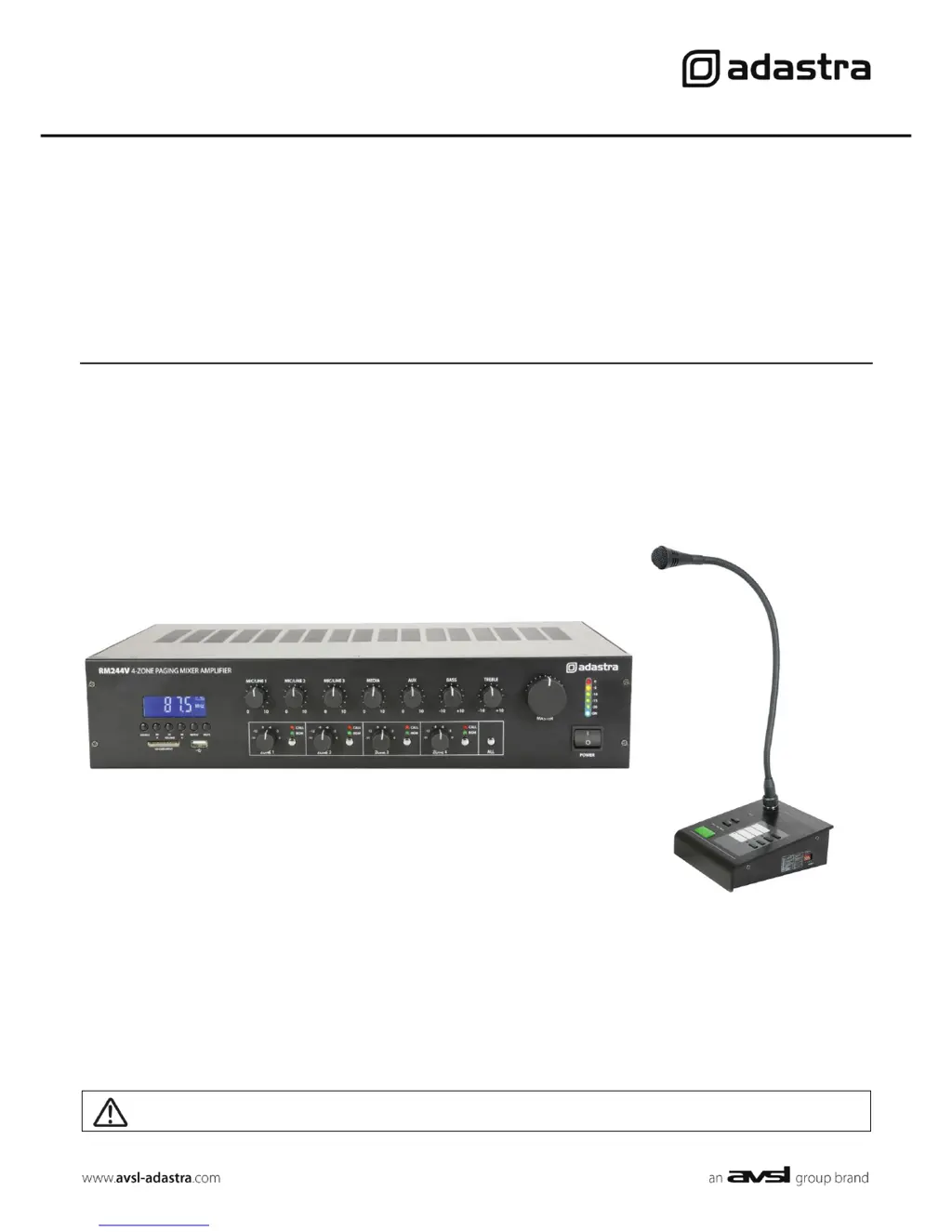
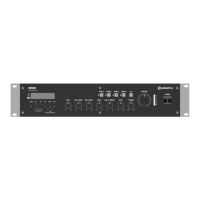
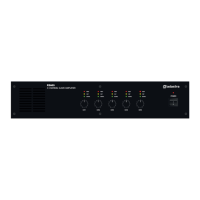
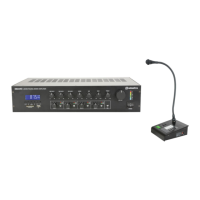
RM244V and CS4
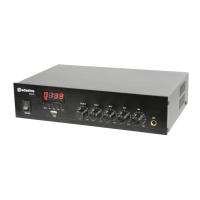
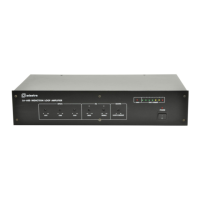
4 Output 100V Mixer-Amp and Call Station
Item ref: 953.144UK, 953.146UK
User Manual
Caution: Please read this manual carefully before operating
Damage caused by misuse is not covered by the warranty

Questions and Answers

  • S
    Selena WatersAug 17, 2025
    Why my Bluetooth cannot connect to Adastra Amplifier?
    • R
      Robert VillanuevaAug 17, 2025
      If your Bluetooth device isn't connecting to the Adastra Amplifier, first ensure that Bluetooth is enabled on the sending device and that it is within 5-10m range. Also, check that “adastra” is the connected device. If there are multiple “adastra” devices, check each in turn or rename the device on the sending device.
  • L
    Logan PerezAug 20, 2025
    What to do if Adastra RM244V output is very loud or distorted?
    • L
      Lauren MendozaAug 20, 2025
      If the output from your Adastra Amplifier is too loud or distorted, first check that the level of the input signal isn't too high. You can also reduce the Mic/Line, Aux, Media, and/or Master level. Additionally, ensure the Mic/Line DIP switch setting is correct for the input type (Mic or Line).
  • K
    Kerri RushAug 23, 2025
    How to fix no power LED on Adastra Amplifier?
    • B
      Bruce JonesAug 23, 2025
      If the power LED on the Adastra Amplifier control panel isn't lit, ensure the IEC lead is in good condition and properly connected. Also, make sure the POWER switch is on and check the mains inlet fuse.
  • Z
    zevansAug 26, 2025
    Why is my Adastra RM244V overheating?
    • R
      Rodney HumphreyAug 26, 2025
      If your Adastra Amplifier is overheating, make sure the cooling vents are free from dust and debris. Also, ensure that 4Ω or 8Ω speakers are not connected to the 100V terminals and that the total 100V speaker wattage is lower than the amplifier's rating.
  • M
    Ms. Kimberly Mann DDSAug 28, 2025
    What to do if Adastra RM244V output is working but at very low level?
    • R
      Robert HartAug 28, 2025
      If the output from your Adastra Amplifier is working but at a very low level, verify that the input audio source level isn't too low. You can increase the MIC, LINE IN, USB/SD, and/or Master level. Check the output level setting on any Bluetooth connected device and verify the recording level of media files on USB. Also, ensure the Mic/Line DIP switch setting matches the input type and that the Mic/Line 1 muting level isn't suppressing audio playback.
  • G
    gerald20Aug 30, 2025
    Why is there no audio from Bluetooth device on Adastra Amplifier?
    • D
      Donald VasquezAug 30, 2025
      If there's no audio from your Bluetooth device connected to the Adastra Amplifier, ensure that the volume controls are not turned down on the sending device. Also, check the volume and Play/Pause buttons in case Bluetooth is muted.
  • C
    csmithSep 1, 2025
    What to do if Adastra RM244V Amplifier's power LED is on but no other LEDs and no output?
    • A
      Anthony KingSep 1, 2025
      If the power LED is on but there are no other LEDs and no output from your Adastra Amplifier, check the input signals and the condition of the input connection leads. Also, ensure the Master, Mic/Line, Aux, or Media level controls are turned up.
  • S
    Sarah WestSep 4, 2025
    How to fix USB/SD player if it will not play audio from media on Adastra RM244V Amplifier?
    • W
      William SerranoSep 4, 2025
      If the USB/SD player on your Adastra Amplifier won't play audio, press PLAY on the transport controls. Check that the memory device is properly connected by removing and re-inserting it. Ensure that the files are standard compressed digital audio files and that the memory device works on a PC or Mac for standard playback.
  • N
    Nathaniel EatonSep 6, 2025
    What to do if Adastra RM244V Amplifier's power light and output LEDs lighting but no output?
    • M
      mcgrathmelissaSep 7, 2025
      If the power light and output LEDs are lighting but there's no output from your Adastra Amplifier, check that the speaker output terminals are connected correctly. Also, check that the speakers are working by testing them on another amplifier if available.
  • C
    Chad GillSep 9, 2025
    How to stop feedback from microphone on Adastra Amplifier?
    • R
      Robert DoyleSep 9, 2025
      To reduce feedback from the microphone when using the Adastra Amplifier, face the microphone away from speakers and monitors. Additionally, turn down the Mic/Line and/or Master level.

Summary

Safety Symbol Conventions

Caution;Avis Symbol Descriptions

Explanations for 'Risk of Electric Shock' and 'Operating Instructions' symbols.

General Warnings

Product Warnings

Precautions against fire, electric shock, liquid spills, impact, and pressure.

Safety Precautions

Electrical and Connection Safety

Guidelines for mains voltage, speaker wire, output limits, and foreign objects.

Placement Guidelines

Connection and Setup

DIP Switch Configuration

Mic;Line Input DIP Switches

Configuring DIP switches for phantom power and input level (Mic or Line).

Speaker Outputs

Connecting 100 V Speakers

How to connect speakers to the 4 separate 100V outputs and parallel connection methods.

Emergency 24 V Contacts

Fire Alarm Integration

Connecting 24V trigger for fire alarm panels to mute zones except CS4 stations.

CS4 Call Station Connection

Operation

Zone Outputs

Bluetooth Connectivity

CS4 Operation

CS4 Specifications

RM244 V Specifications

RM244 V Technical Specifications

Detailed specifications for the RM244V amplifier, including power, inputs, outputs, and dimensions.

Troubleshooting

No Power or LED Issues

Troubleshooting steps for issues with control panel power or LEDs.

No Output or Low Output Issues

Diagnosing problems like no output, or output at very low level.

Microphone & CS4 Issues

Addressing no microphone output, feedback, CS4 connection problems, and phantom power.

Amplifier Overheating

Causes and solutions for amplifier overheating, including speaker load and vents.

Adastra RM244V Specifications

General IconGeneral
BrandAdastra
ModelRM244V
CategoryAmplifier
LanguageEnglish

Related product manuals