RM244V & CS4 User Manual
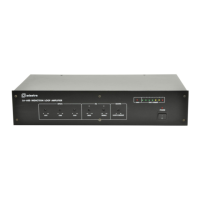
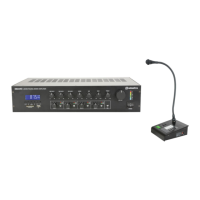
CS4 Call Station
CS4 Operation
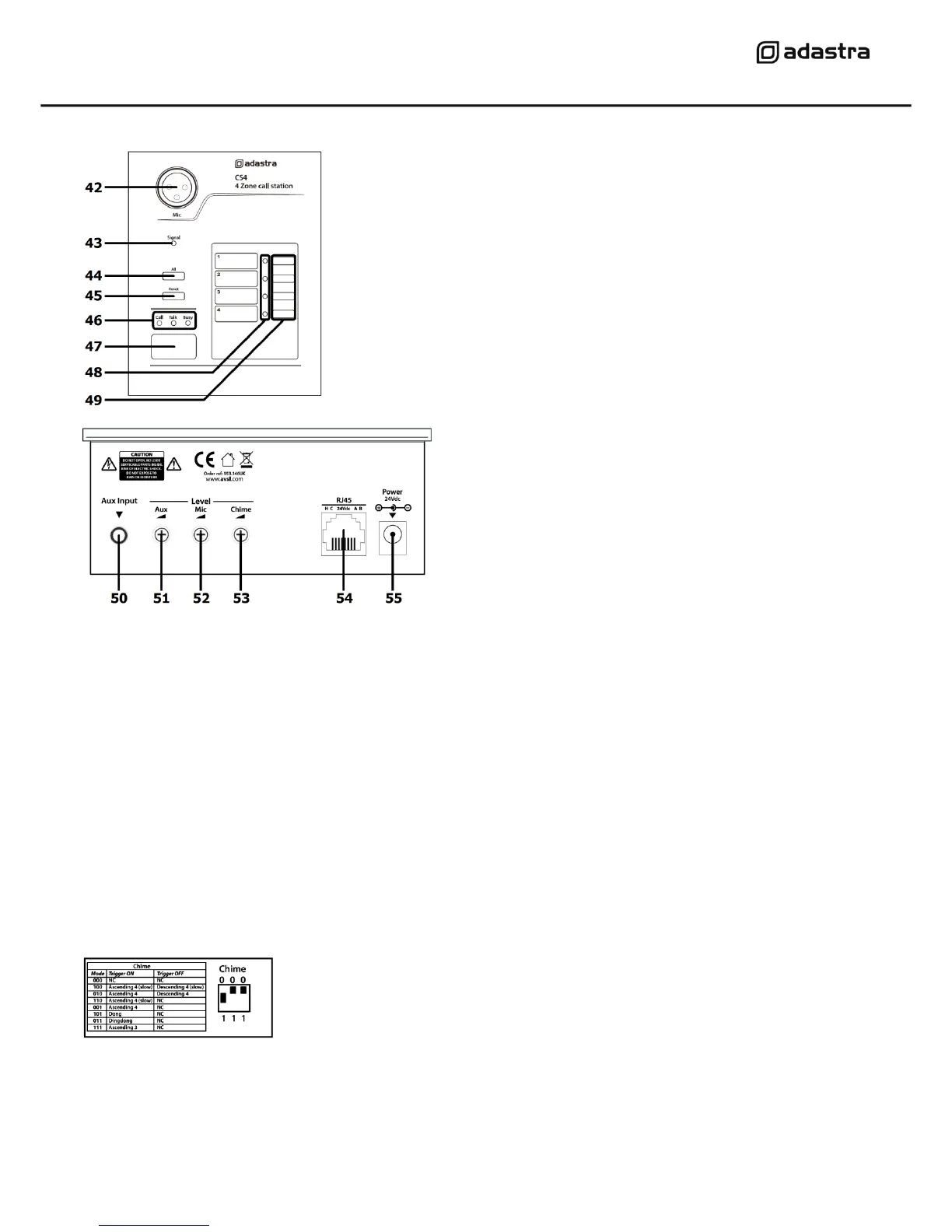
Select which zones are to be paged using the Zone Select buttons (49) or All Zones button (44)
Zone Select indicators (48) will light for the zones that are “armed”.
Pressing the Reset button (45) removes all zone selections.
When one or more zones are armed, pressing the Page button (47) will mute the media player
(background music) to all zones and activate the chime (if a chime setting is selected – see below)
The CS4 microphone will be activated and any speech/audio will cause the Signal LED (43) to light.
Announcements into the CS4 microphone will be heard in the selected zones only.
Pressing the Page button again will deactivate the microphone and all zones will be reset back to
BGM after a few seconds.
Chime function
The CS4 has a programmable chime function, which is set by DIP switches
on the side of the base unit. The chart printed next to the DIP switches
shows the chime setting variations.
The Chime level and Microphone level are adjusted via miniature rotary controls (52,53) on the rear
of the CS4 base unit. Next to these is a level control (51) for a local Aux input, which allows
connection of a stereo line input (e.g. smart phone or laptop) to a 3.5mm jack on the left side (50).


 To Next Page