EasyManua.ls Logo

Adastra UM60 - User Manual

Adastra UM60
8 pages
Print Icon
To Next Page IconTo Next Page
Loading...
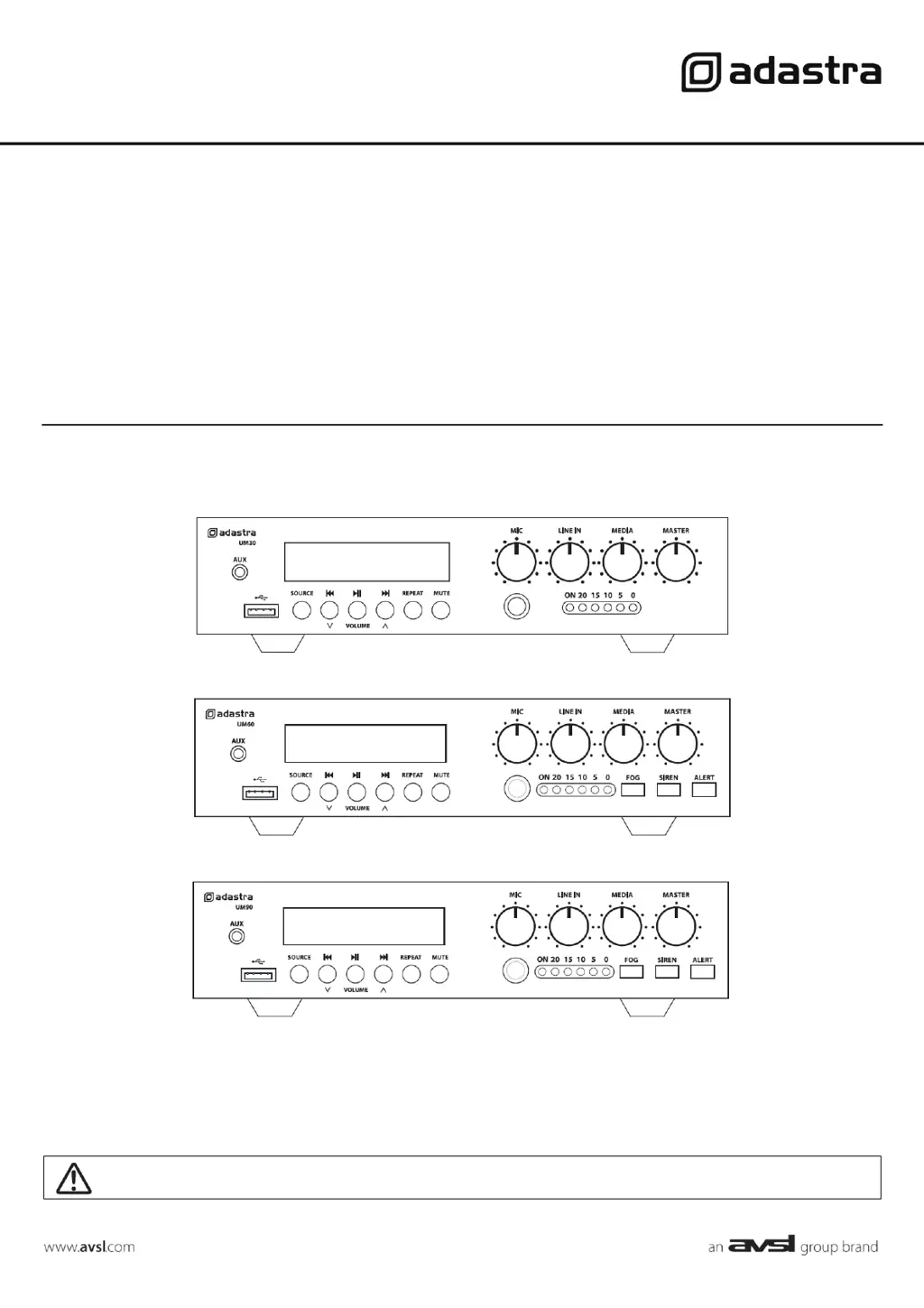
UM-series
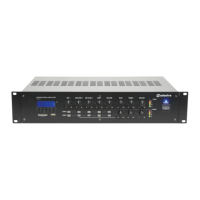
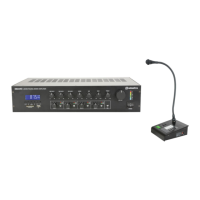
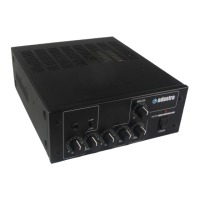
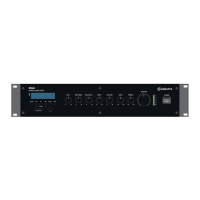
Compact 100V mixer-amplifiers
Item ref: UM30 953.173UK
UM60 953.176UK
UM90 953.179UK
User Manual
Version 1.1
Caution: Please read this manual carefully before operating
Damage caused by misuse is not covered by the warranty

Questions and Answers

  • R
    Rebecca PierceSep 8, 2025
    Why is my Adastra UM60 Amplifier overheating or cutting out?
    • J
      Joseph HernandezSep 9, 2025
      If the Adastra Amplifier is overheating or cutting out, check that 8Ω speakers are not connected to 100V terminals. Ensure the total 100V speaker wattage is lower than the amplifier rating and that 100V and 8Ω speakers are not both connected.
  • D
    Danielle OrrAug 23, 2025
    What to do if Bluetooth cannot connect to Adastra UM60?
    • R
      ronaldcastilloAug 23, 2025
      If you're having trouble connecting a Bluetooth device to your Adastra Amplifier, make sure the sending device is within the Bluetooth range (5-10m). Also, verify that the connected device is the correct ID.
  • R
    rrodriguezAug 25, 2025
    What to do if Adastra UM60 is overheating or cutting out?
    • C
      Cody WilliamsAug 25, 2025
      If your Adastra Amplifier is overheating or cutting out, check that 8Ω speakers are not connected to the 100V terminals. Make sure the total 100V speaker wattage is lower than the amplifier's rating. Also, ensure that 100V and 8Ω speakers are not both connected simultaneously.
  • B
    Brent ThompsonAug 26, 2025
    How to fix microphone feedback from Adastra Amplifier?
    • S
      Stephen ShepherdAug 26, 2025
      To reduce feedback from the microphone when using your Adastra Amplifier: Face the microphone away from the speakers and monitors. Additionally, turn down the MIC and/or MASTER level.
  • G
    gregory31Aug 27, 2025
    What to do if there is no audio from connected Bluetooth device on Adastra UM60?
    • N
      Nancy ParksAug 27, 2025
      If you're not getting any audio from a Bluetooth device connected to your Adastra Amplifier, first ensure that the volume controls are not turned down on the sending device. Also, check the volume and Play/Pause buttons to ensure Bluetooth is not muted.
  • A
    Aaron JohnsonSep 22, 2025
    How to troubleshoot no power LED on the control panel of Adastra Amplifier?
    • P
      Paul RitterSep 22, 2025
      If there is no power LED on the control panel of your Adastra Amplifier, ensure the IEC lead, mains switch, and inlet fuse are properly connected and functional. If you're using a 24Vdc power input, check that the battery is charged.
  • W
    william99Sep 16, 2025
    What to do if power LED is on but no other LEDs and no output on Adastra UM60 Amplifier?
    • B
      Brittany MurraySep 16, 2025
      If the power LED is on but no other LEDs and no output on your Adastra Amplifier, check the input signals and the condition of the input connection leads. Also, check that the MASTER, MIC, LINE IN, or MEDIA controls are turned up.
  • A
    Andrea FosterSep 18, 2025
    Why are power light and output LEDs lighting but no output on my Adastra UM60 Amplifier?
    • A
      Angela JimenezSep 18, 2025
      If the power light and output LEDs are lighting but there is no output from your Adastra Amplifier, check that the speaker output terminals are connected correctly. Also, check that the speakers are working by testing them on another amp if available.
  • O
    Olivia MartinezSep 7, 2025
    What to do if my Bluetooth cannot connect to Adastra UM60?
    • W
      wilcoxjenniferSep 7, 2025
      To troubleshoot Bluetooth connectivity issues with your Adastra Amplifier, first, ensure the sending device is within the Bluetooth range (5-10m). If it's in range, check that the connected device is the correct ID.
  • J
    Jesse BrownSep 4, 2025
    How to fix no power LED on Adastra UM60 control panel?
    • J
      Joseph BowenSep 4, 2025
      If there is no power LED on the control panel of your Adastra Amplifier, ensure the IEC lead, mains switch, and inlet fuse are properly connected and functional. If you're using a 12Vdc power input, check that the battery is charged.

Adastra UM60 Specifications

General IconGeneral
BrandAdastra
ModelUM60
CategoryAmplifier
LanguageEnglish

Related product manuals