953.108UK User Manual
Specifications
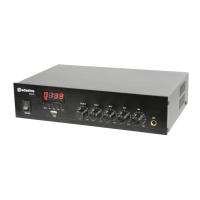
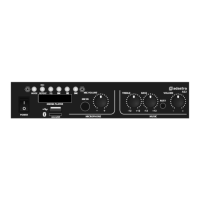
USB player, FM tuner and Bluetooth receiver
Treble, Bass, MP3, Aux, Mic
COM, 100V and 4-16 Ohms (spring terminals)
Ensure IEC lead is in good condition and connected properly
Ensure POWER switch is on
LED display is lit but no output
Check input signals and condition of input connection leads
Check level controls are turned up
Check file type on USB or connection via Bluetooth is OK
Check speaker output terminals are connected correctly
Check speakers are working (test on another amp if available)
USB player will not play audio
from media
Press PLAY on transport controls
Check memory device is connected properly (remove and re-insert)
Check file types – standard mp3 files are required
Check memory device works on a PC or Mac for standard playback
No connection via Bluetooth
Check that the sending device is connected to the correct “MP3A” ID
Check the volume output level of the sending device
Output is very loud or distorted
Check level of input signal is not too high
Reduce MIC, LINE IN, USB/SD and/or MASTER level
Ensure Hi-Z line level input(s) not connected via MIC input
Output is working but at very
low level
Check input audio source level is not too low
Increase MIC, LINE IN, USB/SD and/or MASTER level
Check for quiet recording of media files on USB
Face microphone away from speakers and monitors
Turn down MIC and/or MASTER level
Ensure cooling vents are clear from debris and dust
Check that 4Ω or 8Ω speakers are not connected to 100V terminals
Ensure total 100V speaker wattage is lower than amplifier rating
Ensure that 100V and 8Ω speakers are not both connected
Ensure that total load connected to 8Ω output is not less than 8Ω


 To Next Page