61
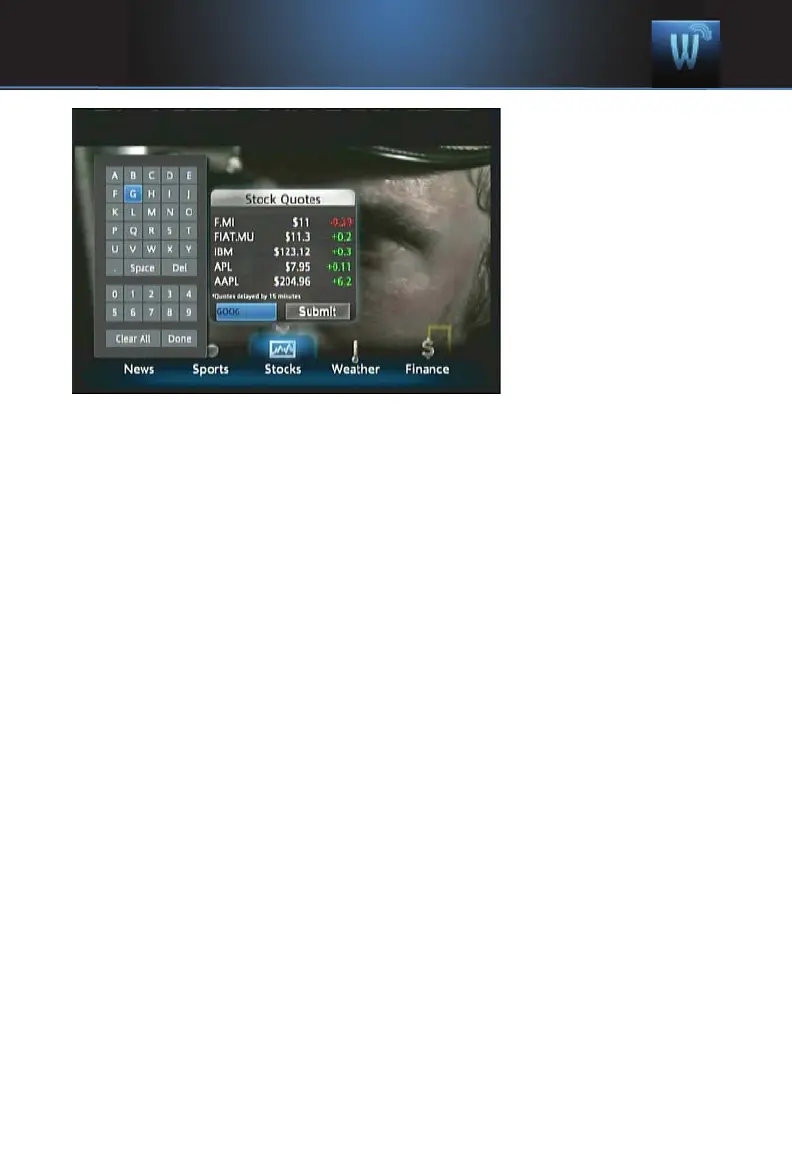
Step 2: Bring up the
Keypad
To get to the keypad,
you will use the Arrow
Keys to highlight the
white text box then
press OK on the
remote. The keypad
will appear.
Step 3: Using the
Keypad
Using the Arrow
Keys, select a letter, then press OK. Repeat this until you’re done entering
the stock ticker symbol, then select Done and press OK. The keypad will
disappear and return you to the Stock Quotes window.
Step 4: Acquire Stock Quotes
Using the Arrow Keys, select Submit. The Stock Quotes window will
refresh with the newest stock quote listed at the bottom.
14 Widgets



 To Next Page