21
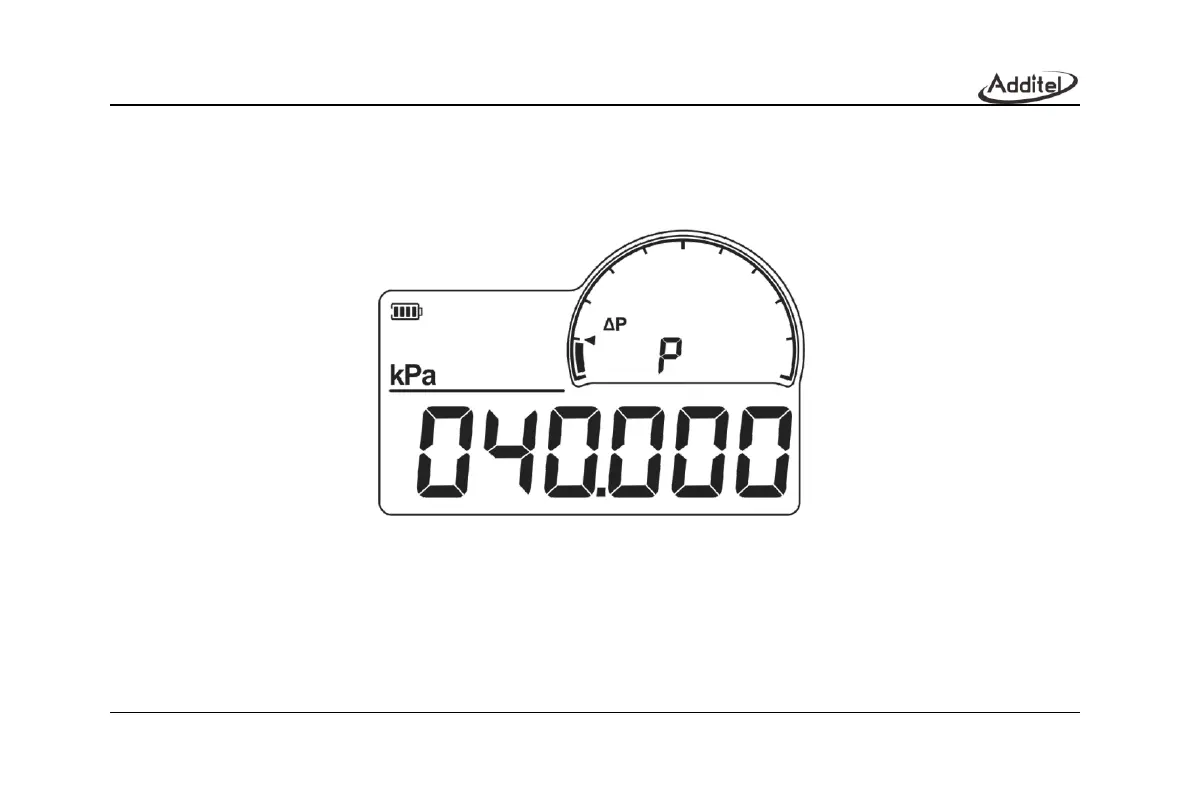
2. After the pressure leak test is completed, as shown in Figure 13, the P logo appears in sub display area, and the
pressure difference value is displayed in the main display area. When it ends, short press the Down or Right button
to switch and display the initial pressure value P1 as shown in Figure 14, the end pressure value P2 as shown in
Figure 15, and the pressure difference value is P.
Figure 13Leak test completed



 To Next Page