33
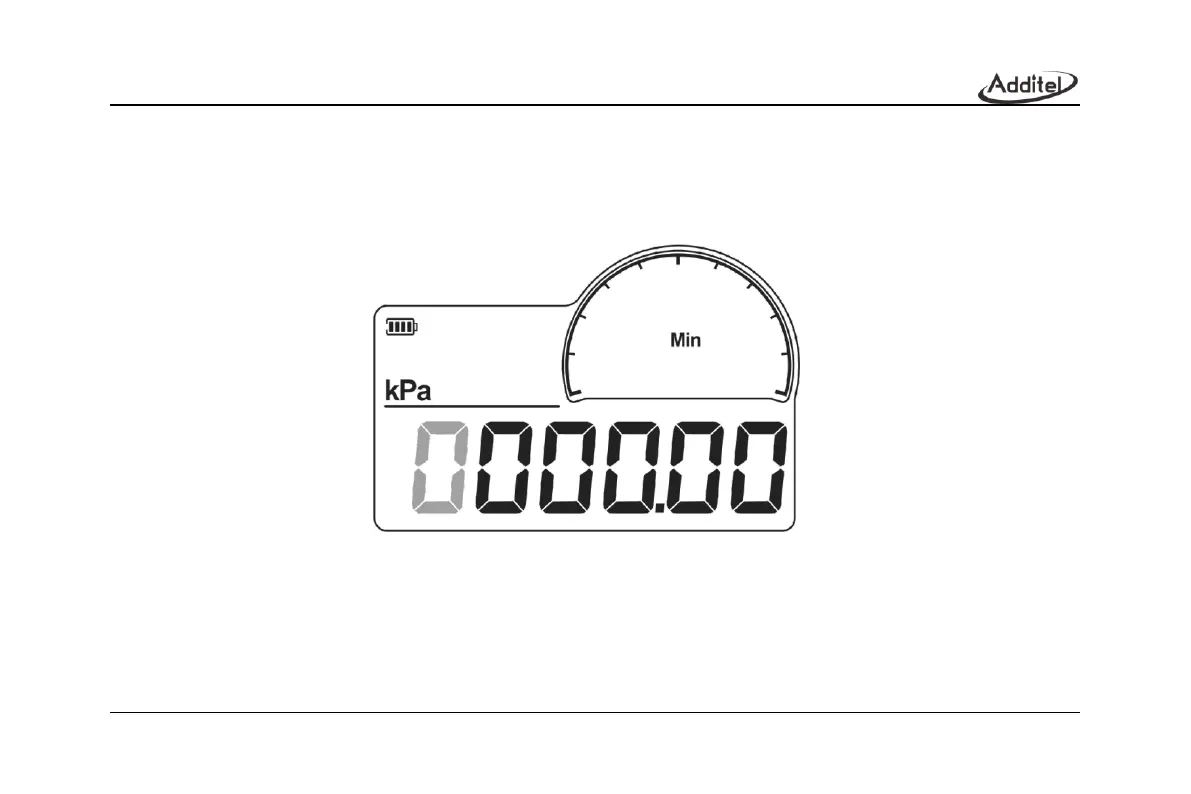
1. Display the lower limit calibration point, as shown in Figure 21, the identifier area displays Min to indicate the lower
limit of calibration. The main display area displays the calibration point being edited, and the focus position will flash. Short
press Right button to move the focus position, short press Down button to adjust the value, short press Enter button to
confirm the current calibration point and go to lower limit display.
Figure 21 Lower limit calibration point



 To Next Page