page 40 IRIS-4 Technical Reference Manual.docx 12/01/2023
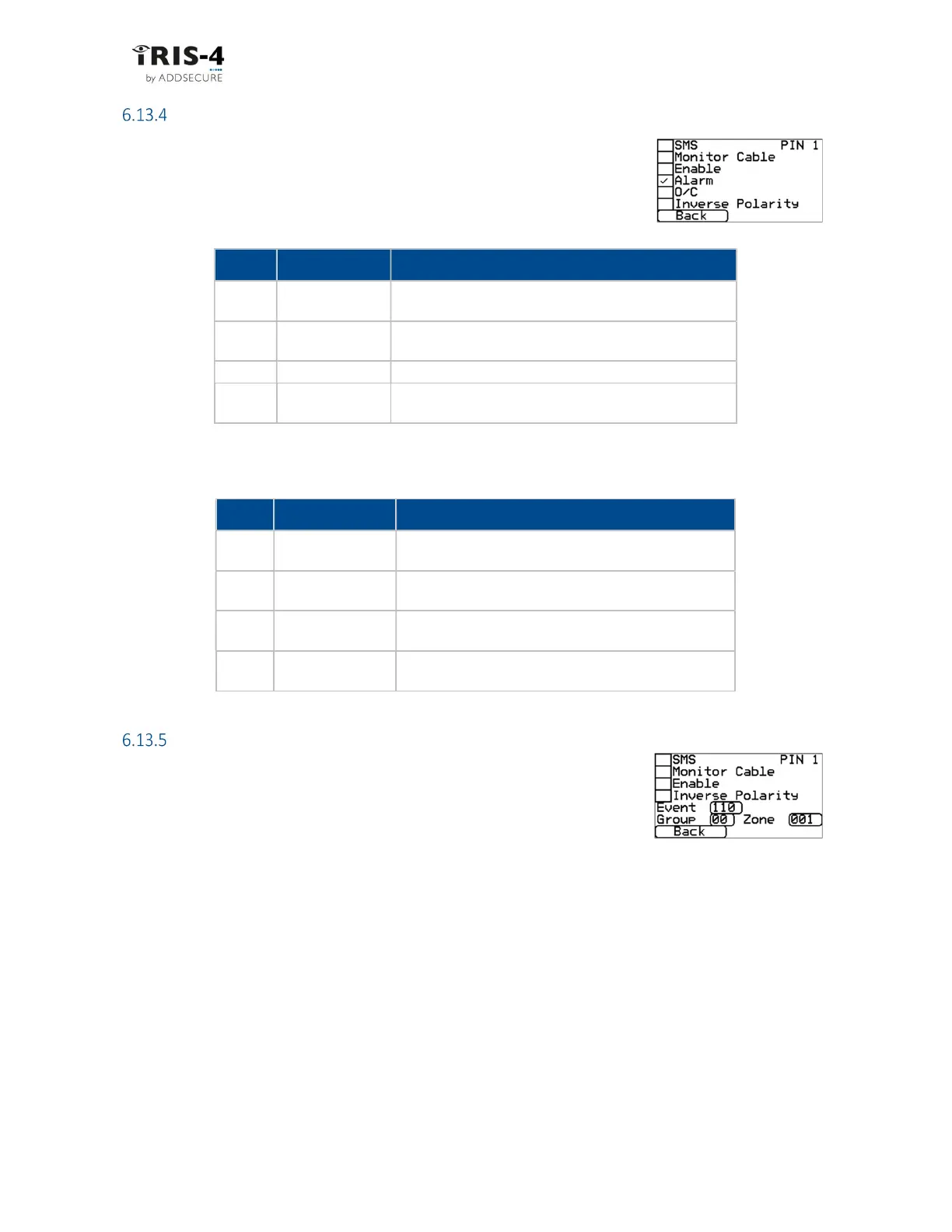
Alarm format FF
Selecting FF for the inputs means that the inputs will send a specific Scancom FF
alarm protocol message on the event and restore for that input.
6.13.4.1 Alarm
This sets the input to be an alarm triggered by an input.
6.13.4.2 O/C (open/close)
This option sets the input to be an O/C input.
Signal
Event Type
Description
2 New opening
The alarm triggering input is active, the intruder alarm
system has been unset.
4 New closing
The alarm triggering input is quiescent, the intruder
alarm system has been set.
5 Premises closed
The alarm triggering input is quiescent, and it has been
reported.
6 Premises open
The alarm triggering input is active, and it has been
reported.
Alarm format CID
This setting means that the pin inputs will cause a specific Ademco® Contact ID
format alarm protocol message to be sent. This message includes an event
code, a zone number and a group number.
6.13.5.1 Event
Here you can input the 3-digit event code for this input, e.g., 110 = Fire.
To determine which event code is to be used, refer to the digital communication standard "Ademco®
Contact ID Protocol - for Alarm System Communications SIA DC-05-1999.09"
6.13.5.2 Group
Here you can input your pre-defined 2-digit group or partition number.
Use the value 00 if no specific group or partition information applies.
6.13.5.3 Zone
Here you can input your pre-defined 3-digit zone number (event reports) or user number (Open / Close
reports). Use the value 000 if no specific zone or user information applies.
Signal
Event Type
Description
1 New alarm
The alarm triggering input is active and has not yet
been reported.
3 New restore
The alarm triggering input has returned to its quiescent
state from the alarm state.
5 Not in alarm The alarm triggering input is quiescent.
6 In alarm
The alarm triggering input is active and has been
reported.



 To Next Page