page 54 IRIS-4 Technical Reference Manual.docx 12/01/2023
9 Trouble reporting and test
9.1 Trouble report
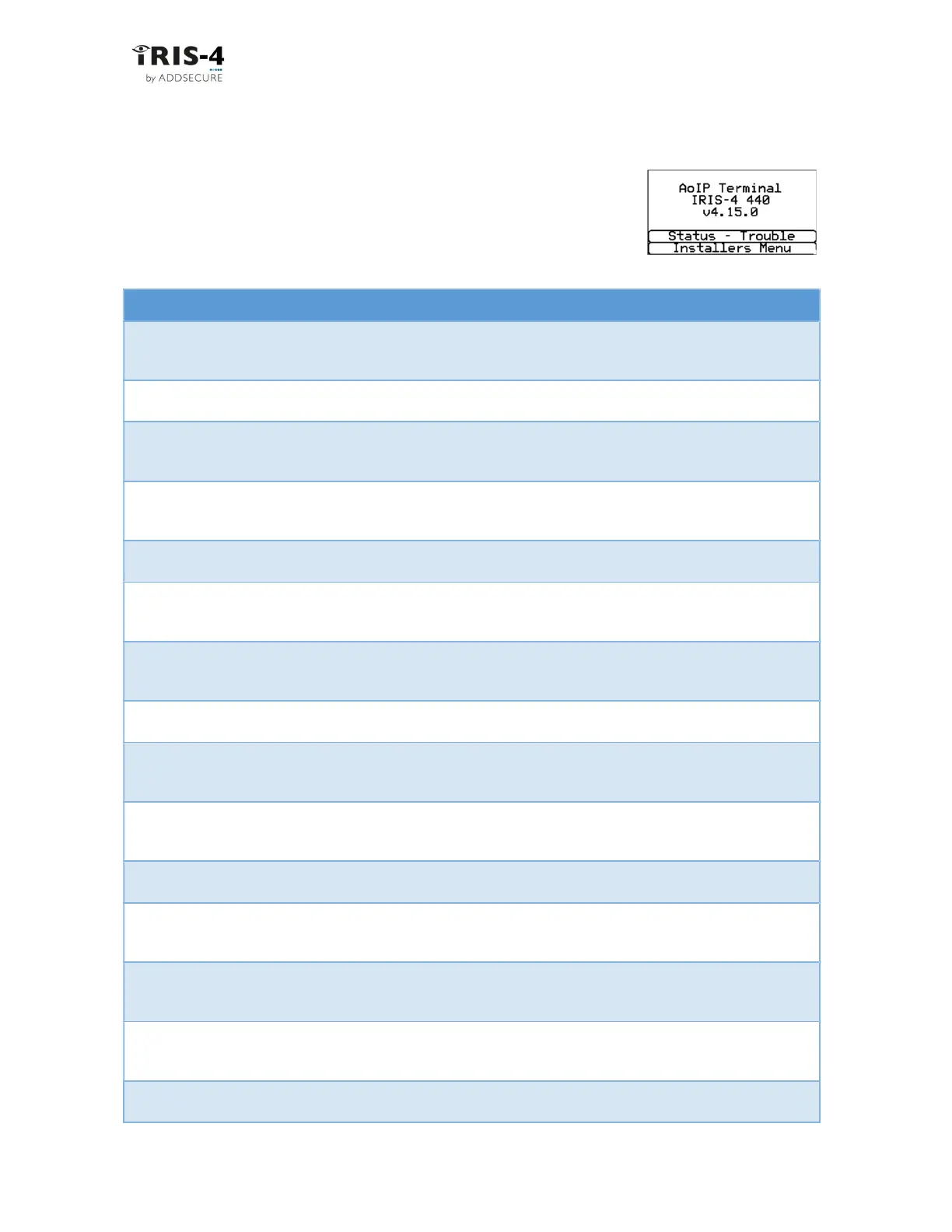
If there are problems with the terminal installation, these will be shown under
the option “Status - Trouble” on the welcome screen as trouble reports. This
chapter explains the possible trouble reports that can be displayed.
Trouble Report Explanation
Ethernet disconnected Not connected to the Ethernet network.
Action: check the Ethernet cable and cabling all the way through to the other
end (Router / Switch).
Wi-Fi disconnected Not connected to the Wi-Fi network.
Action: check that the Wi-Fi router is working satisfactorily.
Ethernet polling fail Unable to poll via the Ethernet network to the ARC’s ISA receiver system.
Action: check ARC IP address, confirm Ethernet router external WAN connection
and firewall setup.
Wi-Fi polling fail Unable to poll via the Wi-Fi network to the ARC’s ISA system.
Action: check the Wi-Fi router is working satisfactorily and that it connects to
the Internet.
PSTN not connected Not connected to the PSTN network.
Action: check all the connections in the PSTN wiring.
Not registered Not able to register to the cellular network which normally means the SIM card
has been disabled.
Action: check with SIM provider.
2/3/4G Polling fail Unable to Poll via the cellular network to the ARC’s ISA receiver system
Action: check ARC IP address, SIM card is enabled for cellular machine-to-
machine data (M2M) and Access Point Name (APN) is correct.
SIM card not fitted SIM card not being seen in the IRIS-4 4xx unit
Action: check that the SIM card is correctly fitted, and that the connection is OK.
SIM pin number required SIM card has been setup for a Pin number and no SIM PIN entered in
configuration
Action: Confirm the correct SIM PIN with the SIM provider and enter.
SIM Pin number error Current SIM PIN entered in the configuration is invalid
Action: confirm correct SIM PIN with SIM provider and confirm entered
correctly.
Poll failed The terminal cannot poll over any path
Action: check correct ARC IP address entered, and communication paths setup.
Pin Fault on pin** Indicates that the terminal has been set to monitor for tampers and is in an
open or short circuit tamper condition.
Action: check cable/resistors connections.
Fault on serial port The terminal is setup to monitor serial but is seeing no activity on the serial
connection
Action: check setup of the terminal / panel and physical connection.
Fault on dial port The dial port is showing a fault, either open or short circuit.
Action: check that the 18K sense resistor is correctly fitted across the two-wire
connection to the alarm panel.
Fault on RS485 The RS485 connection is not working satisfactorily.
Action: check the RS485 connection to the panel.



 To Next Page