6.5. Processing controls robotic arm to write and
draw
Function introduction:
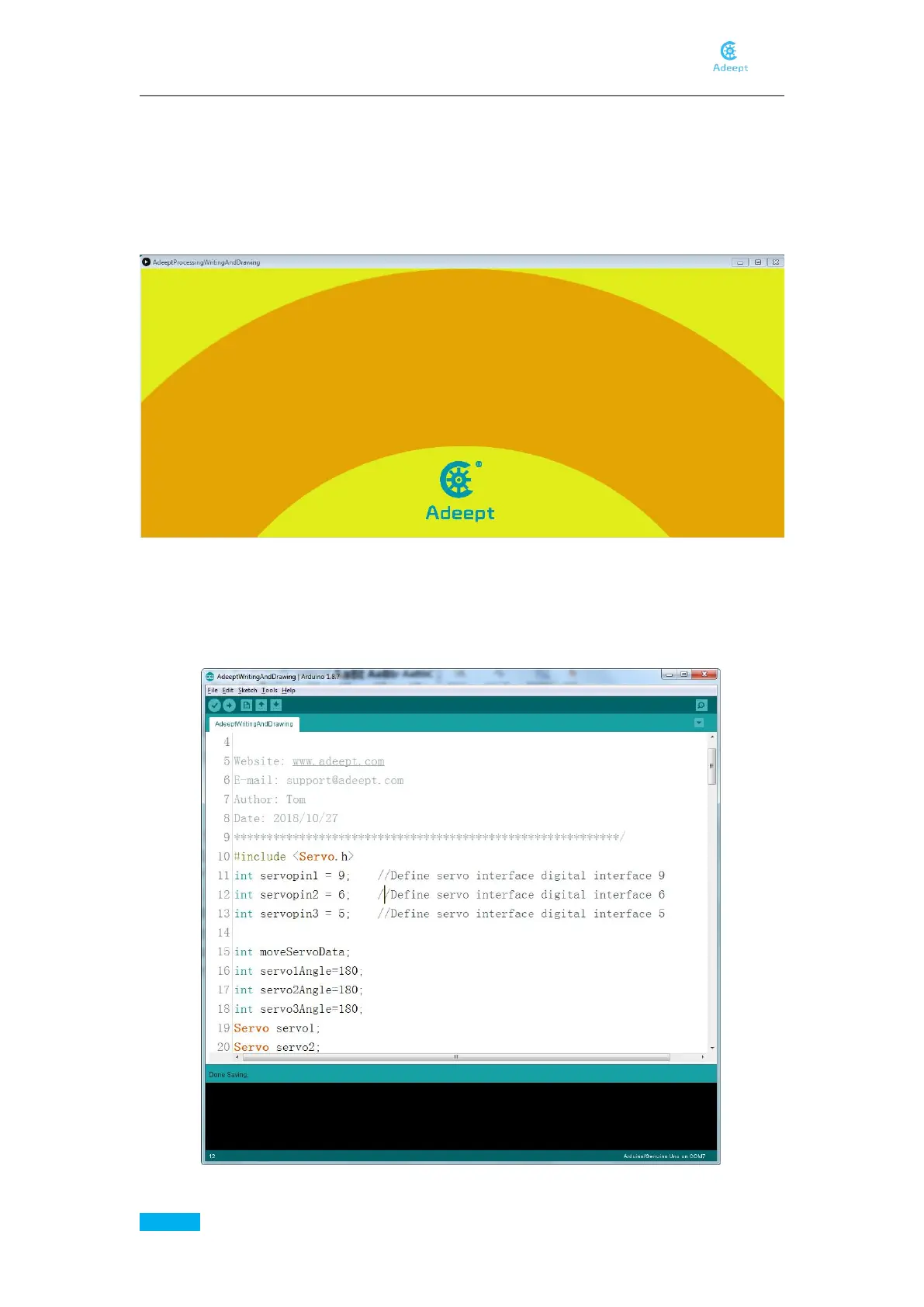
The control interface of Processing is as shown below:
Draw or write in the yellow area with the mouse, you will see that the robotic arm paints what
we depict on the control panel on the paper. Note that due to errors in the servo, etc., the
content depicted by the arm will be slightly biased.
Operating steps:
Open AdeeptWritingAndDrawing.ino, the following interface will appear.
Connect the robotic arm to the computer.



 To Next Page