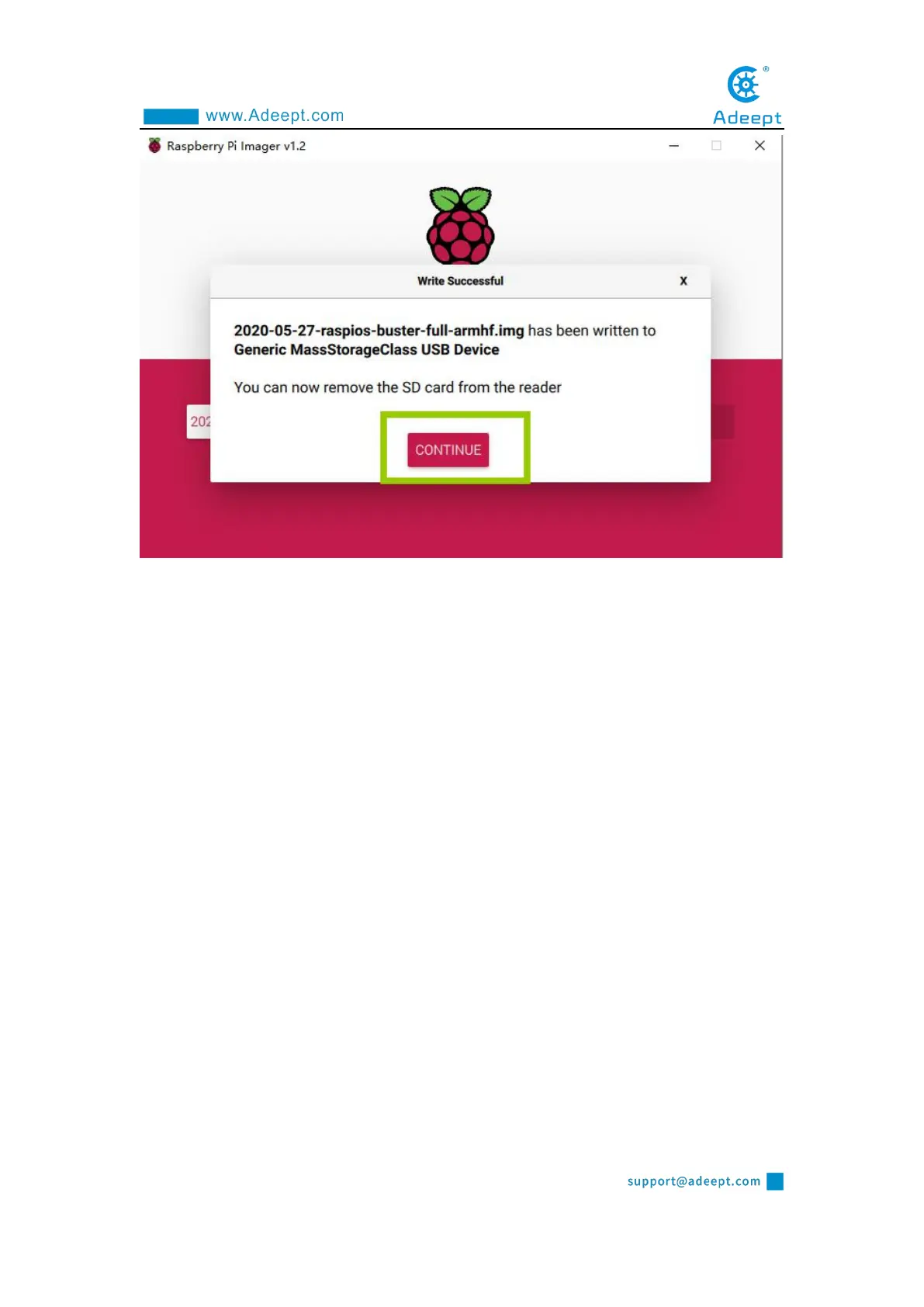
【Pay Attention】
Don't remove the SD card after burning! After the Raspberry Pi Imager is burned,
the memory card will be ejected in the program. This will cause the subsequent copy
operation to prompt that the SD card has not been found. You can unplug the card
reader from the computer and then plug it into the computer again.It is necessary to
configure SSH and WIFI connection later. At this time, once the SD card is put into
the Raspberry Pi to boot, it may cause subsequent headless WIFI configuration
failure.
1.4 Starting the Raspberry Pi SSH service
SSH is a protocol designed to provide security for remote login sessions and other
network services. Through the SSH service, you can remotely use the command line
of the Raspberry Pi on another machine. In the subsequent operations and the process
of using the Raspberry Pi, you can control the Raspberry Pi through another machine
in the same local area network without connecting the mouse, keyboard and monitor



 To Next Page