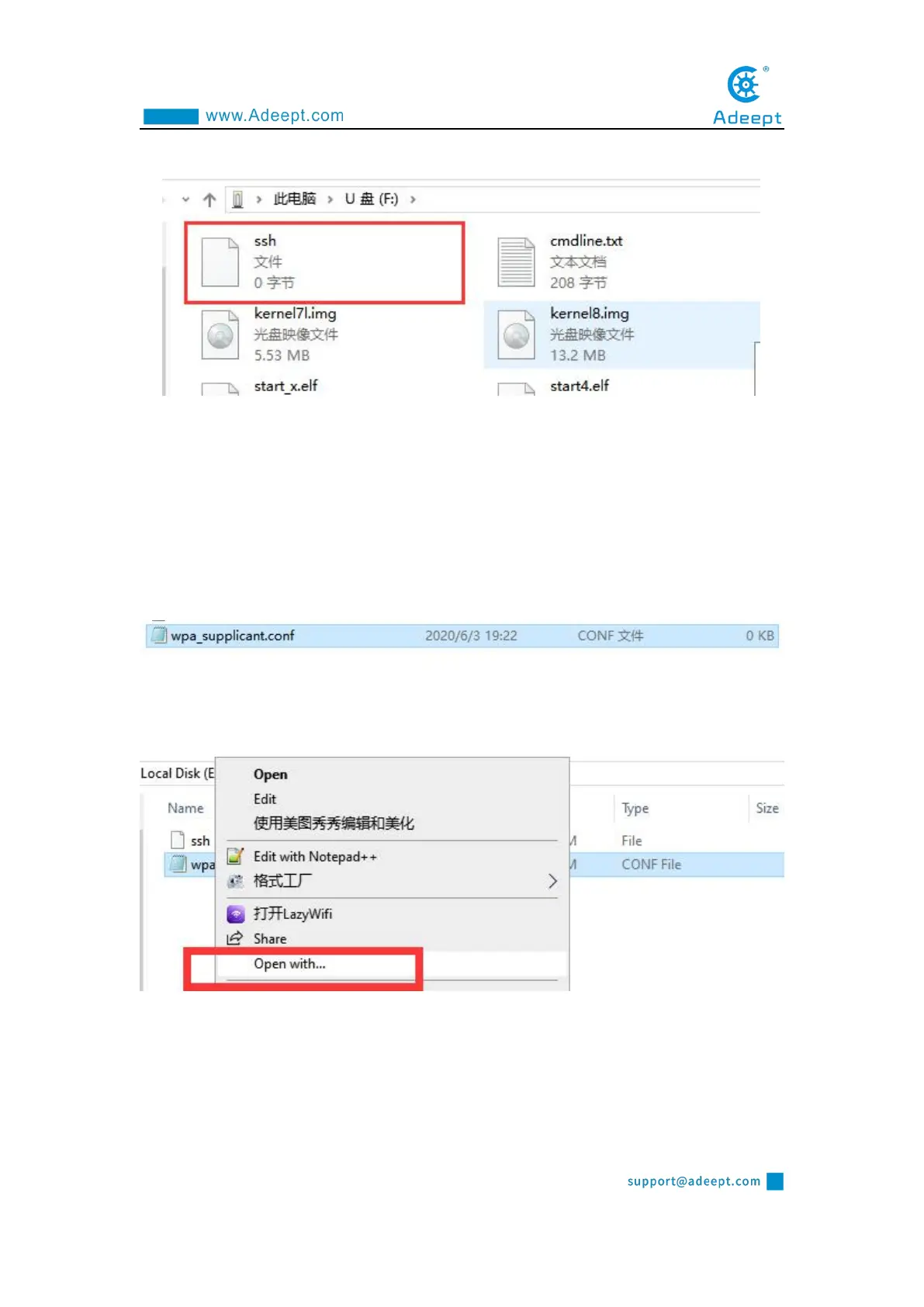
above operations. Copy the ssh file to the Raspberry Pi as shown below:
1.5 Setting up Raspberry Pi WIFI wireless connection
Next, we also need to set up a WIFI wireless connection for the Raspberry Pi.
(1) Create a new file named wpa_supplicant.conf in the root directory of the D
driver of the computer.
(2) Click to select the wpa_supplicant.conf file, right-click the mouse, and select
"Open Mode (H)".
(3) Select "Notepad" to open it.



 To Next Page