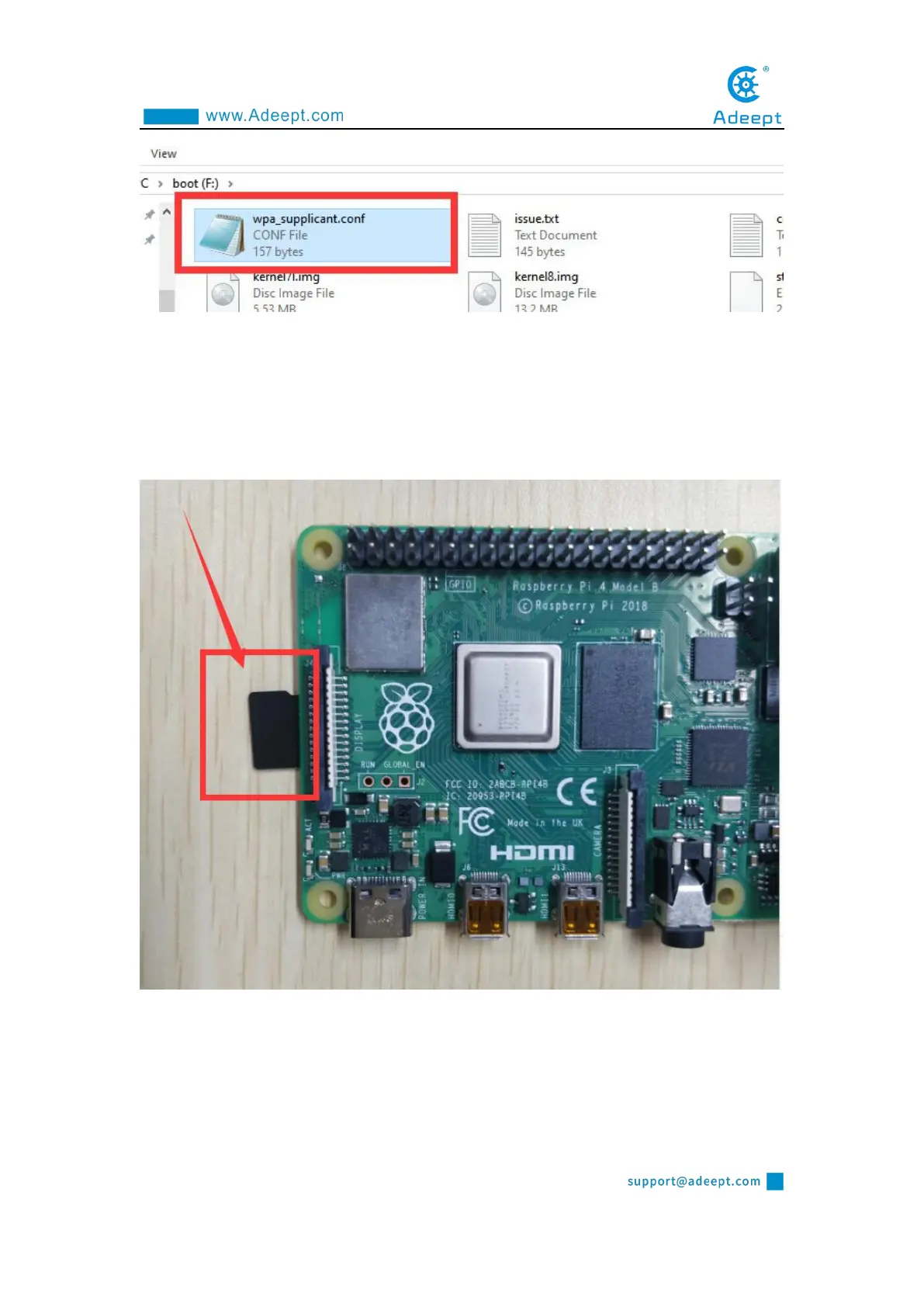
(6) Now we can take out the SD card and put it into the "MICRO SD CARD"
card slot on the Raspberry Pi development board, and use the Type-C data cable to
supply power to the Raspberry Pi. And then the Raspberry Pi will start up and
run.
1.6 Remotely logging in to the Raspberry Pi system
1.6.1 Obtaining the IP address of the Raspberry Pi



 To Next Page