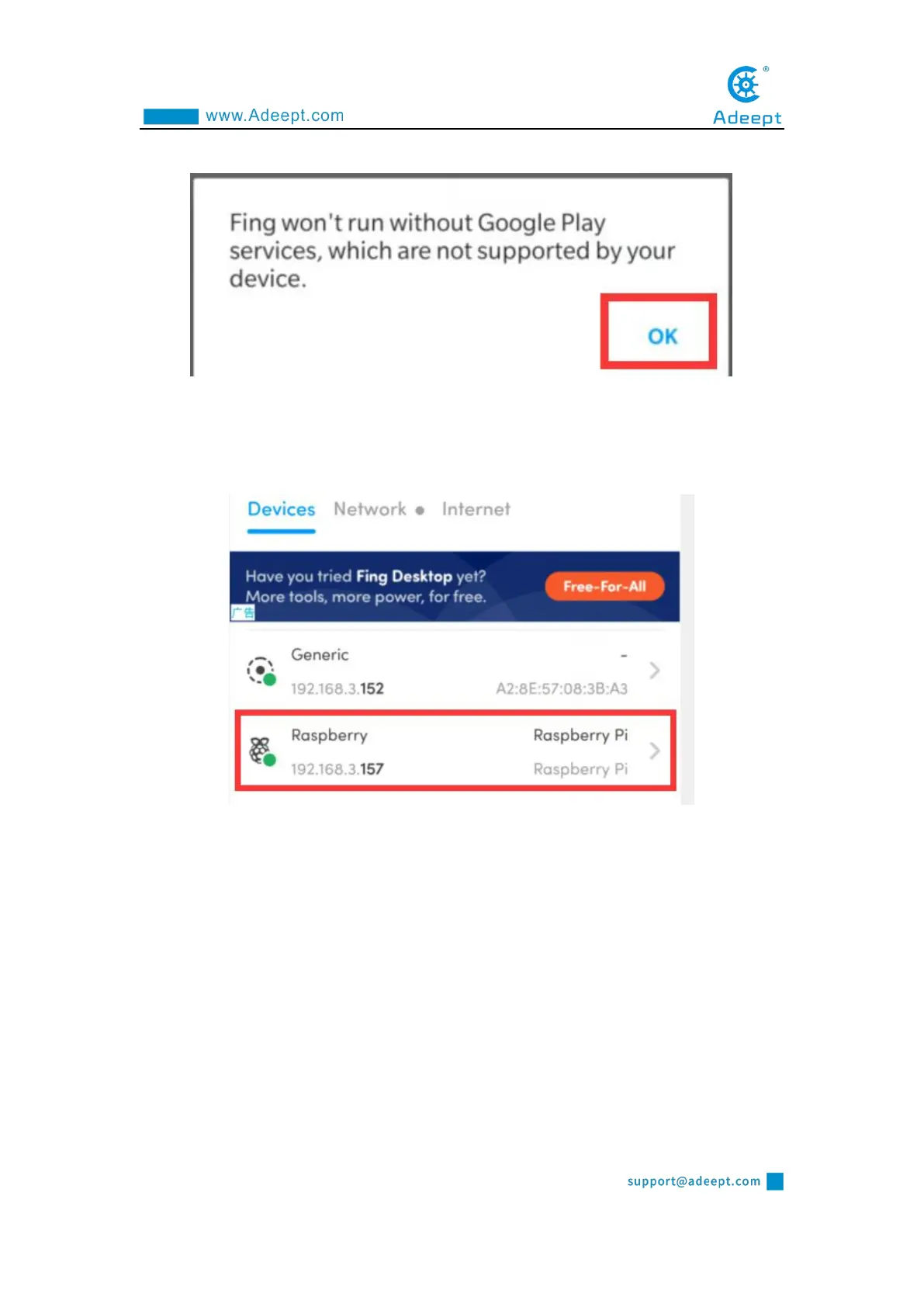
Click OK:
3. Wait for the scan to complete. In the list, you find a device named "Raspberry
Pi". In the lower left corner, you will see the IP address of the Raspberry Pi:
192.168.3.157. You need to write down this IP address.
1.6.2 Remotely logging in to the Raspberry Pi system
This course recommends two kinds of software for SSH login to Raspberry Pi. In
actual use, you only need to download one. LInux or Mac OS comes with SSH
function, you can log in to the Raspberry Pi remotely with the terminal without
downloading software.



 To Next Page