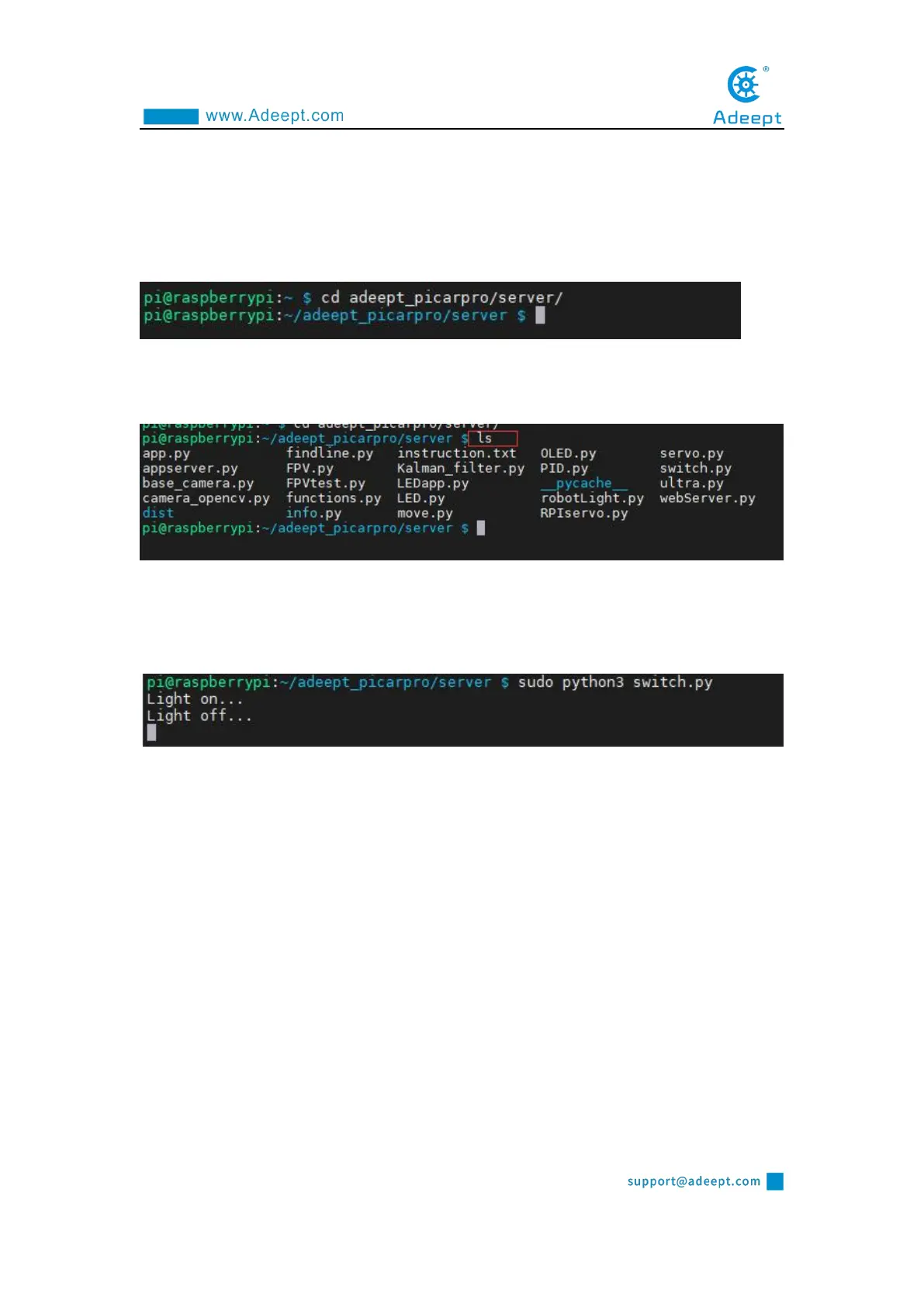
2. Run the command to enter the picarpro/server folder. This folder stores the
sample code program for controlling the robot. Enter the following command and
press Enter:
cd adeept_picarpro/server
3. Enter the command to view the contents of the current directory:
ls
4. switch.py is a python program, you can run this program on the Raspberry Pi
by directly typing the following commands:
sudo python3 switch.py
5. After successfully running the program, you will observe that the small warm
LED light will be on for 1 second and be off for 1 second. When you want to
terminate the running program, you can press the shortcut key "Ctrl + C" on the
keyboard.
3.4.2 Viewing the main code program of this lesson
Enter the program to edit the code, we provide two solutions:
Option One:
1. By running the command, press Enter and enter the edit:
sudo nano switch.py



 To Next Page