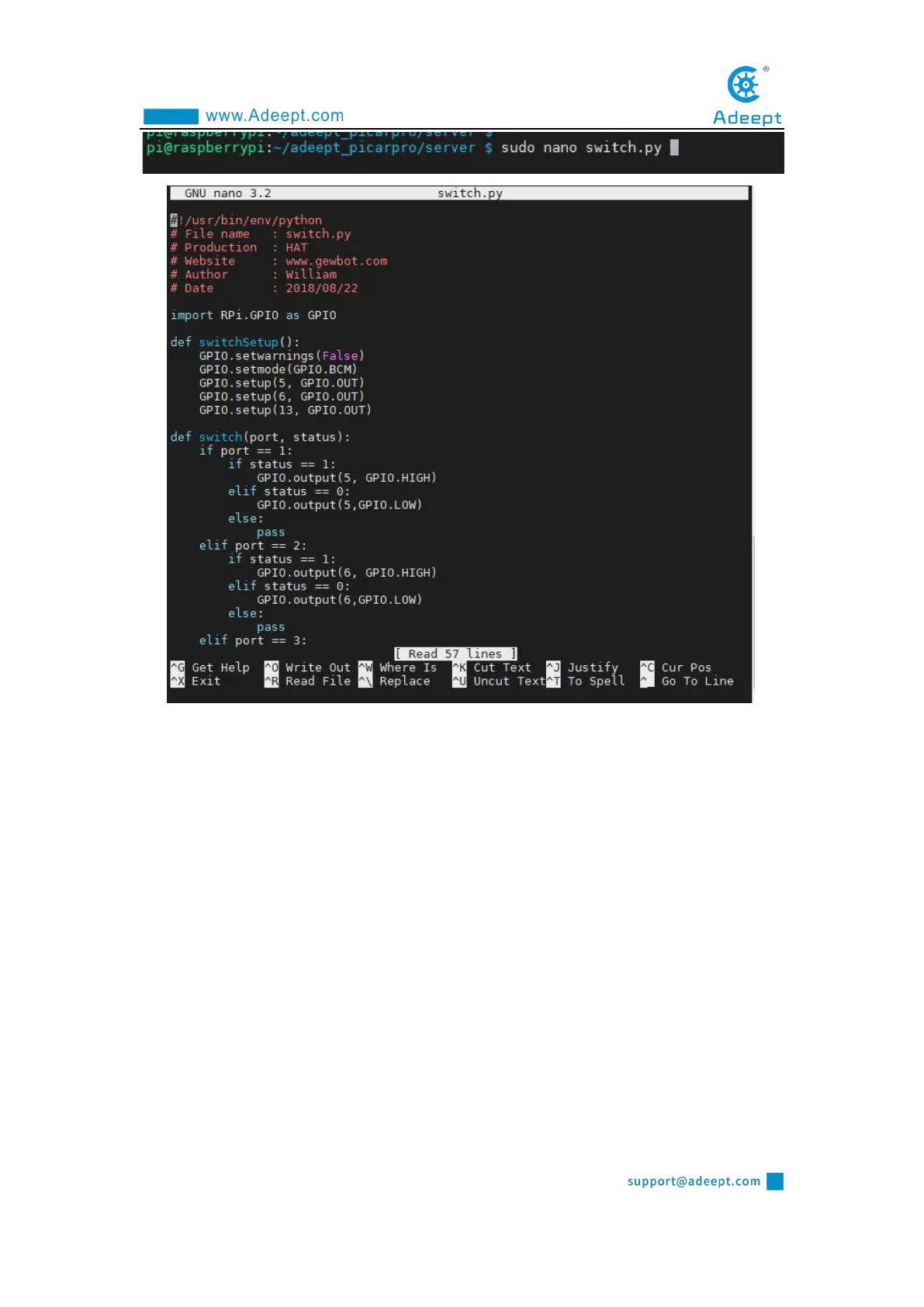
2. Move the cursor by using the up, down, left, and right keys. After editing the
code, press "Ctrl + X" --> "Y" --> "Enter" to save the code. If you have not edited the
code, just press "Ctrl + X" to exit.
Option two:
1. To install a third-party IDE tool, you can choose Sublime Text / Visual Studio
Code / Atom, etc.
1. 2. Log in to the Raspberry Pi through MobaXterm software, you can find the
file you want to edit in the file resource management system on the left side of
MobaXterm, right-click on the file, click Open with, select your IDE, and edit in the
IDE After finishing, save the file by "Ctrl+S".



 To Next Page