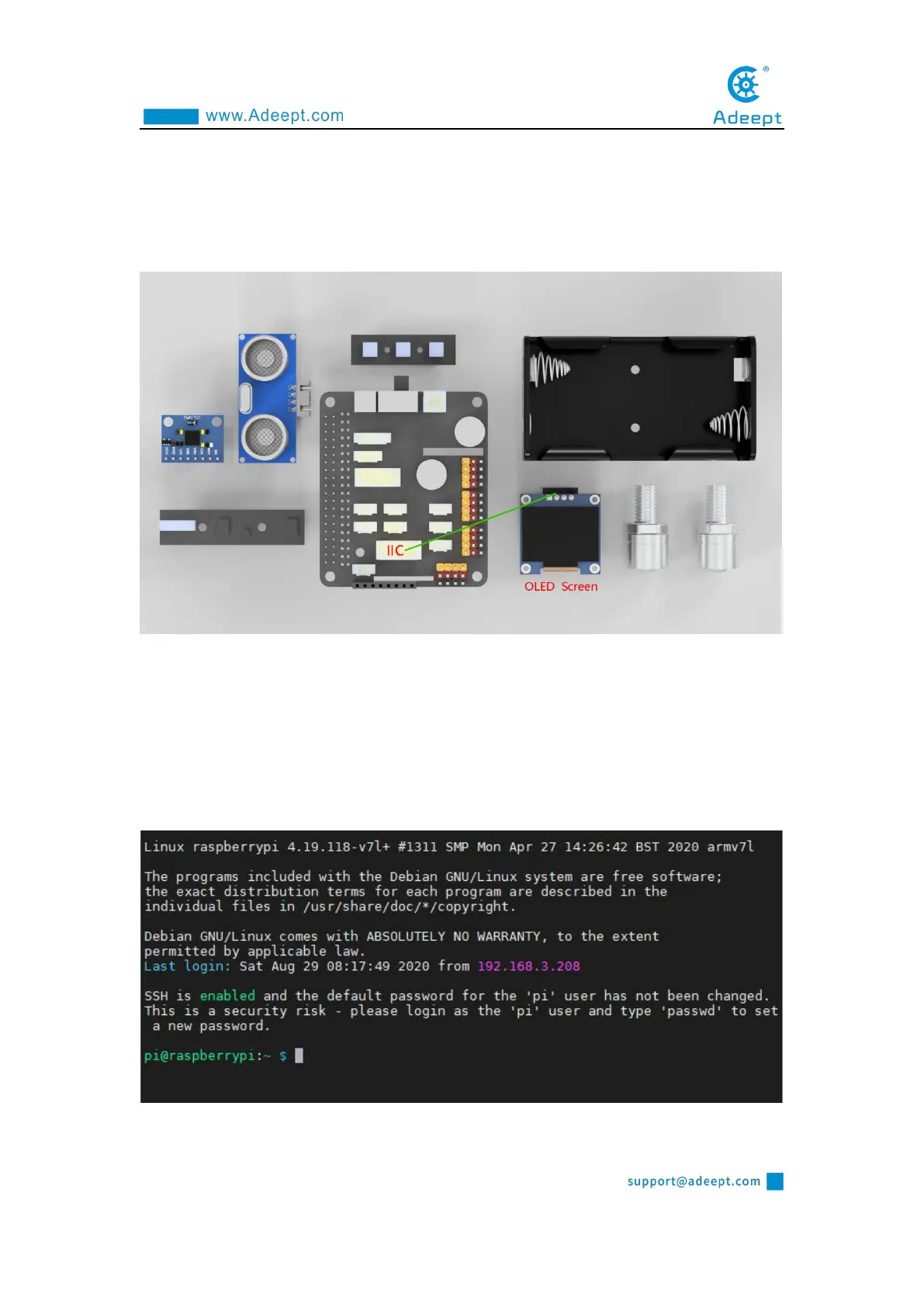
6.3 Wiring diagram (Circuit diagram)
If you want to use the OLED Screen module, you need to connect the IIC
interface on the Robot HAT driver board, as shown in the figure below:
6.4 How to display text on the OLED screen
6.4.1Run the code
1. Remotely log in to the Raspberry Pi terminal.
2. Enter the command and press Enter to enter the folder where the program is



 To Next Page