EasyManua.ls Logo

ADF Wed PROFINET / J1939 - PROFINET INTERFACE

Default Icon
24 pages
Print Icon
To Next Page IconTo Next Page
To Previous Page IconTo Previous Page
Loading...
Industrial Electronic Devices
ADFweb.com Srl – IT31010 – Mareno – Treviso INFO: www.adfweb.com Phone +39.0438.30.91.31
User Manual
PROFINET
/
J1939
Document code: MN67610_ENG Revision 1.001 Pagina 10 di 24
PROFINET:
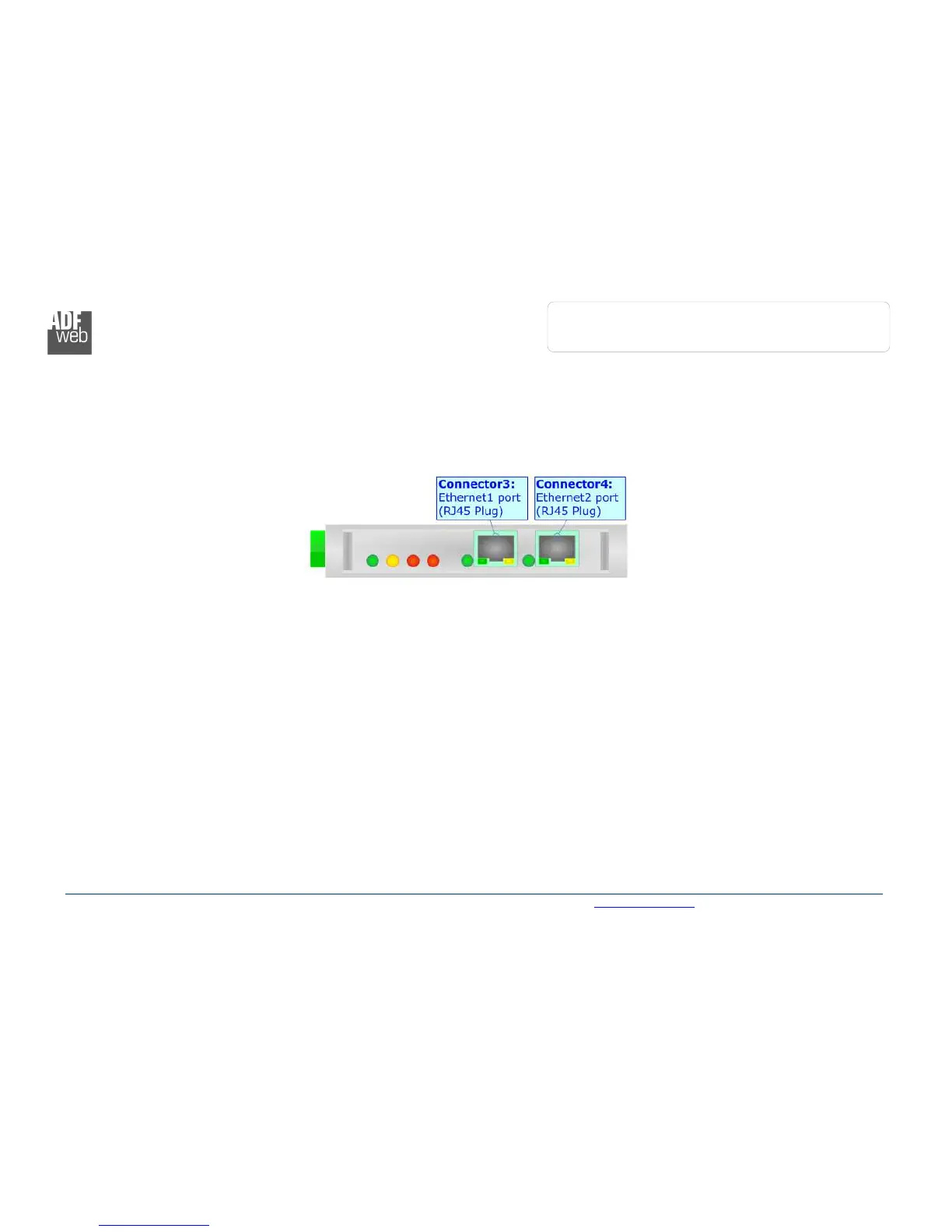
The PROFINET connection must be made using Connector3 and/or Connector4 of HD67610-A1 with at least a Category 5E cable. The
maximum length of the cable should not exceed 100m. The cable has to conform to the T568 norms relative to connections in cat.5 up to
100 Mbps. To connect the device to an Hub/Switch is recommended the use of a straight cable, to connect the device to a PC/PLC/other is
recommended the use of a cross cable.