USE OF COMPOSITOR SW67610:
To configure the Converter, use the available software that runs with
Windows, called SW67610. It is downloadable on the site
www.adfweb.com and its operation is described in this document.
(This manual is referenced to the last version of the software present
on our web site). The software works with MSWindows (MS 2000, XP,
Vista, Seven, 8; 32/64bit).
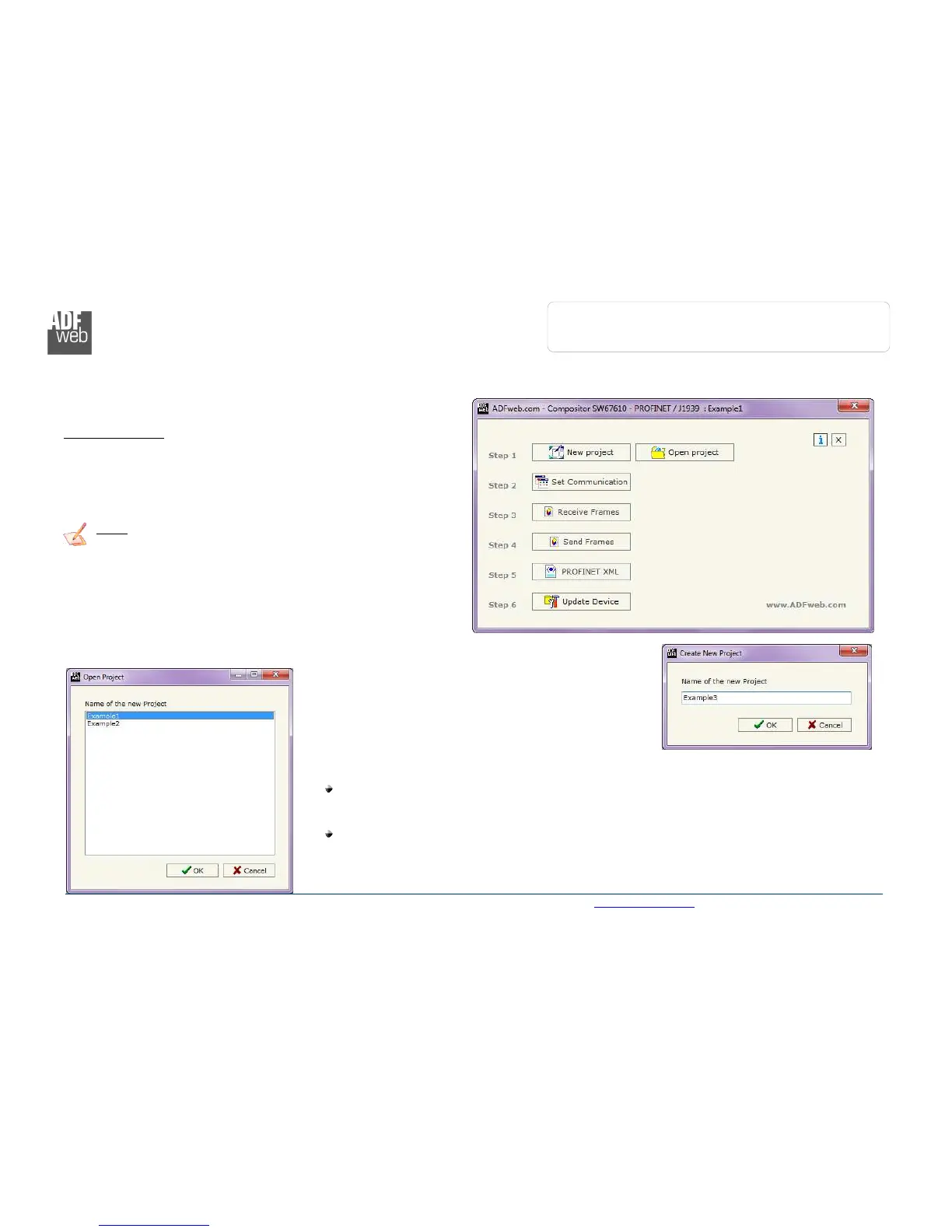
When launching the SW67610 the right window appears (Fig. 2).
Note:
It is necessary to have installed .Net Framework 4.
NEW PROJECT / OPEN PROJECT:
The “New Project” button creates the folder which contains the entire device configuration.
A device configuration can also be imported or exported:
To clone the configurations of a programmable “PROFINET / J1939 – Converter” in order to
configure another device in the same manner, it is necessary to maintain the folder and all
its contents;
To clone a project in order to obtain a different version of the project, it is sufficient to
duplicate the project folder with another name and open the new folder with the button
“Open Project”.



 To Next Page