MIDI
(1) Press and hold down the Midi button for 2 seconds or until the LED-display displays "
In:XX". "":XX" represents the current set midi channel.
(2)
Set MIDI channel
(3)
MIDI Control :
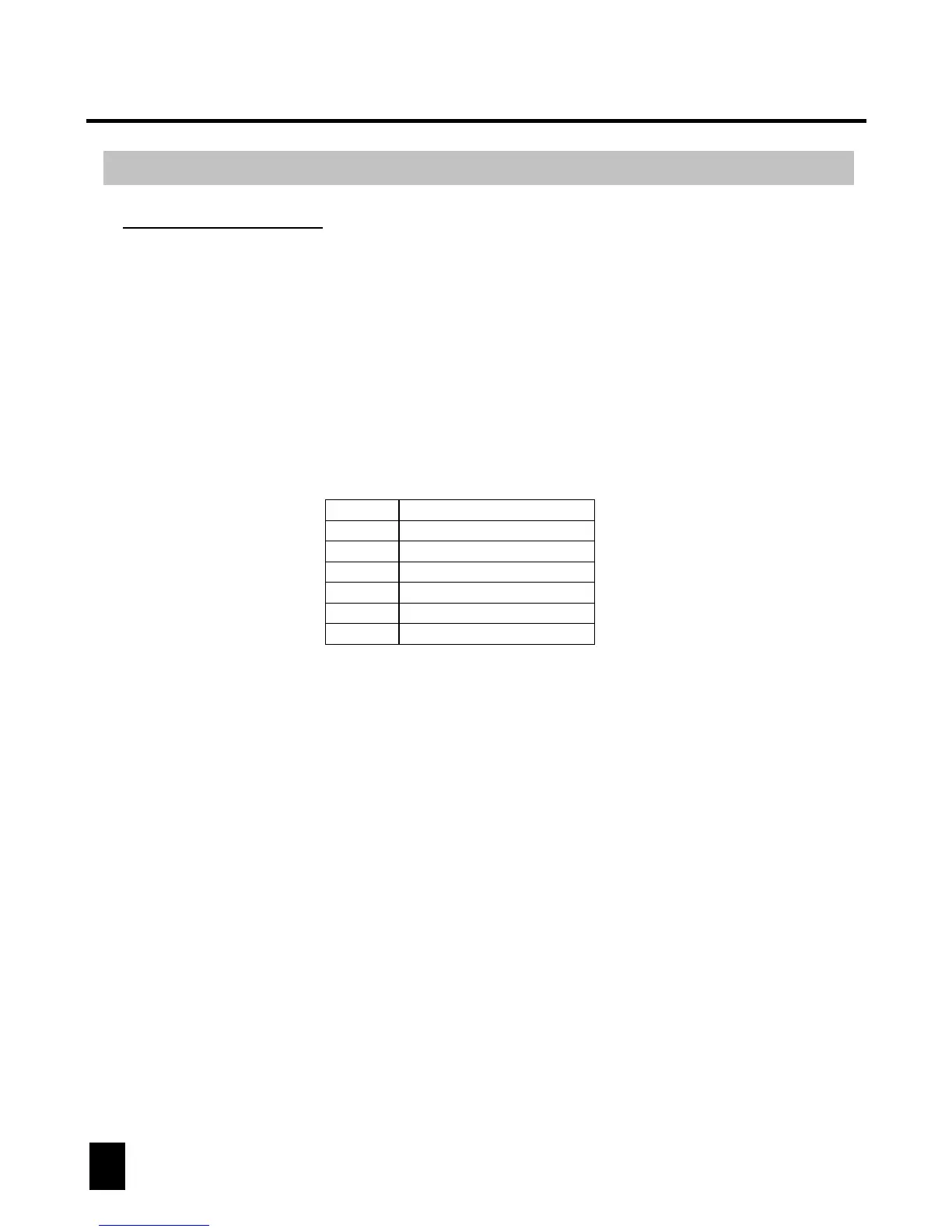
This unit can receive MIDI data to trigger or activate Banks 1-30, Chases 1-12
and the Blackout function. See Midi chart below.
MIDI Note
0-11
12-19
50
51
52
Function
Turn on/off Chase1-12
Turn on/off Scene1-8
Enable/disable Audio
Enable/disable Auto
Enable/disable Blackout
Select Bank1-30
20-49
Press and hold down the Midi button for 2 seconds or until all LED's flash three
times to save your setting.
Use UP/DOWN BANK buttons to set your desired Midi channel from 01 to 16.
18
DMX OPERATOR 384



 To Next Page