21
SYSTEM MENU
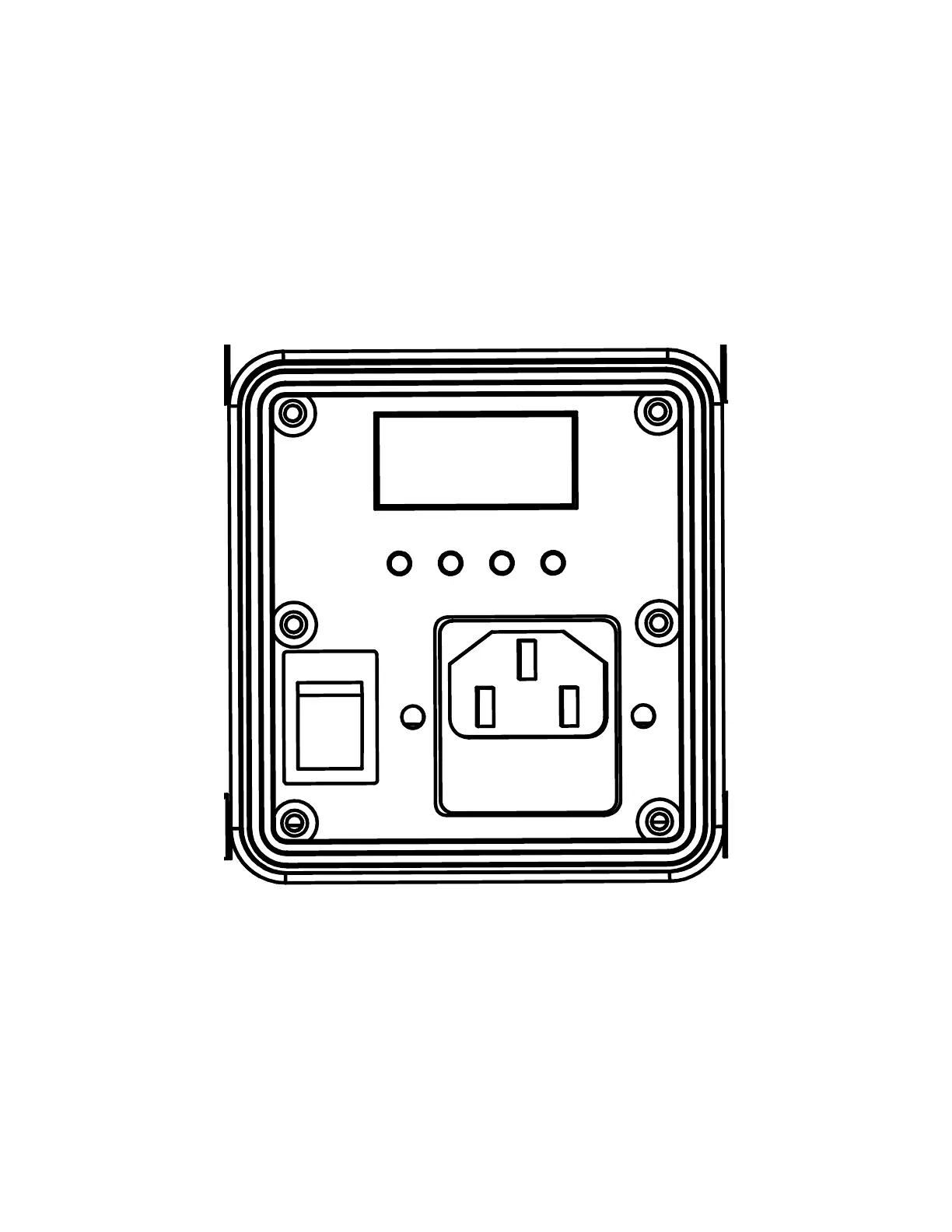
This fixture includes an easy to navigate control panel display, from which all necessary settings and
adjustments can be made. Press the MODE button to scroll through the main menu options, then
press ENTER to select the currently displayed option. Then use the UP and DOWN buttons to scroll
through the sub-menu options until reaching the desired setting. Press the MODE button at any time
to return to the main menu without making any adjustments.
MODE SETUP
UP DOWN
POWER IN-AC 100-240V, 50/60Hz
Fuse: T2A 250V
ON
I
O
OFF








 To Next Page