10. TROUBLESHOOTING
86
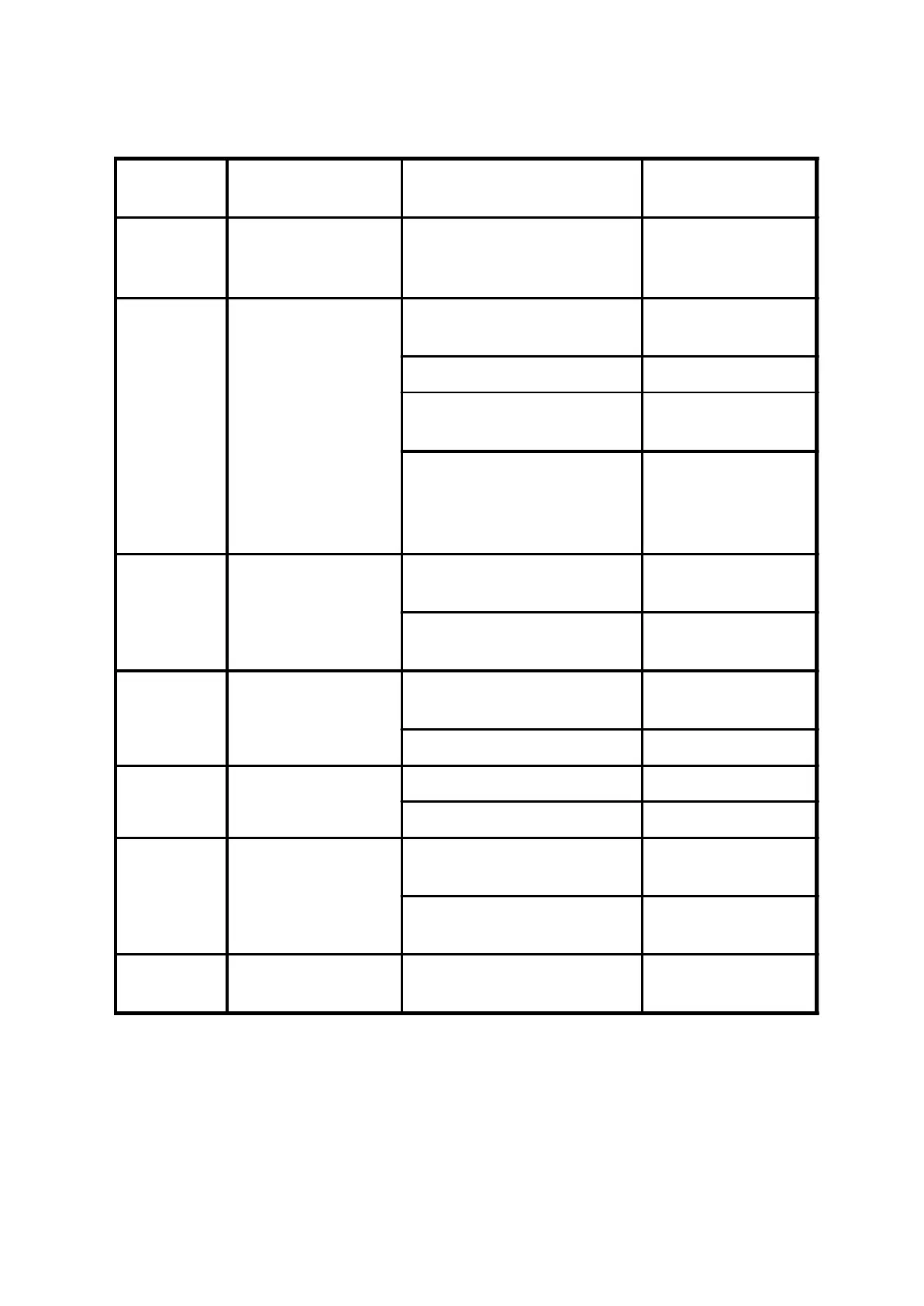
Display symbol
Cause of fault message
contents
Check point Suggested remedy
No display
Discharge LED
extinguished
Review the power system.
Check that MCCB has been
turned on or no poor contact.
Turned on or Replace
MCCB
PF01
Power device failure
during acceleration
The acceleration time is too short.
Increase the acceleration
time
Boost voltage too high Reduce CD21 contents
Check the motor is locked or the
load is too heavy
Reduce the load factor
Disconnecting the output wiring
W.V.U.
Restart (Run) the inverter check for
the same message
Repair
PF02
Power device failure
during constant
frequency operation
Check for sudden change in load
Eliminate sudden change
in load
Check that the ambient
temperature is too high
Reduce the ambient
temperature
PF03
Power device failure
during deceleration
The load inertia is excessive
Increase the deceleration
time
Over voltage Connect braking resistor
PF04
Power device failure
during stand-by
Check around the noise source Remove the cause
Power supply voltage is too high Reduce the voltage
EEP1 EEPROM access error
Communication reset error
Refer to address 100
description
Rework with previous process, if
same message happen again.
Repair
EEP2
EEPROM check-sum
error
Rework with previous process, if
same message happen again.
Repair



 To Next Page